15
5.5. Connecting the WiFi Network Camera
Ensure that the WiFi Network Camera is connected to the router via the network cable and
is connected to the mains (see section 5.3, Hardware installation). Next, open the program
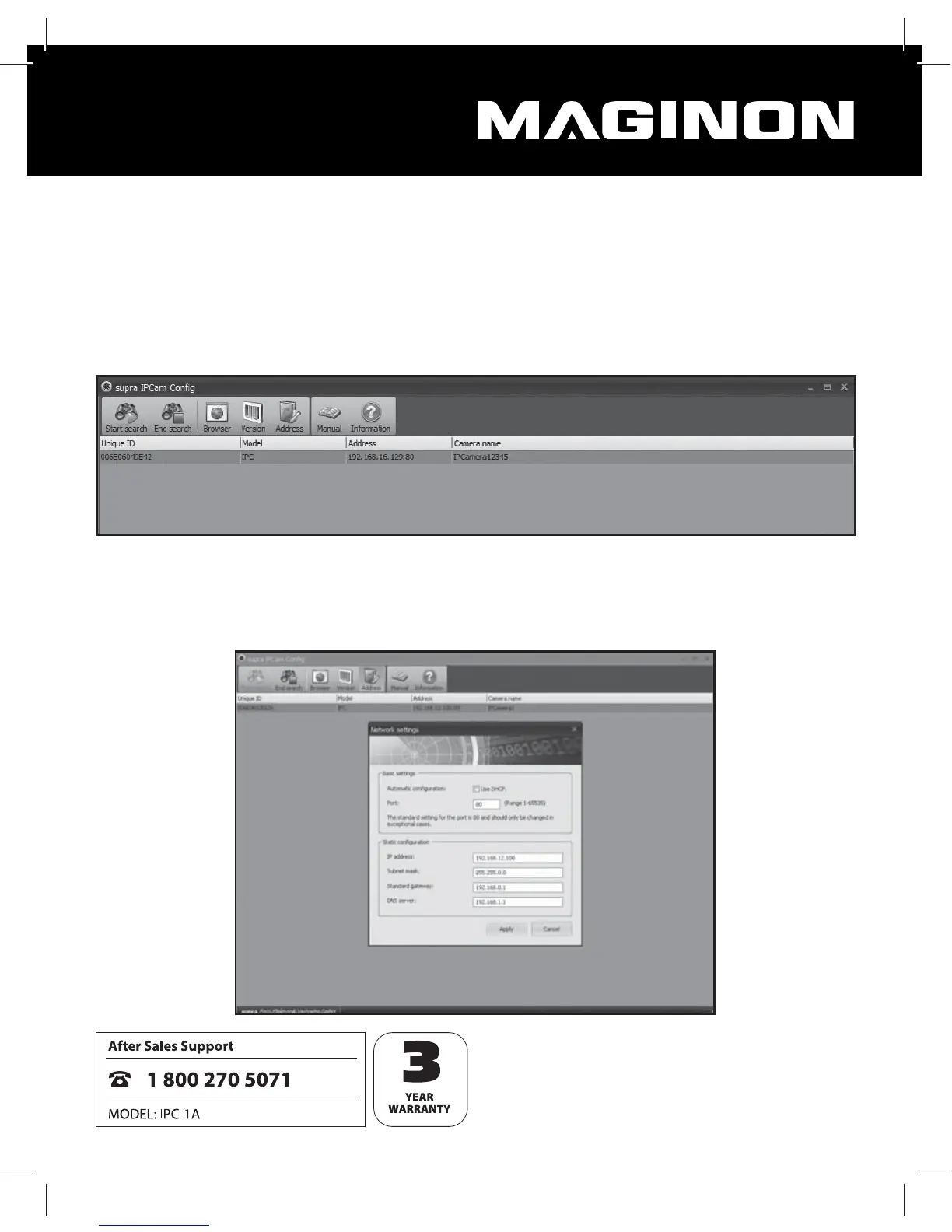
supra IPCam Cong.
In the program select “Start search” to view a list of reachable WiFi Network Cameras.
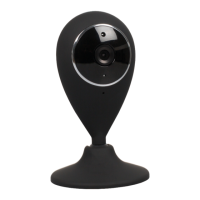
From the list select the WiFi Network Camera you wish to set up or call up. By selecting the
“Address” function, the network data for the selected WiFi Network Camera is displayed.


 To Next Page