29
7.2. Camera name
You can assign a name to the WiFi Network Camera, for instance to make it easier to nd
the camera in the network or for a clear assignment where several WiFi Network Camera are
used.
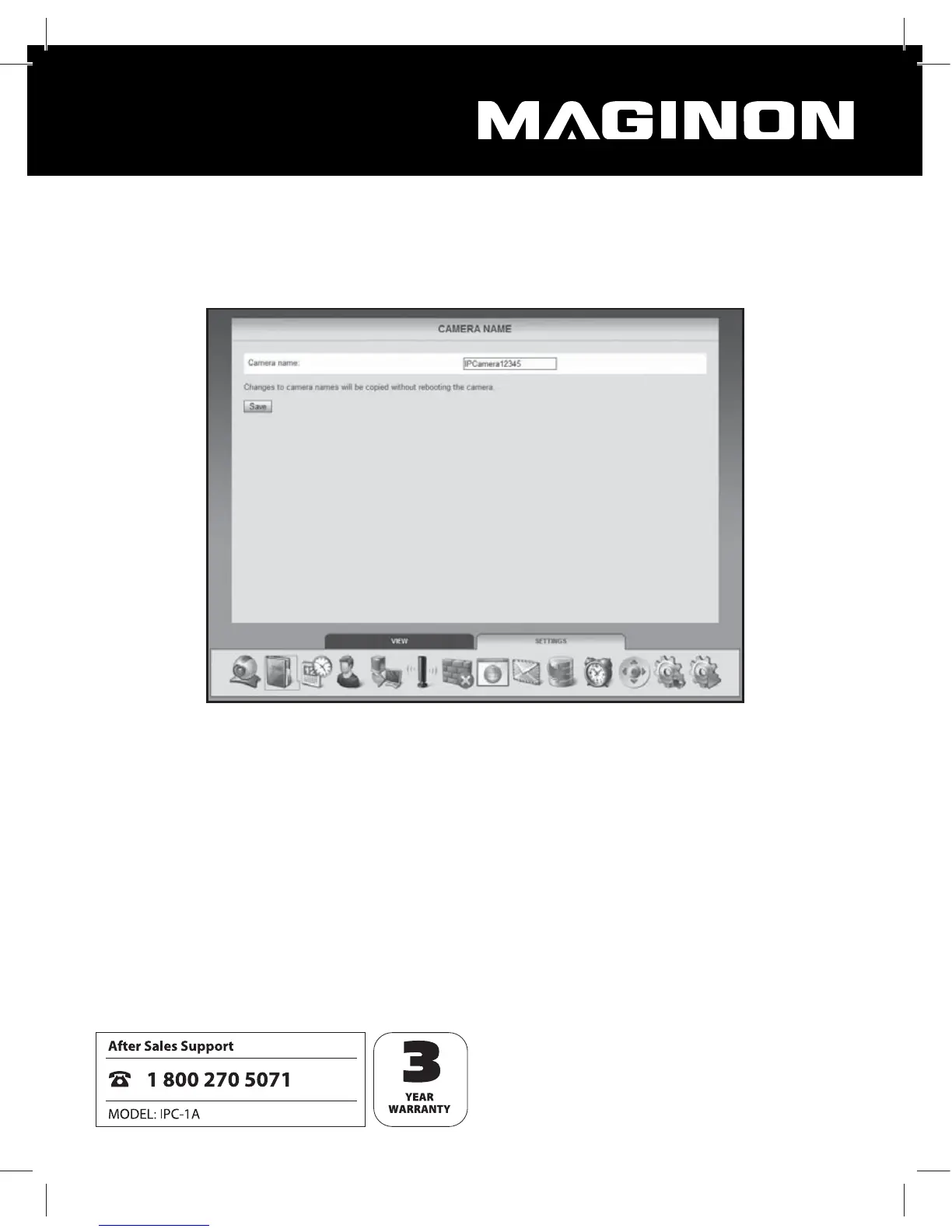
For this purpose select “Camera name” from the bottom menu bar (second symbol). Enter
the desired name for the WiFi Network Camera in the text eld and click on “Save”. The came-
ra name can consist of any characters and may be up to 20 characters long.
The new camera name is automatically retained without restarting the WiFi Network Came-
ra.


 To Next Page