43
7.11. Alarm settings
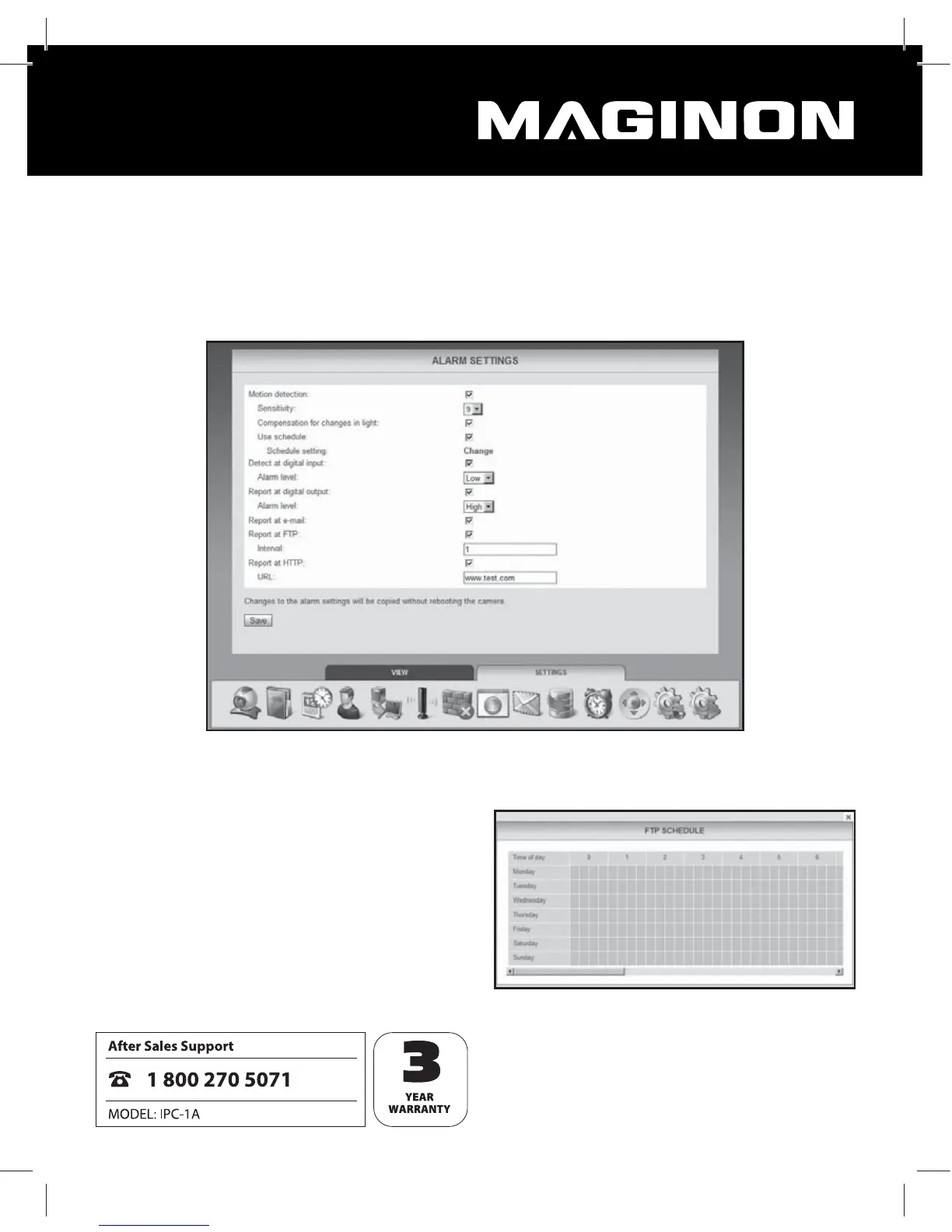
Determine under what conditions the WiFi Network Camera should trigger an alarm message
and what steps should be taken in case of an alarm incident. Select “Alarm settings” from the
menu for this purpose. Depending on the selected options, the following window appears:
Movement sensing: Select this option to activate the movement sensor.
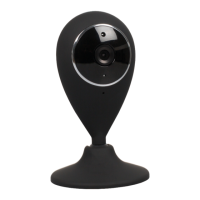
Use time schedule: You can restrict the
time window during which the alarm
should be triggered. As soon as you select
this option, the time schedule shown on
the right appears in which you can select
the active times. Highlight the times
during which the alarm settings should be
active.


 To Next Page