24
6. Using the WiFi Network Camera
6.1. Activating the WiFi Network Camera
First open your Browser window (Internet
Explorer, Firefox, Opera, Google Chrome,
Safari or similar). Enter the IP address of the
WiFi Network Camera. If you wish to access
the WiFi Network Camera from a computer
connected to the same network, you can also
enter the local network address.
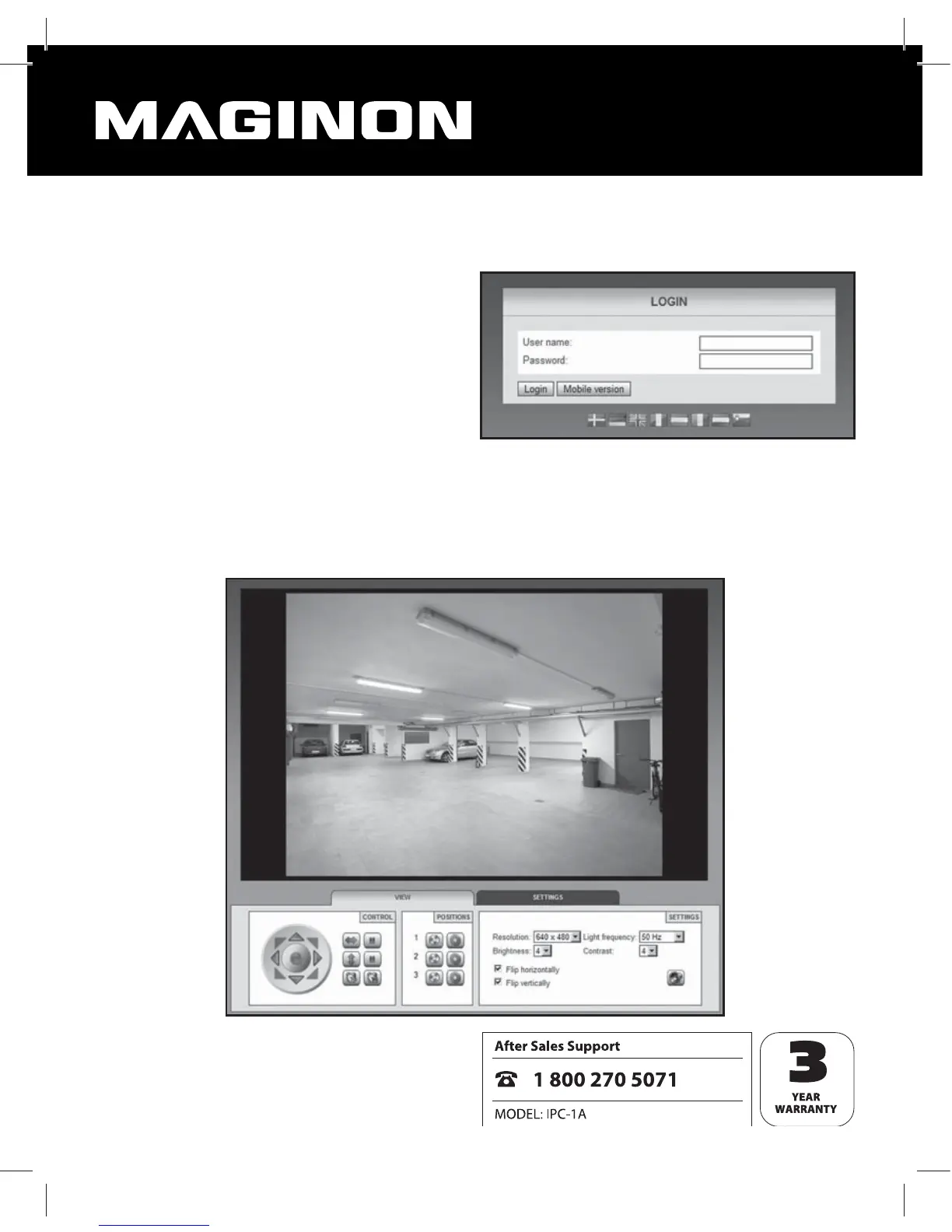
To log in, enter a user name and the respective password, where applicable. Next click on
“log in”. When using the WiFi Network Camera for the rst time, enter “admin” as user and
leave the password eld blank. The control and settings program of the WiFi Network Came-
ra is then started.


 To Next Page