8
4. Operation Procedure
For trouble-free operation, perform the following steps in the or-
der given.
1. Prepare the currency.
A. Remove and discard clips, rubber bands, and tags from the
notes to be counted.
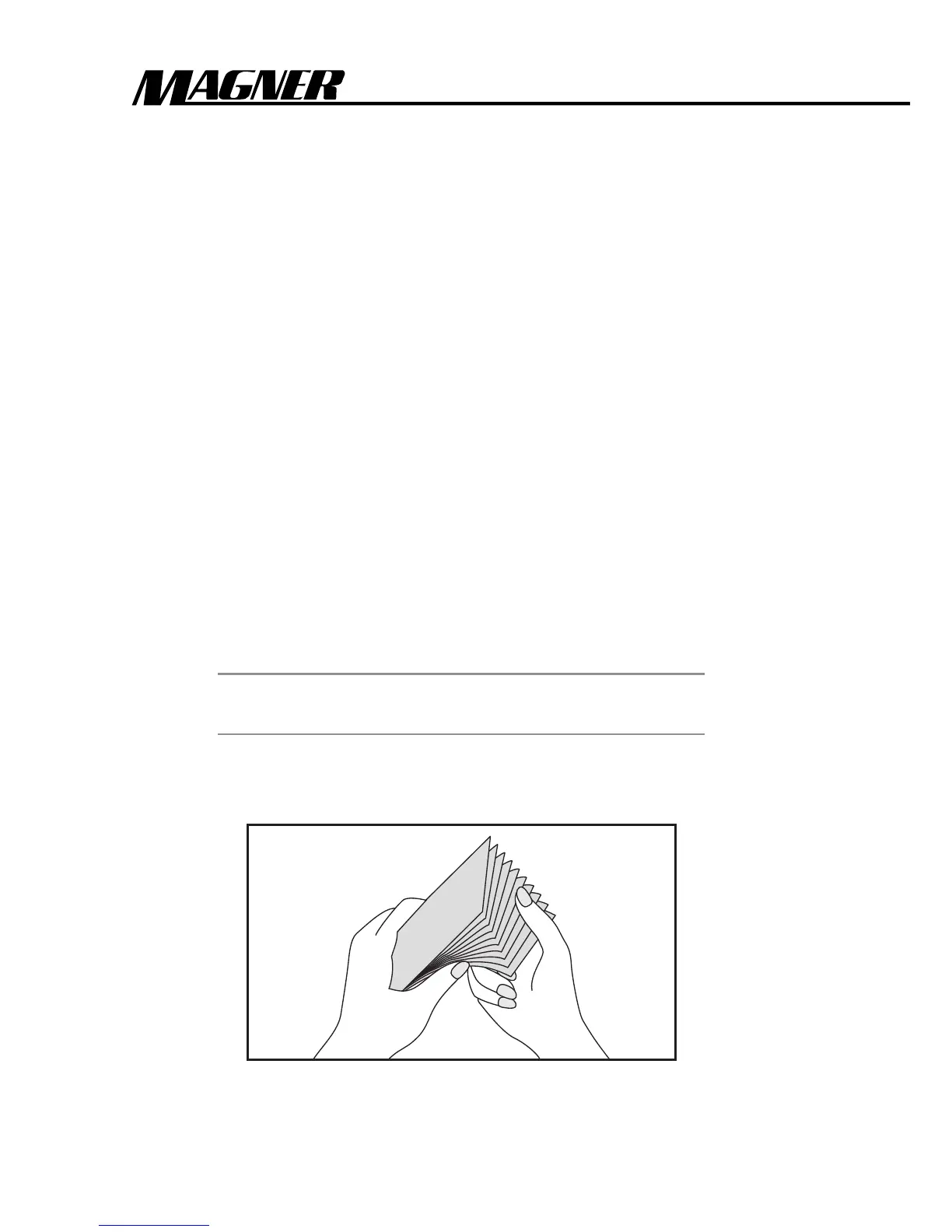
B. Fan each group of notes before counting as shown in Figure
9, and remove the following:
•Torn, wet, oily or soiled notes
• Notes of incorrect denomination
•Any other foreign matter attached to, or inserted between,
the notes.
C. Put the notes aside. Do not place them in the Currency
Counter Hopper until you set the desired functions.
WARNING
The Currency Counter runs momentarily when
you first turn it on.
Figure 11 : Fanning the stack



 To Next Page