12
5. Key Designations
This section explains each of the available function keys and set-
tings, and presents the procedure for their use.
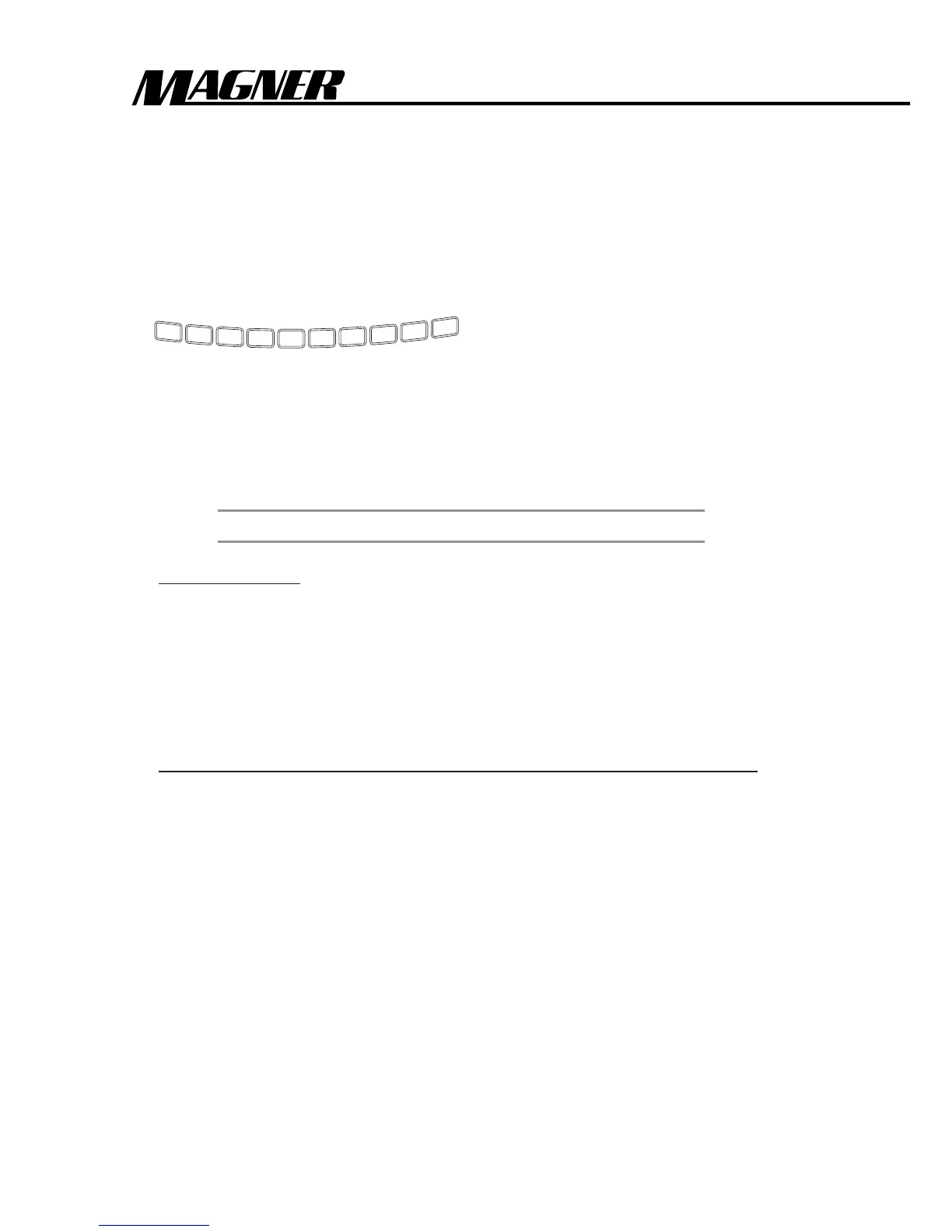
1. Numeric Keys (Variable Batch Setting Keys).
1
2
3
4
5
6
7
8
9
0
You can preset a desired number of notes, from 0 through 999, to
be counted in a batch before the machine pauses, so that the opera-
tor can remove the notes.
NOTE
The factory default setting for all models is 100.
To set a batch:
1. Touch the desired number using the numeric keys.
2. A 3-digit display indicates the preset batch number.
3. The machine is now ready to count in the preset batch
mode.
To clear the current preset batch number and a batch setting:
1. Press 0 Key until the 3-digit display indicates “0”.
2. Press the desired number again.



 To Next Page