10
4. Set any desired functions
These functions may be set in any order.
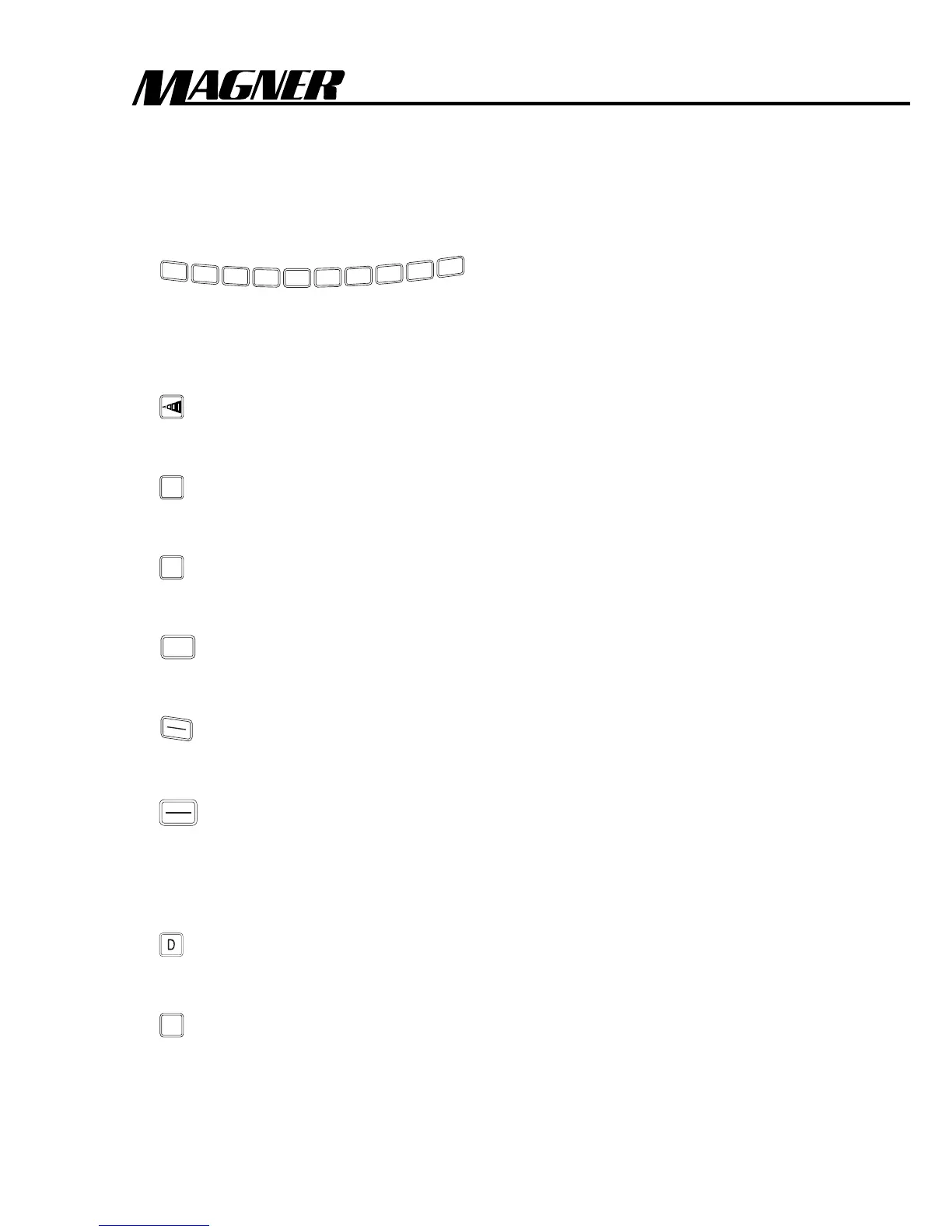
Numeric Keys
1
2
3
4
5
6
7
8
9
0
. . . . . . . . . . . . . . . .See Page .12
To preset variable batch size.
Function Keys
Density Key . . . . . . . . . . . . . . . . . . . . . . . . . . . . .See Page .13
To adjust for dark and light notes.
+
ACCM
Accumulation Key . . . . . . . . . . . . . . . . . . . . . . . .See Page .13
To keep a running total of the number of notes counted.
0
CLR
Clear Key . . . . . . . . . . . . . . . . . . . . . . . . . . . . . . .See Page .14
To clear the count figures on the display and reset errors.
SP
Speed Key . . . . . . . . . . . . . . . . . . . . . . . . . . . . . .See Page .14
To set the counting speed.
MAN
AUTO
Manual/Automatic Key . . . . . . . . . . . . . . . . . . .See Page .14
To set the manual or auto start mode.
START
STOP
Start Key . . . . . . . . . . . . . . . . . . . . . . . . . . . . . . .See Page .15
To start the machine when it is set at the Manual Start Mode.
Detection Keys
D Key (75D/75MD/75UD/75UMD) . . . . . . . . .See Page .15
To detect width.
S
S Key (75S/75SM/75SU/75SMU) . . . . . . . . . . . .See Page .16
To detect both length and width.



 To Next Page