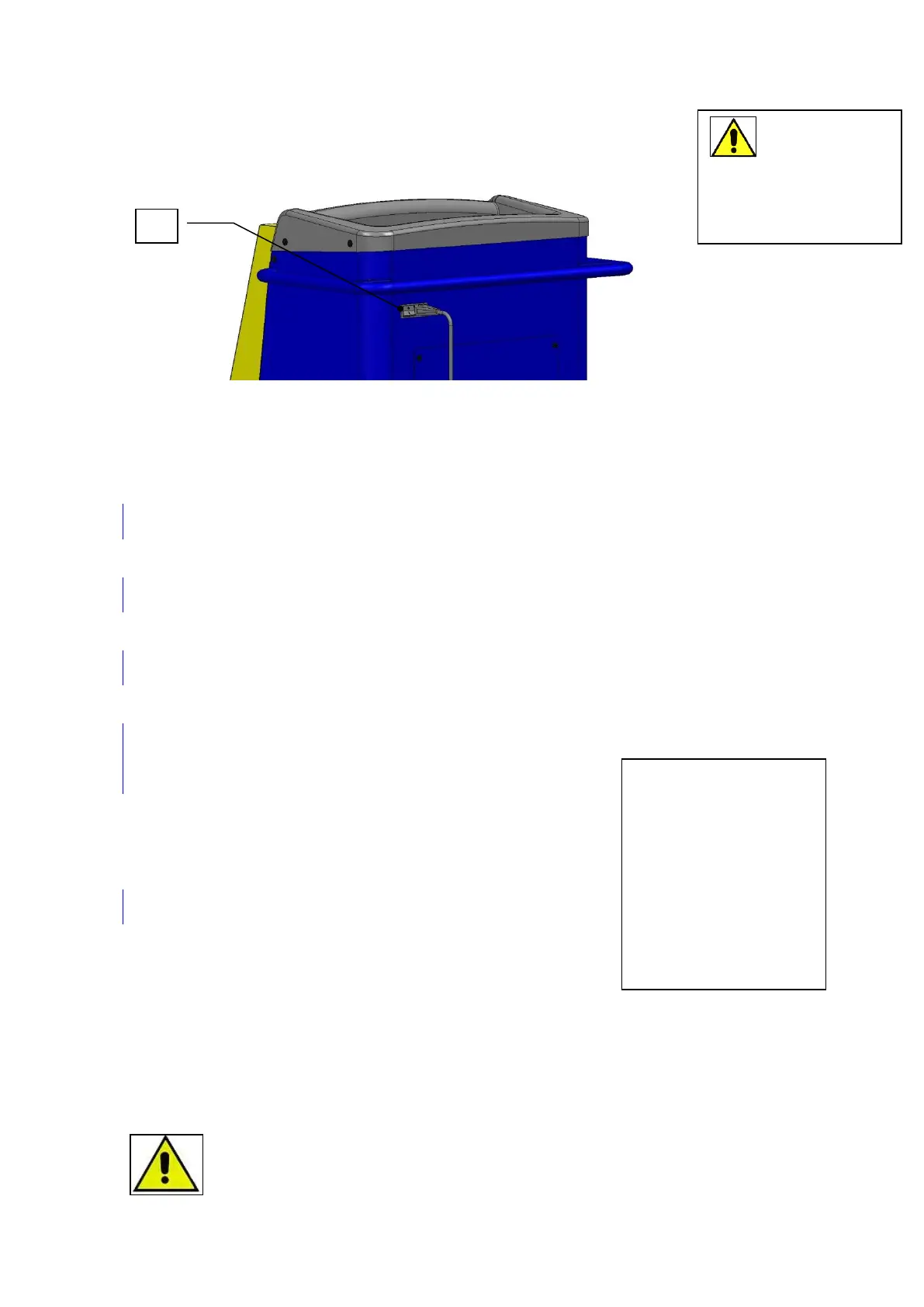
5.4 Start-up
Place the device with empty oil tanks on a level surface.
Connect
the
device
to the
power
network,
set the
main
switch
(42) into
ON (l)
During the first start-up, select the language version from among the available ones. The
default language is Italian
SELECT LANGUAGE
Polski
Press UP–DOWN to select the desired language version. Confirm by pressing ENTER
Vacuum in process
XX
The device performs vacuum phase.
calibration ok!
Press ENTER to confirm.
Display shows the installed software version, date and time for a couple of
seconds
CLIMA TECH EVO
SW xx xx xx xx
Then the display shows available resources (stand-by).
Refrigerant
g xxx
5.5 Switching off
To stop the operation of the device, turn the main switch (42) into off position (0).
Until the device is stopped under no circumstances disconnect the plug from the socket.
5.6 Filling the internal tank
WARNING! FOLLOW THE INDICATIONS BELOW TO AVOID EMISSION OF THE
REFRIGERANT TO THE ATMOSPHERE!
Do not remove
or insert the memory
card when the device
is on.
At the first startup,
the device checks if
there is new software
on the card and may
install it on the logic
board.


 To Next Page