BAZ72501-en
Pos: 29 /Techn ische Dokument ation/Alle Ger äte/Übersc hriften/ Überschrifte n 1/F/Überschr ift 1: FAQ @ 24\mod_1306490444330_0.docx @ 1013423 @ 1 @ 1
Pos: 3 0 /Tec hnisc he Dokume nta tion/ Leist ungsp rüfs tände , Diagnos e-/A bgas ger äte /Z7 Zub ehör a llgem ei n/2 501 M AHA P TI To ol/ BA/I nha lt: Z 72 5 FAQ @ 47\mod_1485867721093_75.docx @ 2826706 @ 222222 @ 1
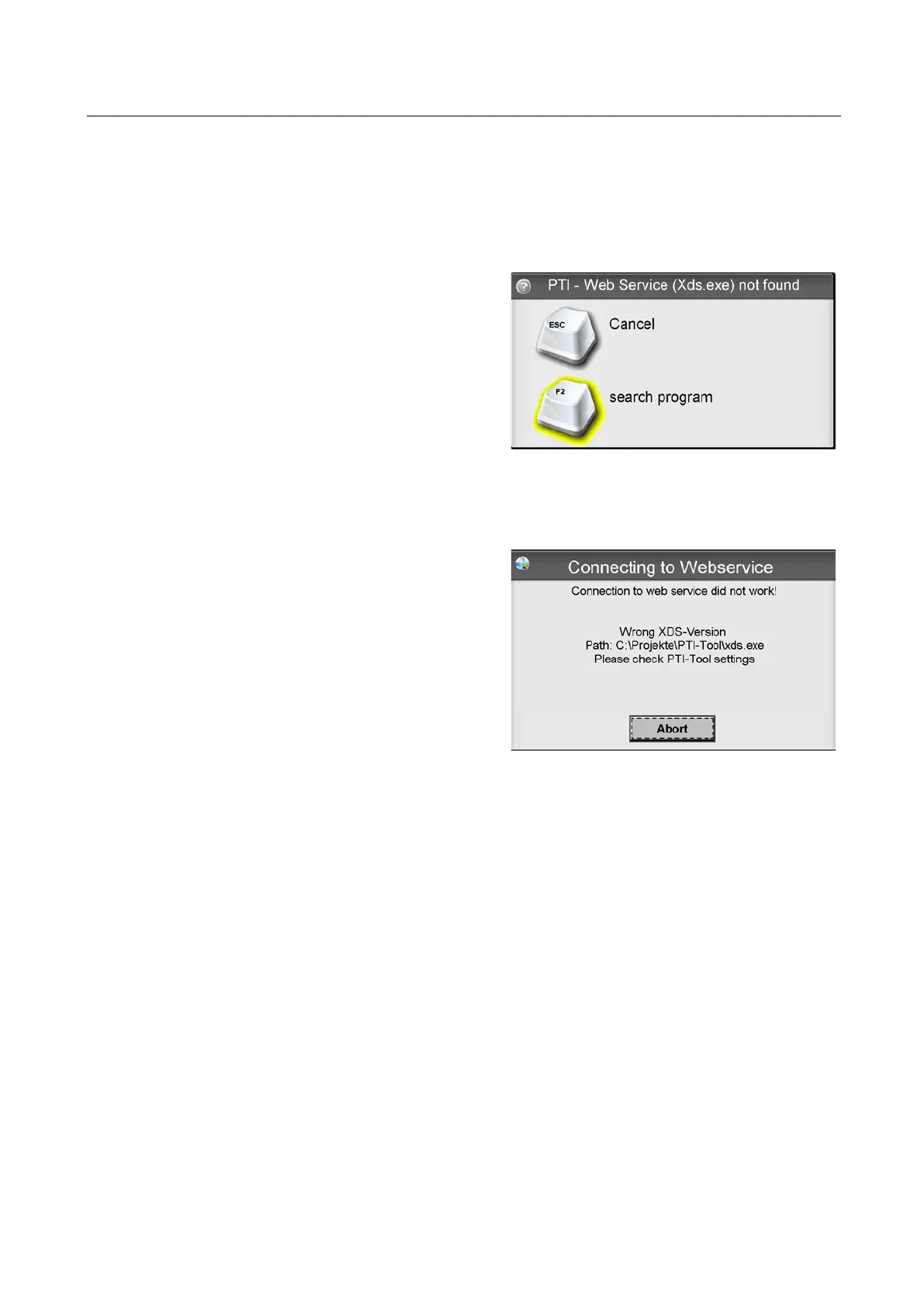
XDS (PTI Webservice) is normally
installed from the installation CD to
C:\Programs(x86)\MAHA\Eurosystem\P
TI-Tool.
If the XDS program is not found, repeat
the installation or install XDS manually
and configure using <F2> Search
program.
This error can occur if EUROSYSTEM /
MES has been updated, but not the
corresponding version of XDS.
Repeat the latest installation or
install/configure the corresponding XDS
version.
MAHA PTI Tool not Found (during Setup)
1 Check that the Bluetooth interface of the PC is on.
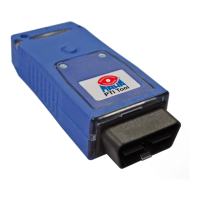
2 Check that the MAHA PTI Tool is properly connected to the OBD plug.
3 Check that the vehicle ignition is on. Check the power supply from the vehicle
to the MAHA PTI Tool (LEDs on).
4 Check if the Bluetooth adapter is supported and operates correctly. Check
whether the MAHA PTI Tool is found in the Windows-Bluetooth environment (if
so, do not connect in the Windows environment).
5 The maximum distance between PC and MAHA PTI Tool should not exceed
5 meters.
6 Check that the correct MAHA PTI Tool has been selected.
7 Check that the XDS software (xds.exe) is not blocked by the firewall (TCP ports
8080 and 8081).
8 Check that the correct XDS version is installed.


 To Next Page