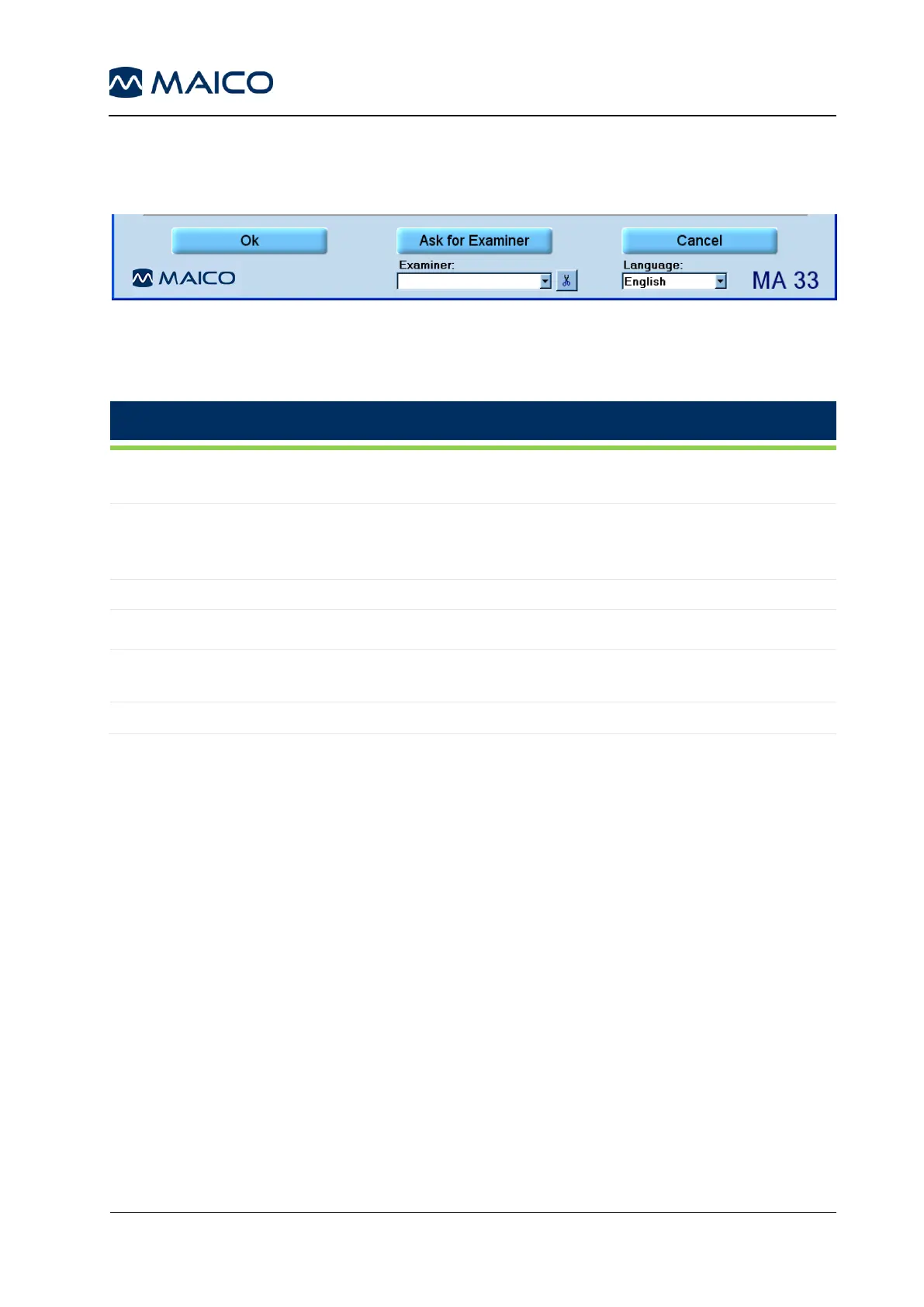
5.6.4.8 General Function Keys
shows the General Function Keys of the Speech Audiometry screen. See Table 15 for
an explanation of the buttons.
Figure 99
Table 15 Speech Audiometry Screen – Explanation of General Function Keys
By clicking OK, changes will be applied and the program returns to start
screen.
In the event that more than one examiner is using the program, each
examiner can save his/her customized settings for future use and
reference. When the program starts, enter the examiner´s name
Saves current measurement.
Returns to start screen without saving the changed settings.
Several different settings can be customized and saved for different
examiners, should more than one examiner be using the MA 33 program.
Displays current language.
5.7 Pilot Test
5.7.1 General
The Pilot Test is a fast and funny hearing test for children from the age of 2 years on.
After a short training the children will play the Pilot game to get the “Pilot license”. A
hearing test of speech recognition is included in the game. Severe hearing impairments
can be detected at an early stage.
The child is asked, via headphones, to point to different pictures on the picture board:
„Point to the ball“! During the following test the degree of difficulty will be increased step
by step, as the test level decreases from 70 dB HL to finally 25 dB HL .
The Pilot Test enables to test foreign-language children, as it is available in 26 different
languages.
5.7.2 Preparing the Pilot Test
Start the test by clicking the Pilot button on the start screen. The Pilot Test screen
appears on the display.



 To Next Page