5.2.4 Starting the MA 33 Software from BDT/GDT
The program can be started directly from the BDT/GDT. Follow the instructions given in
the Operation Manual of the manufacturer.
5.2.5 Starting the MA 33 Software from EssiConnect
The program can be started directly from the EssiConnect. Follow the instructions given
in the Operation Manual of the manufacturer.
5.3 Turning Off the MA 33
In case of emergency, disconnect the device from the computer.
Press Save & exit or Exit to end the MA 33 Software (Figure 35).
Pull out the USB cable to end the connection between the MA 33
Hardware and the PC.
5.4 Using the MA 33 Software
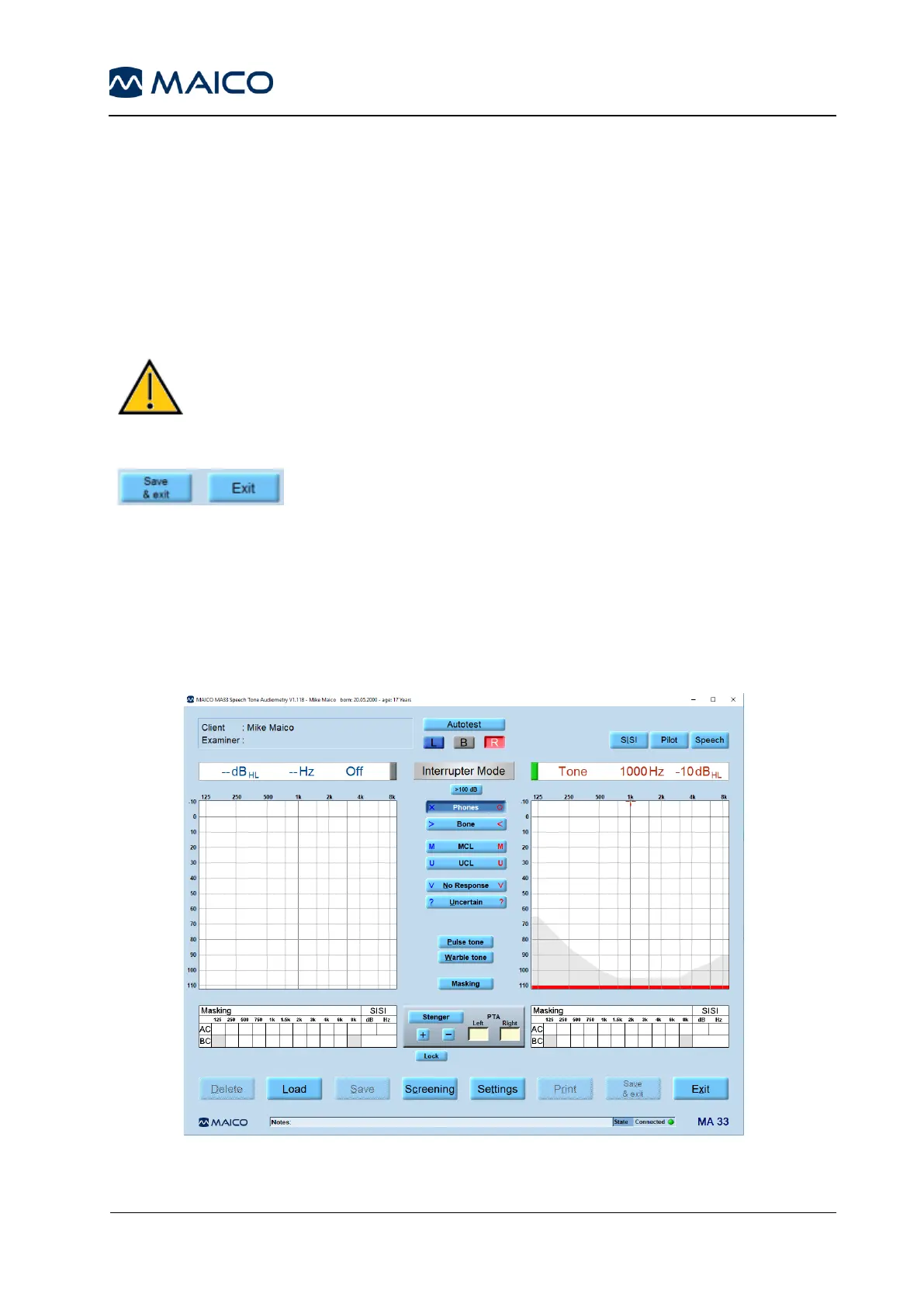
Start the patient database, load the patient to be tested, and then start the MA 33 software.
The program´s start screen is displayed below (). Slight differences in settings and functionality
will be apparent depending on the specific version (i.e. MA 33 or MA 33 Speech).



 To Next Page