Printer not work or
incomplete printing
Check if the label roll is correctly installed. Please refer to the
Label Roll Installation section.
Labels have run out. Please change.
Check if the cover is securely shut.
Check if the printer is being used in low temperatures. The ideal
working temperature is from 5℃ to 35℃.
Printhead might be dirty, please clean it with anhydrous alcohol.
「MakeID-Life」APP
download failure
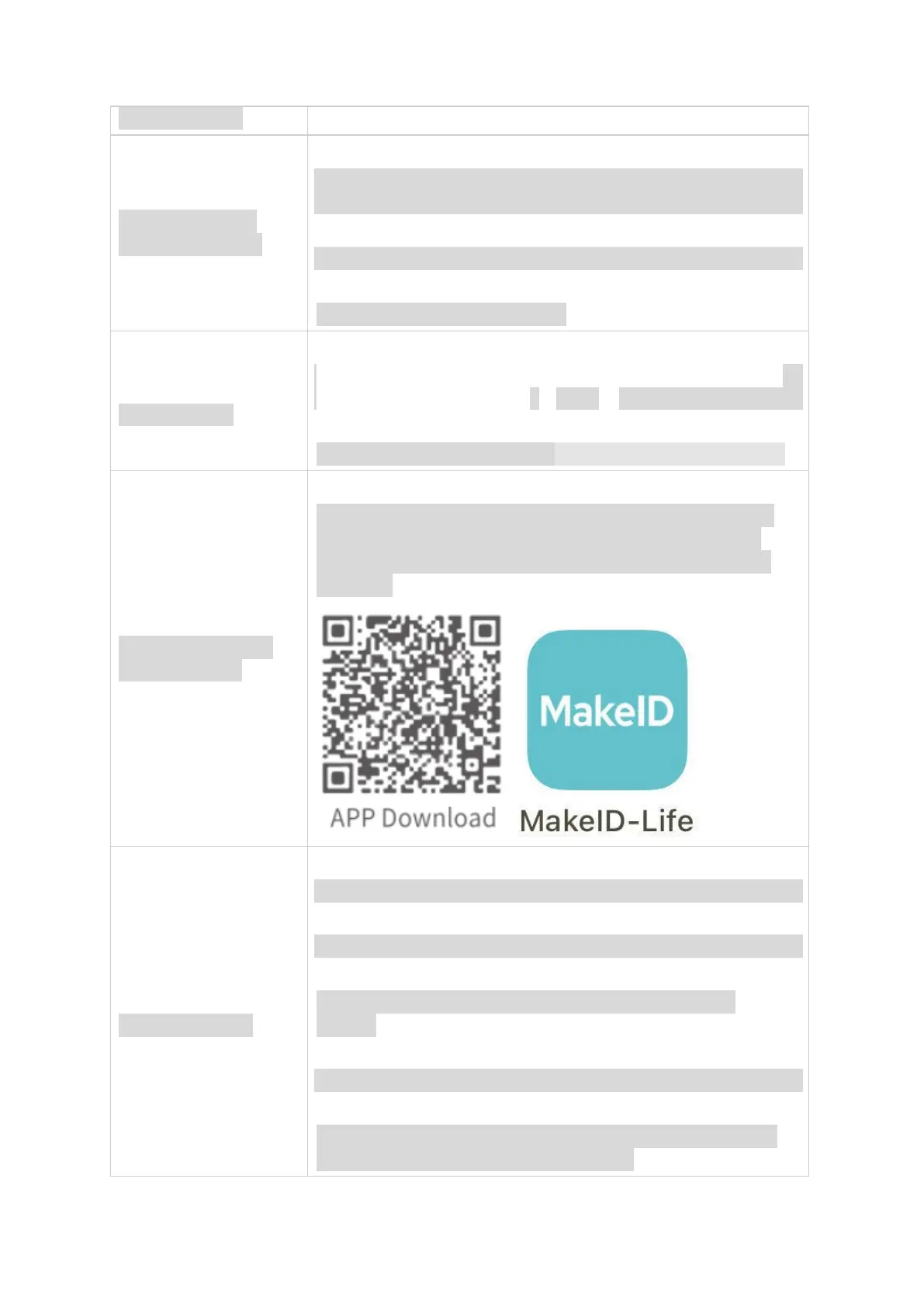
Make sure your phone is connected to the Internet. Then, scan
the QR code to download the APP directly, or you may go to
Google Play or APP store to search for「MakeID-Life」APP to
download.
a.
Check if「MakeID-Life」APP is correctly downloaded.
b.
Check if the printer is powered on.
c.
Check if the requested permissions from Bluetooth are all
allowed.
d.
Open the APP and allow all permissions as requested.
e.
Search for the printer to connect in the APP. Do not connect to
the Bluetooth in the phone system settings.


 To Next Page