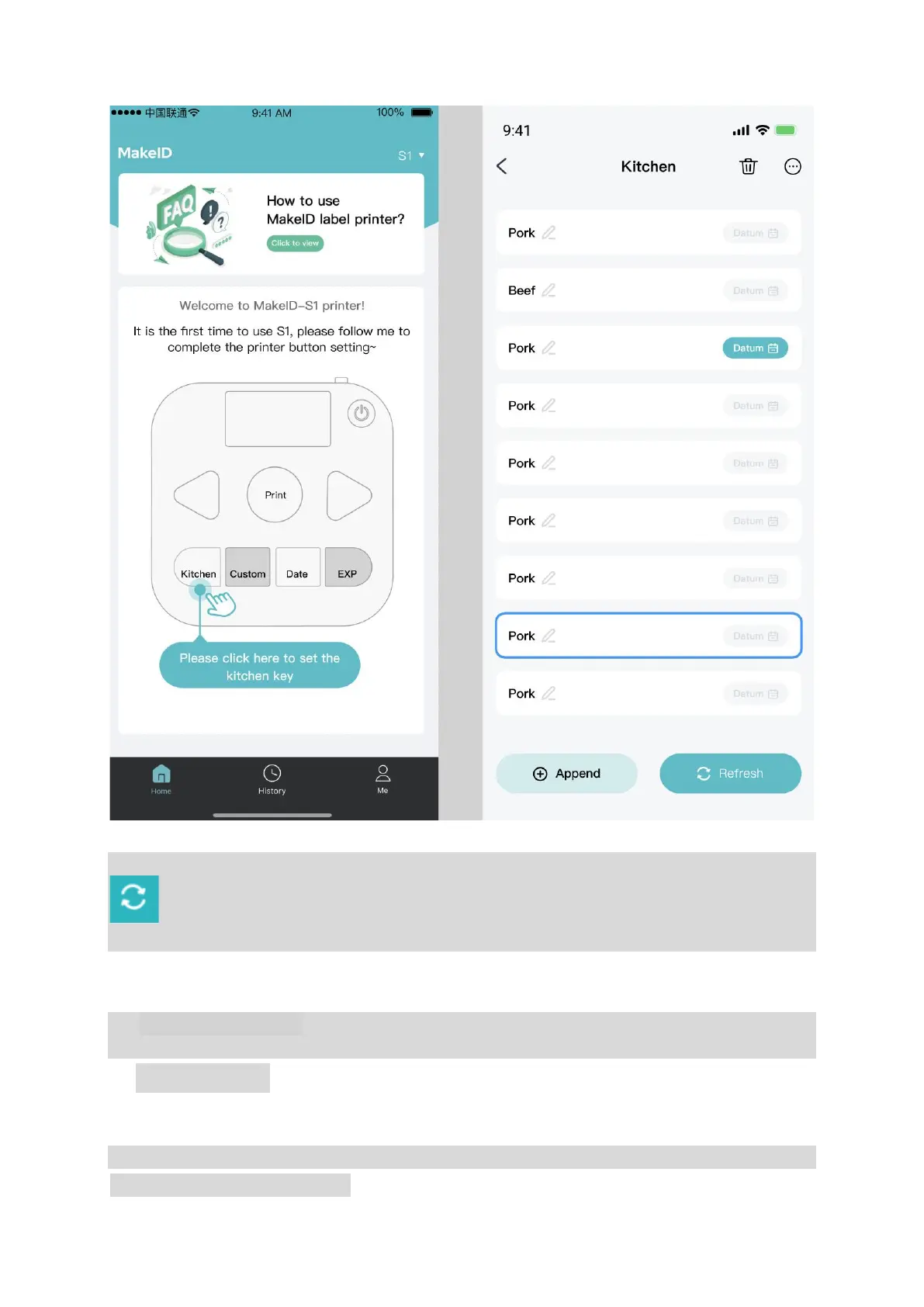
e.
Set the Custom button and the Expiry Date button as instructed in the APP. Then, click on
to finish the setting before you can print out the label directly by clicking on the Print
button.
Step3.
After successfully setting all the steps above, you can print out the label directly by clicking on
the Print button.
4. Button Usage
*
Button must be set to be used after the printer is connected in the APP.
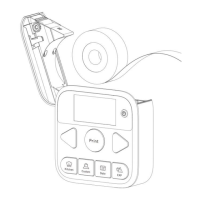
Kitchen button, Custom button


 To Next Page