2. APP Download
Scan the QR code to download the APP directly, or you may go to Google Play or APP store to
search for「MakeID-Life」APP to download.
3. Button Initial Settings
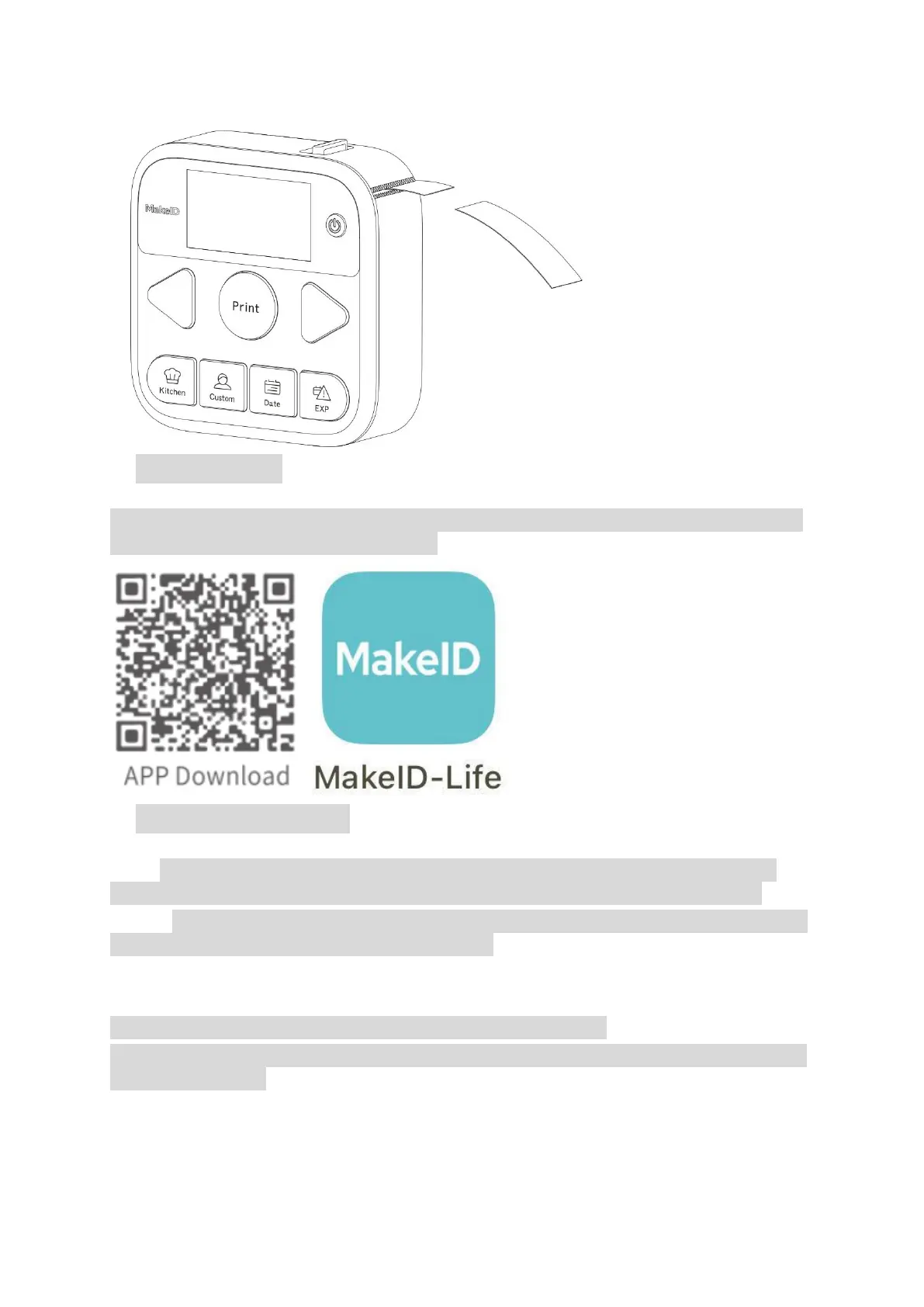
Step1. This label printer is powered by lithium battery. When the battery power is sufficient,
long press the Power button for 2 seconds to light up the screen to power on the printer.
Step2.:For initial use of the printer, connect it to the APP to set the button initialization. Please
follow the steps below to do the settings before use.
a.
Open the APP on the phone and allow its all requested permissions.
Allowing the permissions is only for searching for and connecting to the printer. It will not
violate your privacy.


 To Next Page