b.
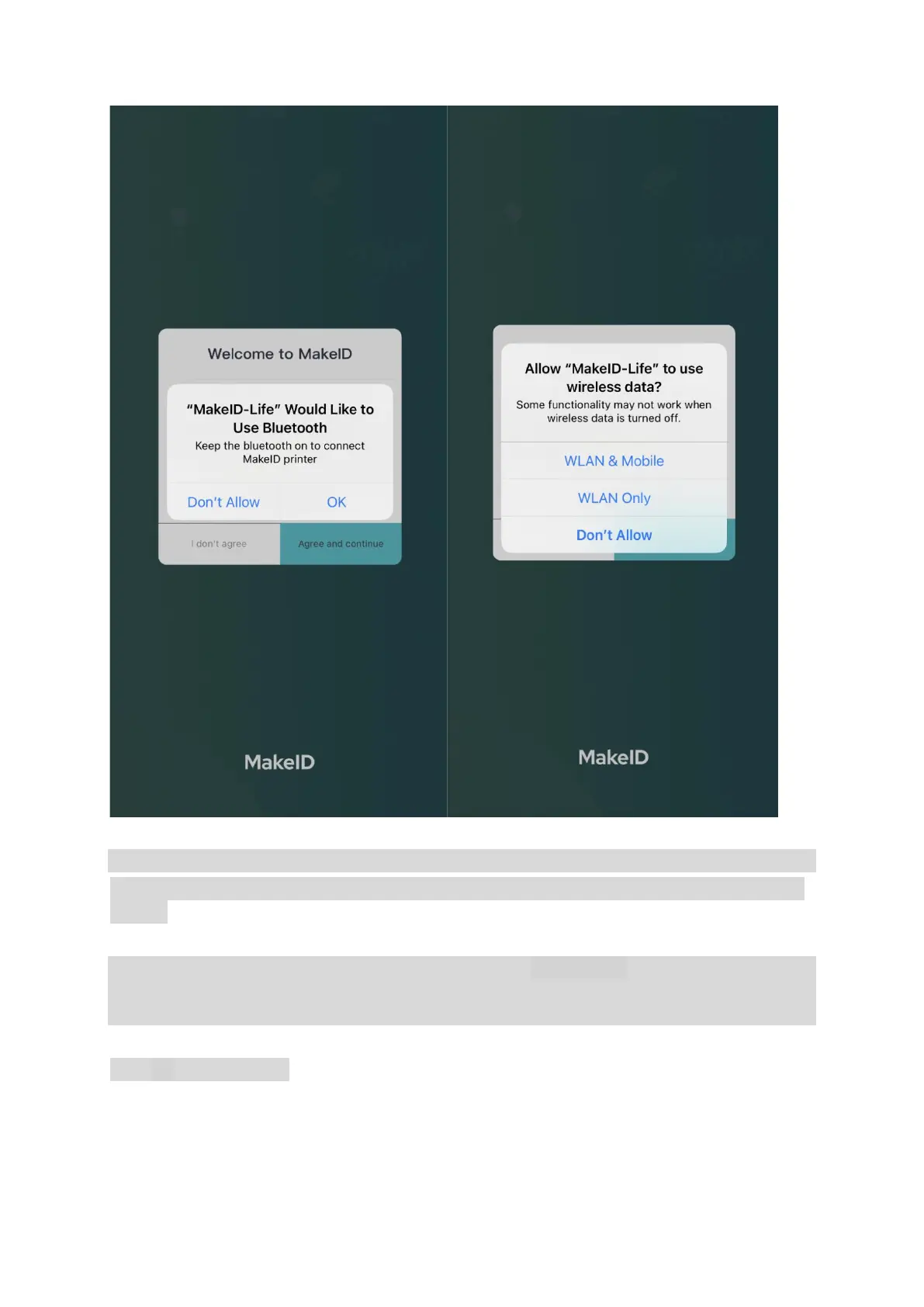
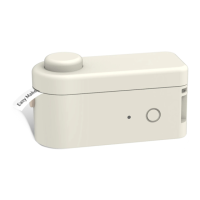
After selecting the S1 Pro printer theme, search for it. Click on the searched printer and connect.
Please connect the printer in the APP. Do not connect it to Bluetooth in the phone system
setting.
c.
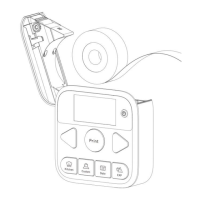
Set the Date button as instructed and select your preferred calendar format in the APP. After
successful setting, the default date is the current date’s day. You may select the date of 30 days
before or after by clicking on the Selection button.
*
Such a step is required.


 To Next Page