Using a desktop or laptop computer, navigate to setup.makergear.com and
follow the provided steps.
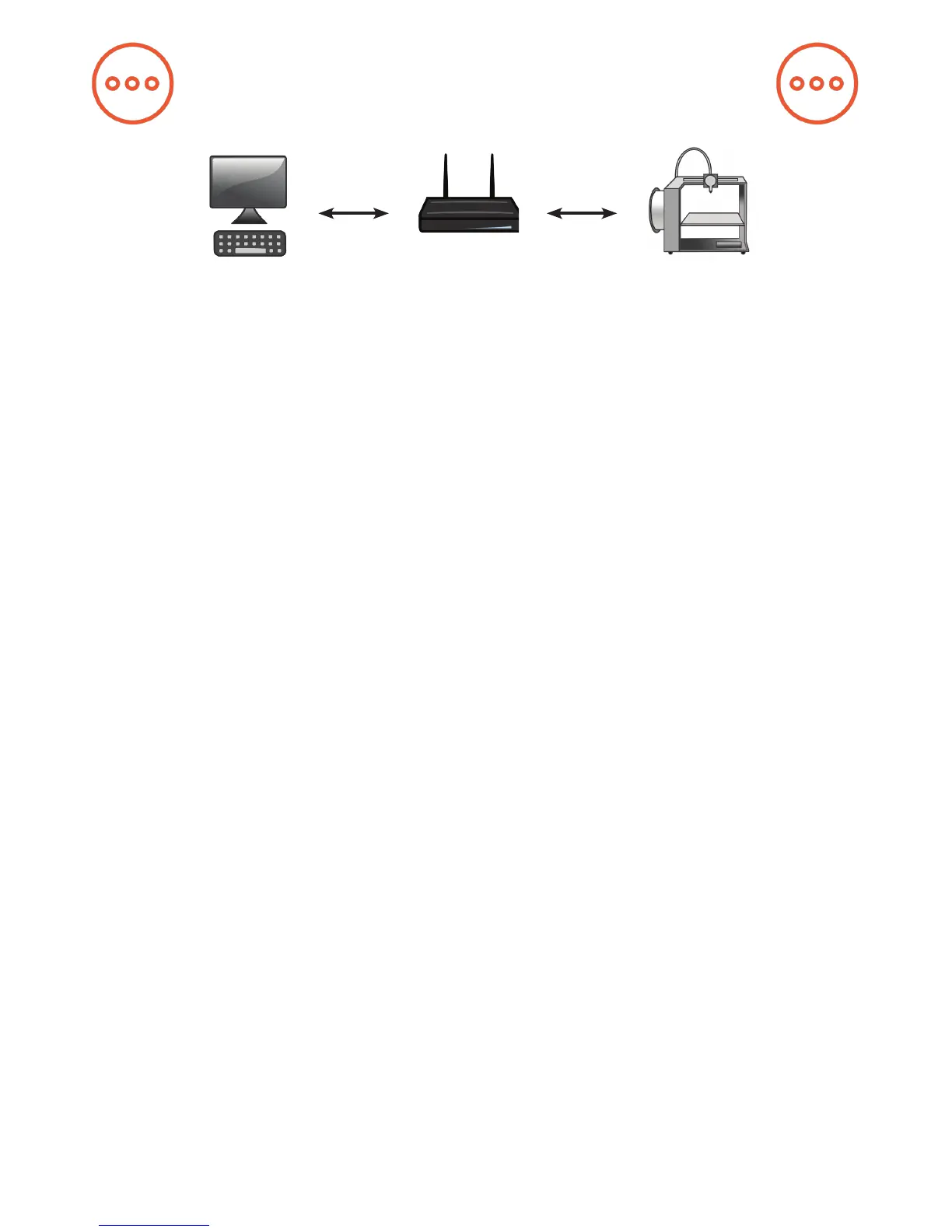
Step 1: On the Setup page, enter your printer’s serial number, which is
located on the back of the printer. Next, connect your computer to your M3’s
Wi-Fi, using the provided network name and password, in the same way that
you would connect to any other Wi-Fi source.
Step 2: After moving to the Step 2 tab, click the temporary setup link and
log in to OctoPrint with the provided username and password.
8
Software Setup
MakerGear 3D printers are compatible with a wide variety of hosting and
slicing programs. The free onboard software supplied with the MakerGear
M3 is a specialized version of OctoPrint called OctoPrint for MakerGear. It
is an open-source, easy-to-use tool that gives users total control over their
3D printing workow.
OctoPrint’s basic functions include simple tasks such as controlling and
monitoring your printer, as well as more advanced operations like slicing
les. It can be expanded through its versatile plugin system, a diverse
library of community-developed plugins offering specialized functionality,
which is useful for all users.


 To Next Page