4
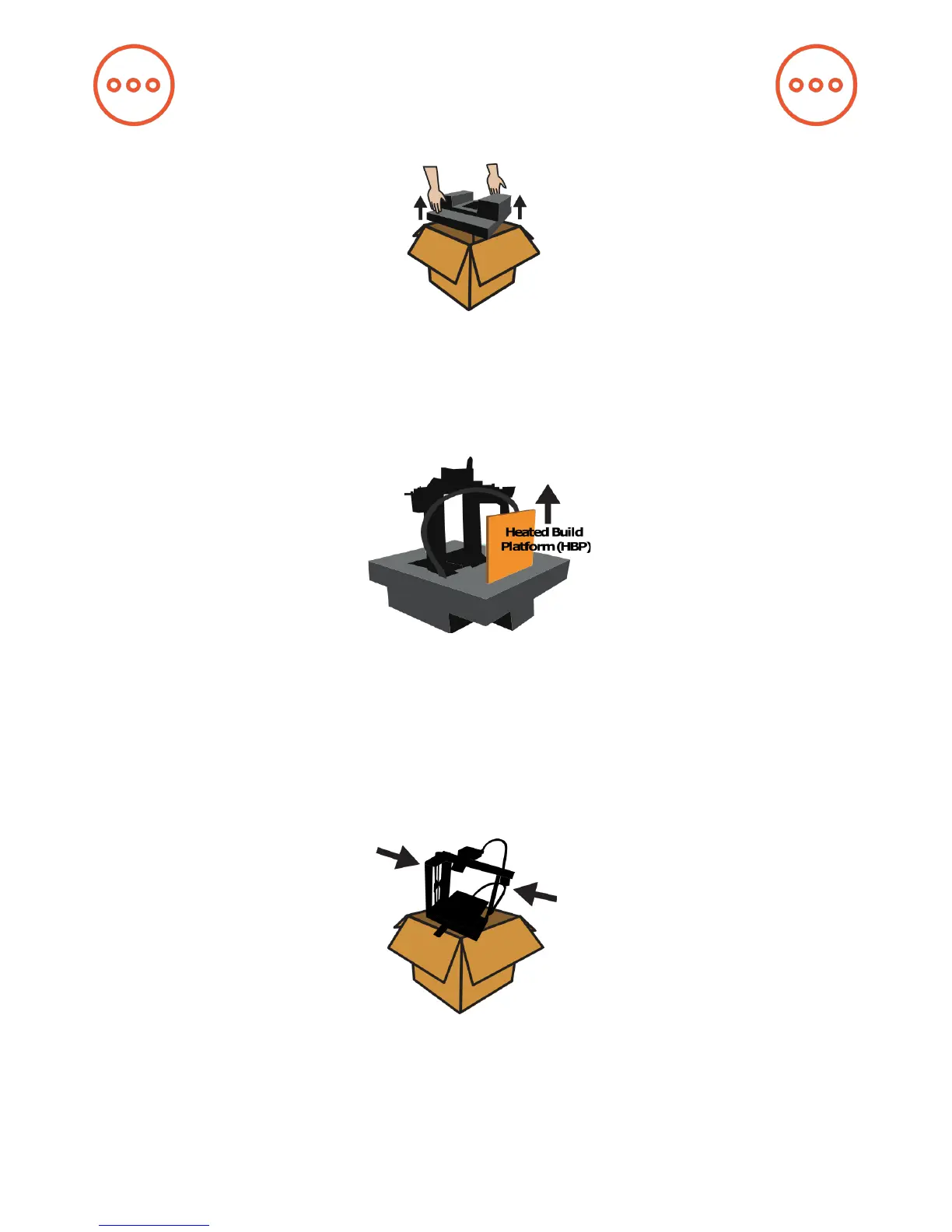
1. Carefully compress and remove the foam from the top of the printer and
from inside the printer frame.
2. Remove the Heated Build Platform from its slot in the foam and place it
on the 4-legged “Spider” inside the frame, with the glass facing up. Remove
the printer from the bottom foam.
3. Remove (and please read) WARNING sheet from underneath the glass
bed by removing the binder clip.
Hardware Setup


 To Next Page