Hardware features Chapter 2
Hydro 2000G/S Page 2-3
How the dispersion unit is controlled
The dispersion unit is controlled using a single software dialogue with sliders for
the pump speed, stirrer speed and ultrasonic power (Chapter 3 has details). When
controlled through a Standard Operating Procedure (SOP), the software tells the
user what value to set for each parameter.
Features of the Hydro 2000G
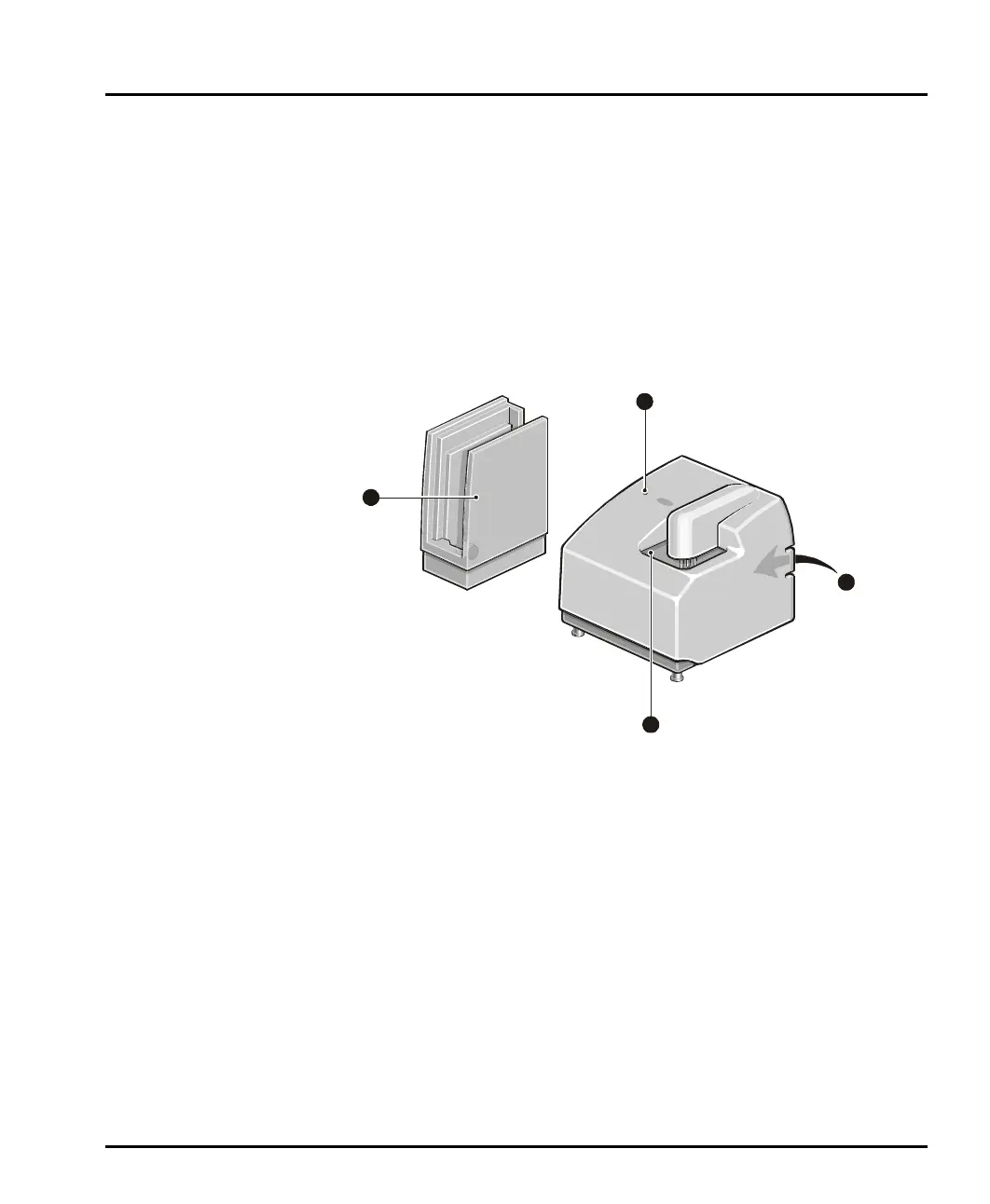
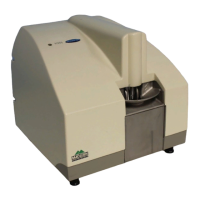
This illustration identifies the main features of the dispersion unit:
ill 4912
These are the following:
Tank a rea
The tank holds the sample and dispersant. The pump and stirrer in the tank keep
the sample in suspension and continually circulate the sample and dispersant
through the flow cell. More details on the tank area are given below.
An ultrasonic probe also helps to disperse the sample. All functions of the tank area
are controlled by the Malvern software.
Status indicator
The status indicator illuminates in one of three colours when the dispersion unit is
powered up:
green if the dispersion unit is functioning correctly and its cell has been
loaded into the optical bench. (i.e. the dispersion unit is “active”)
4
3
2
1
MAN0385-1.0 Hydro 2000G-S.book Page 3 Friday, March 16, 2007 4:02 PM


 To Next Page