22 PSS-5C | 1.02.02 www.mc-techgroup.com
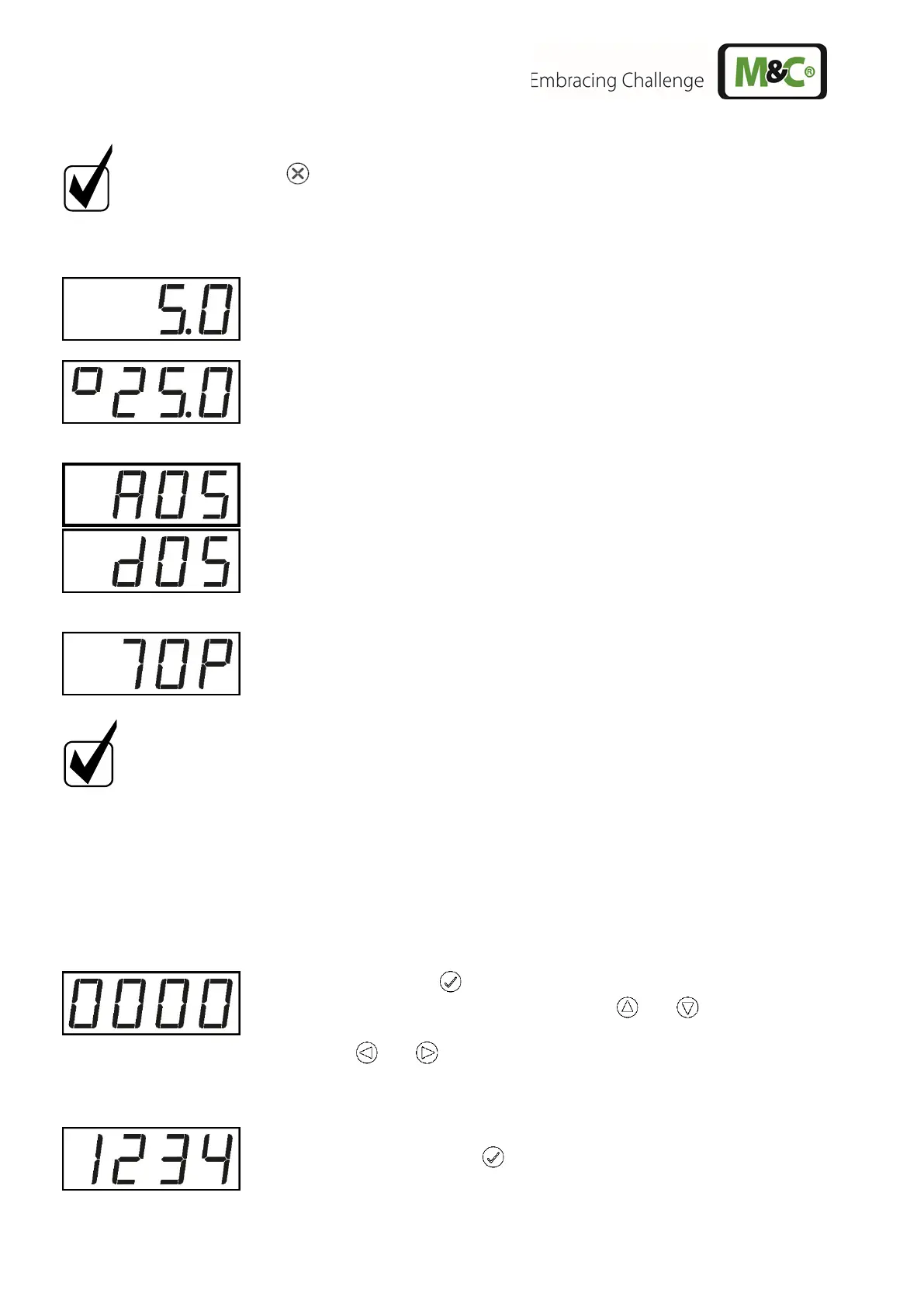
Tap on the -key, to go back to the cooling temperature.
The cooling temperature is shown in the display as follows:
The cooler temperature is shown on the display.
The ambient temperature is indicated by a "°" sign on the left side of
the displayed temperature.
The set point for absolute value control is indicated by an "A" and the
set point for differential control by a small "d" before the temperature
value.
The absolute value control temperature can be set between 2 to
15 °C [35.6 to 59 °F]. The differential value control temperature can
be set between dT = 2 to 15 °C [dT = 3.6 to 27 °F].
The display of the current signal value is indicated by a capital "P" on
the right-hand side. The signal value is a measure for the percentage
workload. The signal value can assume values from 0 to 99.
You will find the complete menu structure in the appendix of the
ECPX000C instruction manual.
12.2 PIN Entry
To enter the range of set point input or parameter setting, a PIN must be entered. The PIN "1234" is
factory-set and cannot be changed.
To enter the PIN, proceed as follows:
Press and hold the -key until "0000" appears in the display.
The "0" on the left side is blinking. Use the and - keys to enter
the first digit of the PIN.
Use the and - keys to switch to the other digits. If a digit is
blinking, the PIN digit can be entered.
The PIN “1234“ looks like this on the display.
Confirm the PIN with the -key.


 To Next Page