FUNCTIONS
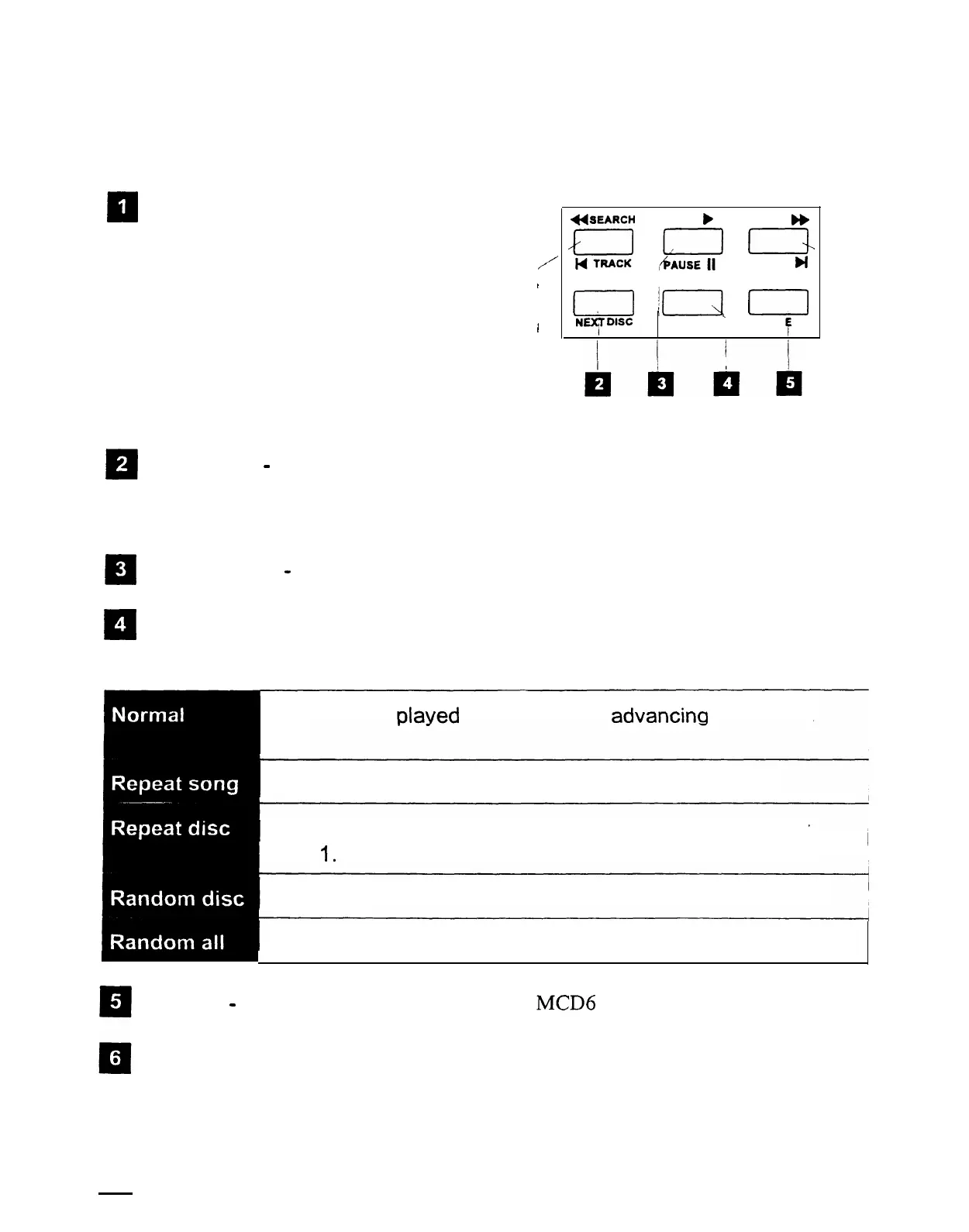
The illustration below shows
the controls and features of your Model MCD6. You may
need to refer to the operating
guide for your music-intercom for additional information.
II
R
El
0
4
TRACK
DOWN/SEARCH-Pressing and
holding this button fast reverses toward
the beginning of the current track. You
/
will also hear short samples of the track as
1
it reverses through the selected track.
Momentarily pressing this button returns
’
play to the beginning of the current track.
A double press of this button will jump to
q
the previous track.
*SEARCH
PLAY
b
SEARCH
b
L2
,bLz
=
TRACK
bi
I1
!\I
0
NU4T
D’SC
MODE
’
POW R
F
NEXT DISC
-
Press this button to advance to the next disc. A particular disc may be
selected by pressing this button repeatedly until the desired disc is indicated on the
display.
PLAY/PAUSE
-
Press this button to alternately pause or play the CD.
MODE
-This button cycles the CD player through each of its five different modes as
described below. Additionally, holding the mode button down will display the total
number of tracks and total time of the CD.
Each track is
Dlaved
in order before
advancina
to the next
disc.
’ Repeats the current track
Plays the current disc sequentially and then starts over at
1
track
1.
Plays tracks from the current disc in random order.
Plays tracks randomly from all discs.
POWER
-
This button turns the power to the
MCD6
ON or OFF.
TRACK UP/SEARCH-Momentarily pressing this button advances play to the next
track. Pressing and holding this button will fast forward through the currently selected
track.
4
SMARTHOME.COM(TM) 1-800-SMART-HOME 949-221-9200 http://www.smarthome.com Order #5076



 To Next Page