Part Number STH038 5/12 55
USB SETUP
Refer to “Upgrading Firmware with a Flash Drive” and
“Exporting Data to a Flash Drive” for more information
on this setting. Flash drives must be correctly sized
and formatted - 2 gigabytes or smaller, Fat 32 file
system, 512 allocation units - Refer to page 69 for full
specification and formatting details.
FACTORY DEFAULTS
The entire setup can be reset to the factory defaults.
1. From the Set-Up menu, use the Down arrow to
highlight Fact Deflts.
2. Press the Checkmark two times to reset the ice
machine. The display will return to the Set-Up
menu.
NOTE: For more details and instructions for changing
ice machine settings, see “Set-Up Menu”.
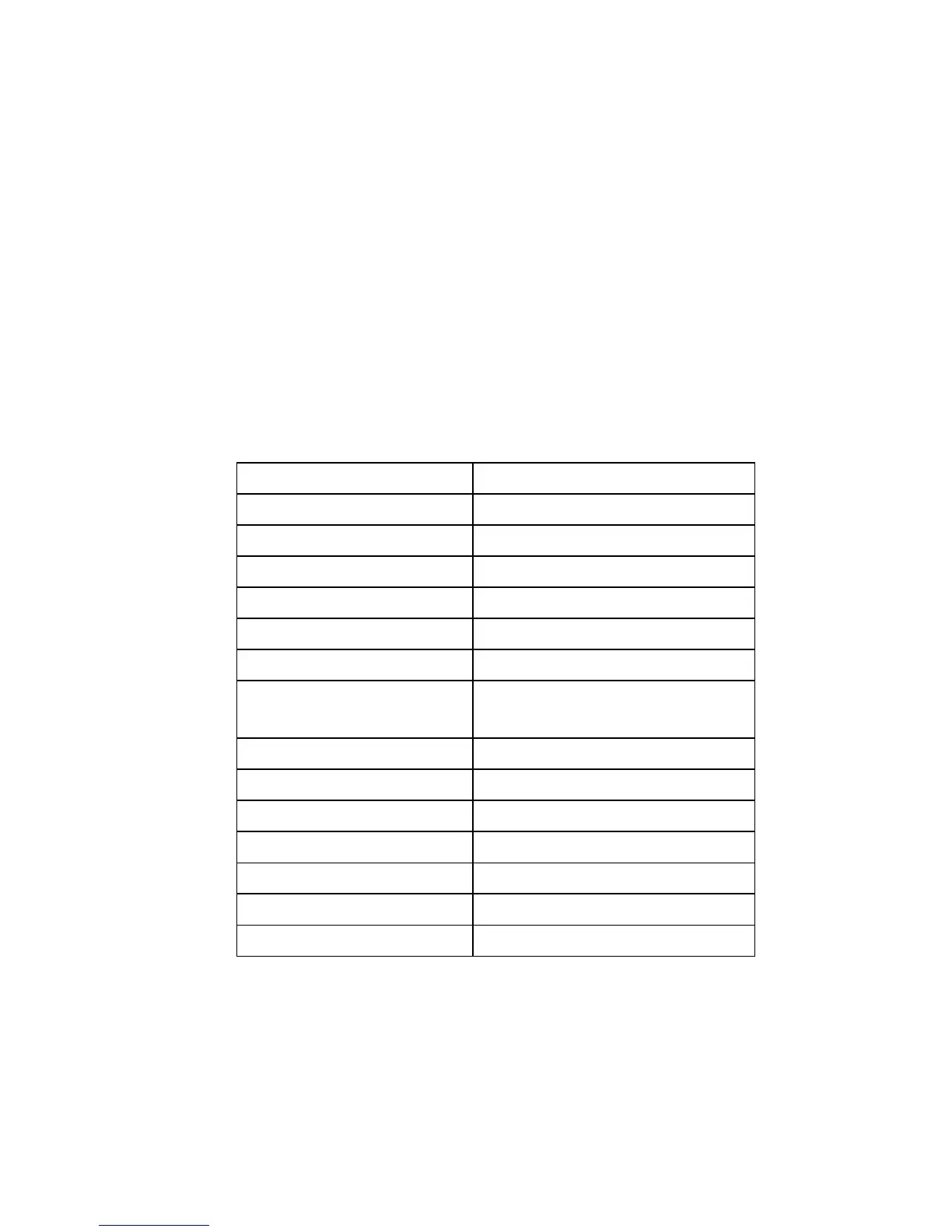
Setting Default
Language English
Time/Date Month/Day/Year/Time
Time Configuration Mo/Day/Yr/24 Hour
Units Fahrenheit/Lbs/Gallons
Ice Clarity Off
LCD Brightness Level 2
Password Off - Enter Password
Default Password = 1234
Edit Password Off - Edit Password
Clean Minder Off
AuCS RunTime Off
Air Filter Minder Off
Water Filter Minder Auto
LuminIce Bulb Minder No
Ice Bin Sensor None


 To Next Page
 Loading...