3 . P r e s s NEXT to choose appropriate type and press MODE to select
it
4. . Press PLAY to start recording.
4. Voice
1. Enter main menu
2. Push NEXT to choose ‘Play mode’
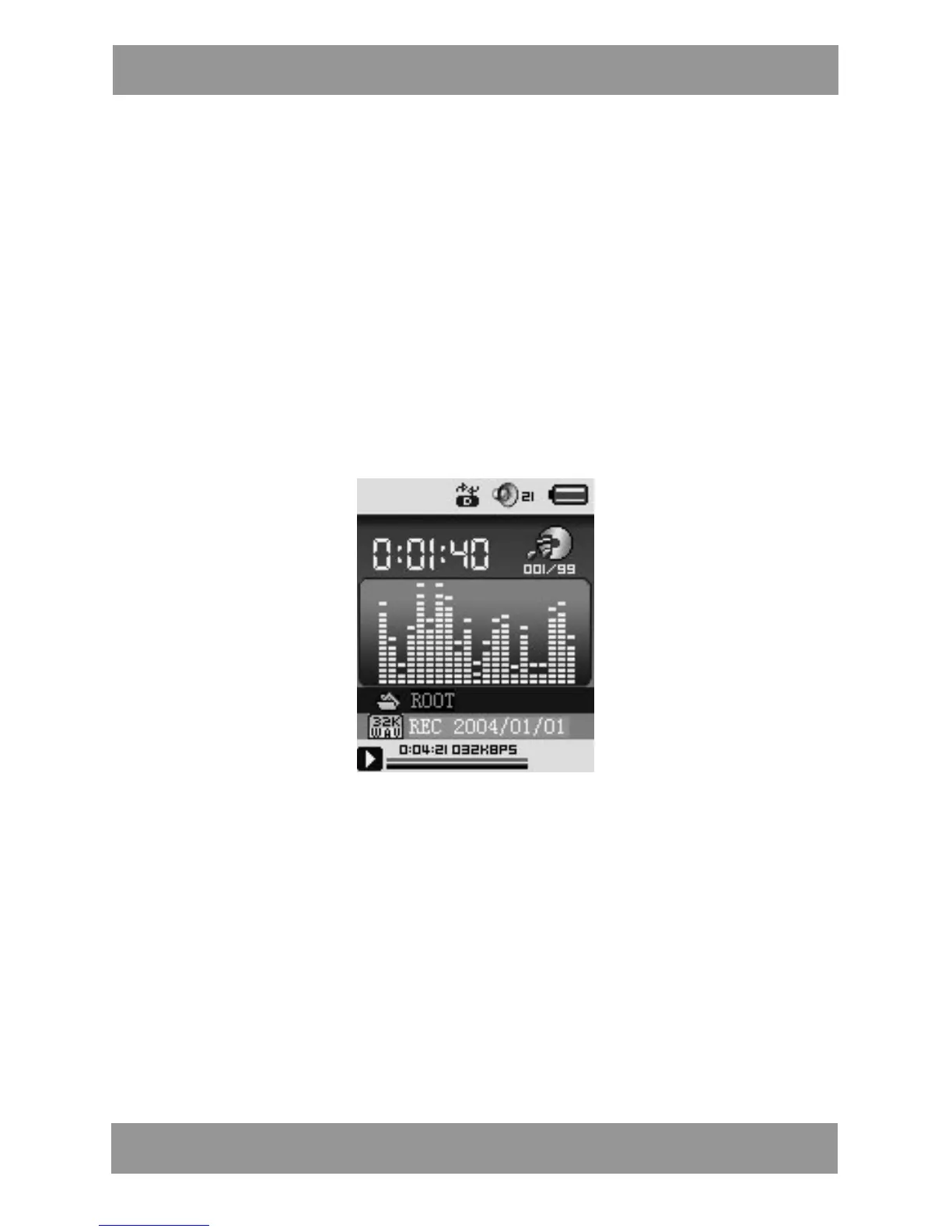
3. Push MODE to enter playing interface
4. Press PLAY again to play the file.
5. Choose voice record files:
LAST: Select previous file;
NEXT: Select the next file;
6. When in the interface of ‘Voice stop’
7. Press MODE to enter submenu.
Local Folder , Delete file ,Delete all , Exit.
8. When in the interface of ‘Voice play’
9. Press MODE to enter submenu.
Repeat, Replay mode , Exit.
M P 4 2 8 4 EN


 To Next Page