In stop mode: Local folder , playback set ,Deleted file ,delete all ,
exit.
In play mode: Bookmark select ,bookmark delete ,bookmark add ,
exit.
9. Using USB Disk
The player is also a standard USB disk. Supported by Windows /
Mac/XP.
The player supports USB power supply, can be used without using
the battery when connected to a PC. To enter, when in’ waiting
mode’ press MODE return to main menu and choose the operation
you need.
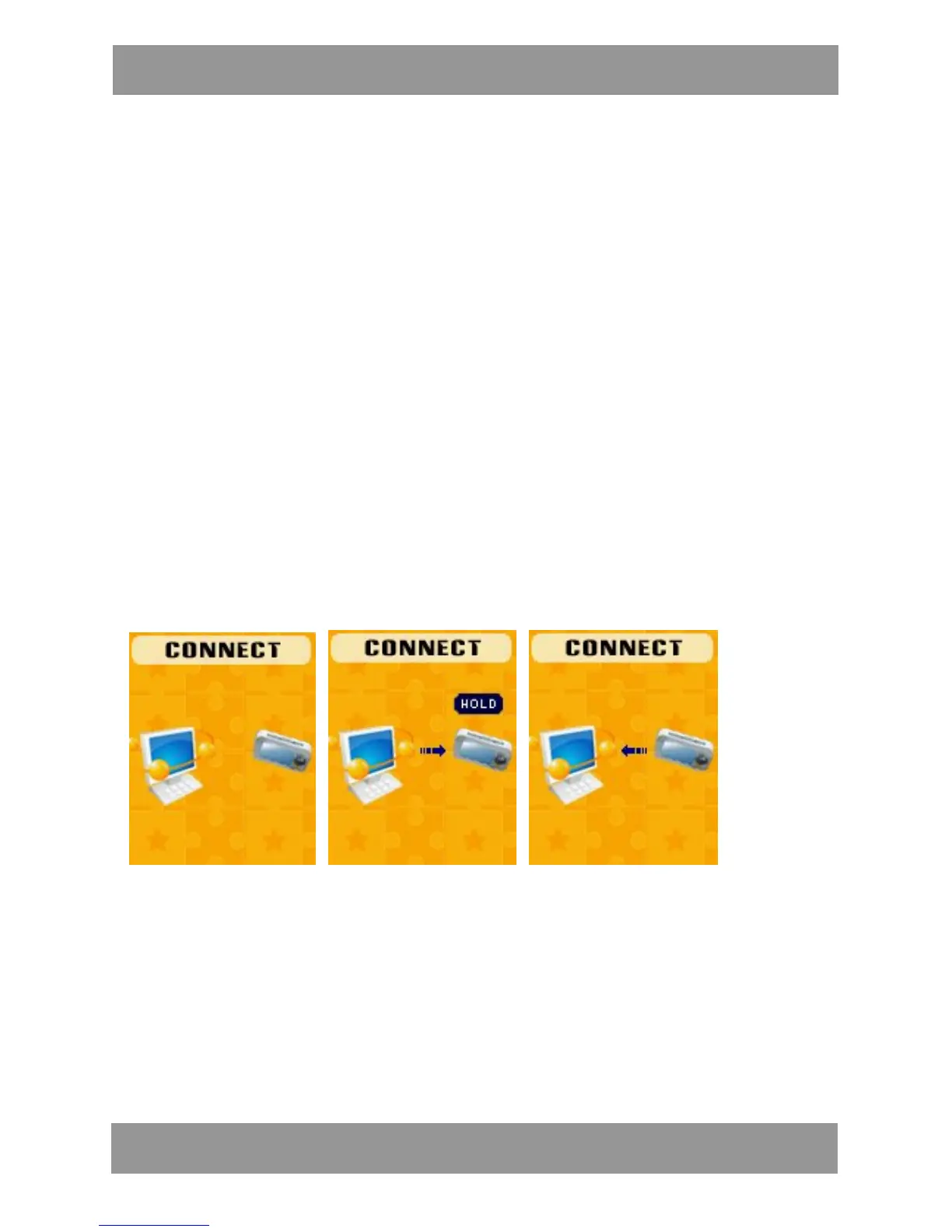
When connected to PC, The player works on the three modes
below:
1. Waiting 2. Downloading 3. Uploading
M P 4 2 8 4 EN


 To Next Page