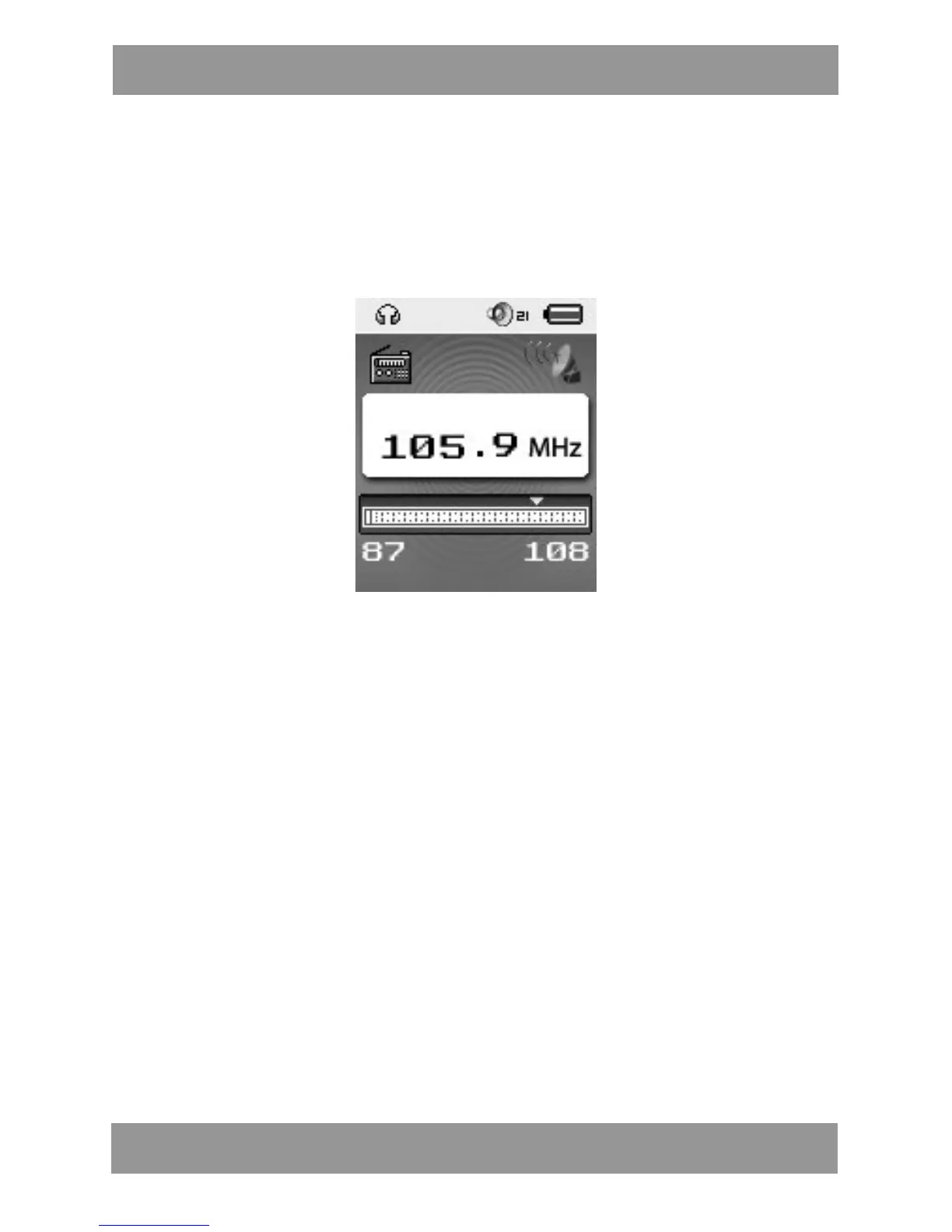
5. Using FM radio
1. Enter main menu;
2. Push NEXT scrolling “FM Mode”
3. Push MODE to enter
4. Auto search “20 pressets maximum”
Hold LAST/NEXT 2 seconds to start the channel search in 100 KHz
interval upwards or downwards. To stop tuning,push LAST/NEXT.
5. Manual tuning
Push LAST: Downward 100 KHz
Push NEXT: Upward 100 KHz
6. Save current channel:
Push MODE to enter FM submenu
Press MODE again to save channel.
7. Listening to a saved channel:
You can press PLAY to choose a saved channel.
8. Record.
A. Press PLAY to start recording.
B. Press MODE for a few seconds to save the record.
C. When in the interface of ‘Record stop’
D. Press MODE to enter record submenu
M P 4 2 8 4 EN



 To Next Page