Local Folder, Delete file, Delete all, Repeat (Normal, repeat one,
Folder, Repeat Folder, Repeat all, Random ,intro ) , Exit.
3. Record
● Recording in “Record mode”
1. Enter the main menu:
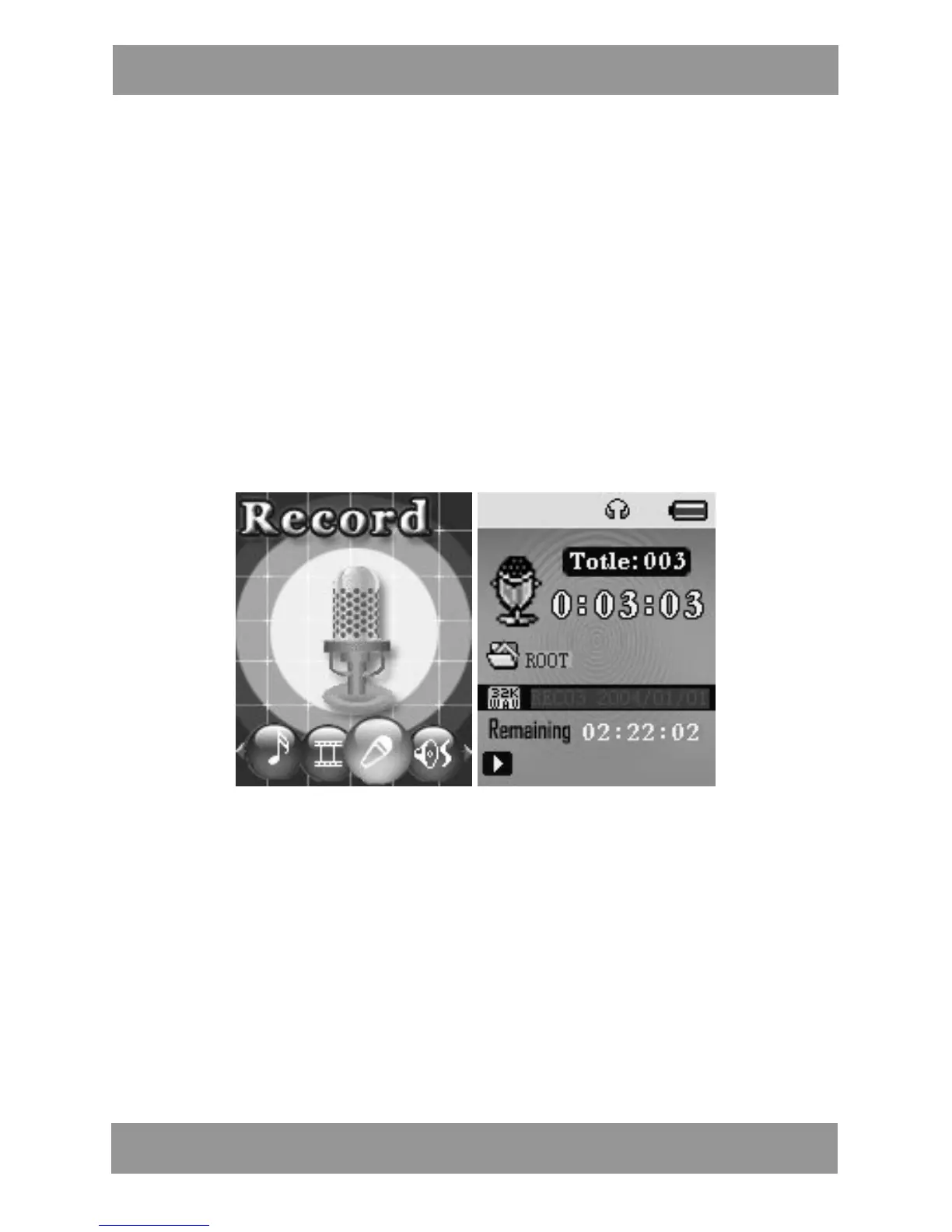
2. Push NEXT scroll to Record mode
3. Push MODE to select Record mod, screen will display as below:
4. Press PLAY to start / pause recording.
5. Press MODE for a few seconds to save the recording.
● Select Record Type
1 . P r e s s MODE to enter record submenu
2 . P u s h NEXT scrolling into ‘REC type’ submenu then presses MODE
to select it.
M P 4 2 8 4 EN


 To Next Page