● Options introduction:
Clock Setting system date and time
LCD set Screensaver setting
Language Choosing different languages
Power off
Setting a count down time in minutes, the
player will shut off when time out.
Online mode
Multiply driver
Normal only
Encrypted only
Card only
memory info Show memory capacity and used percentage
Firmware Version Version of player’s firmware
Firmware upgrade Use for upgrade firmware
Exit Exit from Setting interface
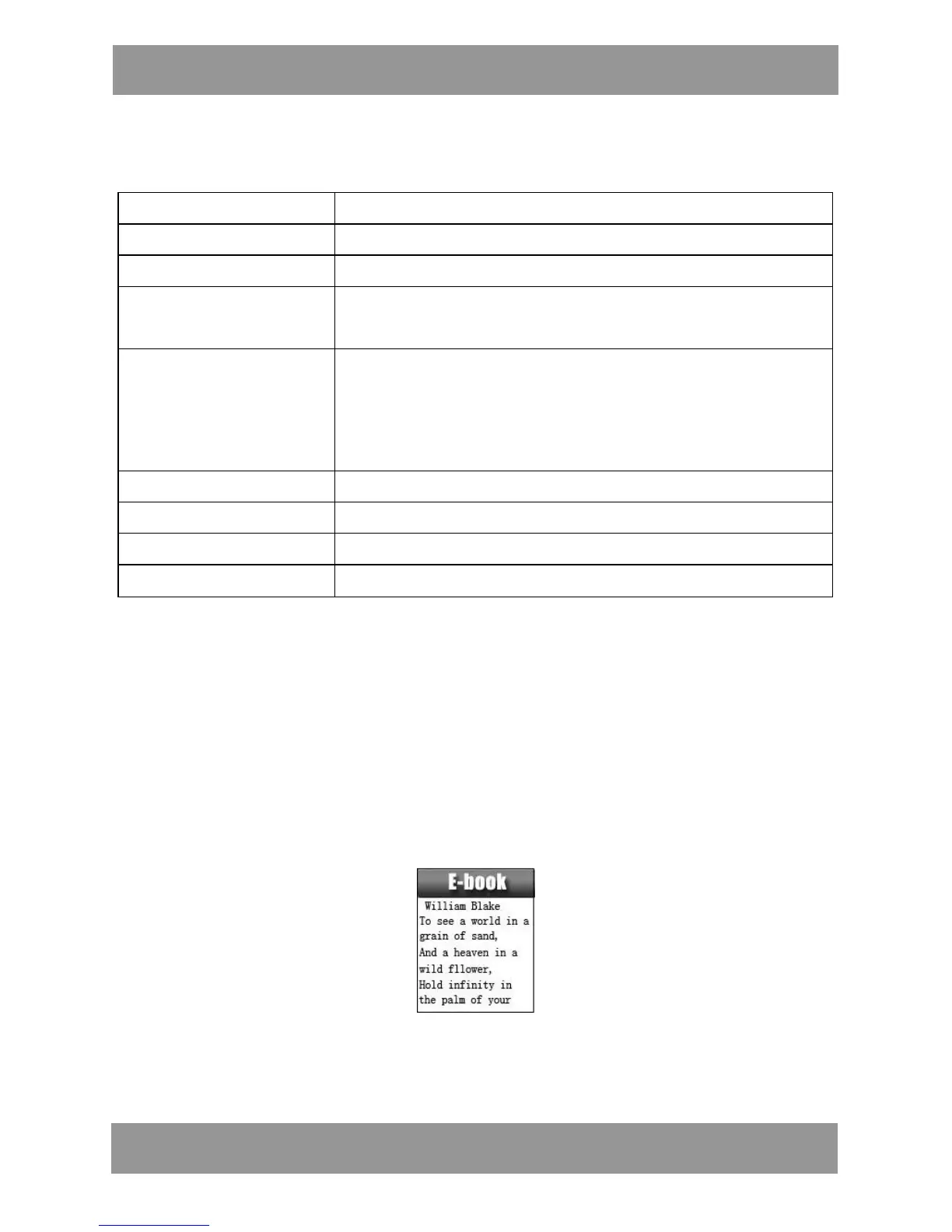
8. E-book
1. On main menu, press NEXT/LAST choosing e-Document,
2. Press MODE to enter corresponding submenu:
3. Press NEXT or LAST choosing the document you want to read,
then press PLAY to read it.
Note: If you are in ‘Manual play’ you must scroll text via LAST or
NEXT; texts can be scrolled automatically under ’Auto play’ set.
We have two menus.
M P 4 2 8 4 EN


 To Next Page