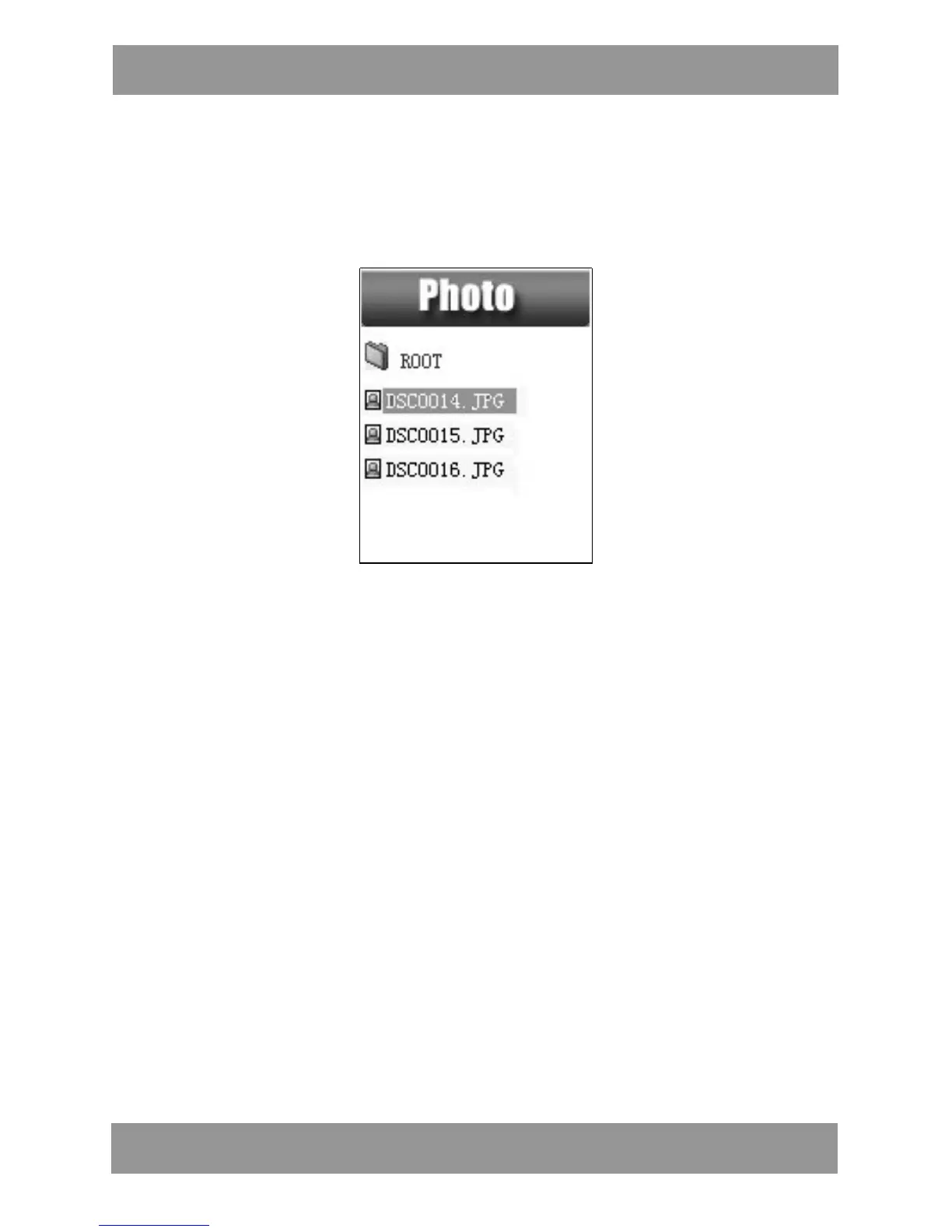
6. Photo Browsing
This function is only available for JPG and BMP format.
1. In the main menu, press LAST/NEXT choosing Browsing pictures.
2. Press MODE to enter corresponding submenu.
3. Press LAST or NEXT choosing the document you want to read,
then press PLAY to play it.
4. In stop mode we have a submenu.
Local folder, Playback set (Manual play, autoplay) , delete file
,delete all, exit.
7. Setup
● Enter Settings
You can set system performances here, options may vary in
different versions of the firmware.
1. Entry main menu
2. Push NEXT Scrolling into “Settings”
3. Press MODE to entry.
M P 4 2 8 4 EN


 To Next Page