135
Maptek Scanner Operator Manual - XR3
Appendix 4 - Batteries
» Also refer to Appendix 7 – Transport, for issues regarding
shipping of batteries.
Scanner batteries
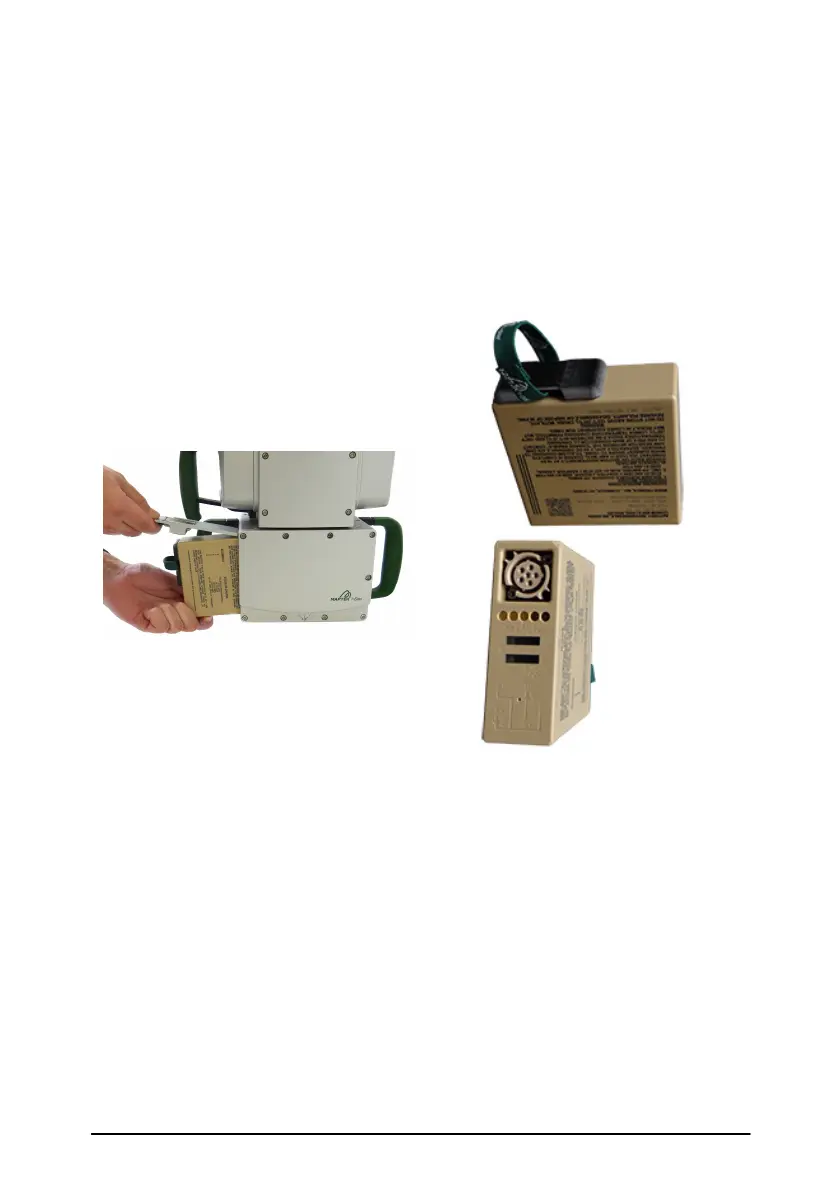
Inserting scanner battery.
Side view and connectors of
scanner battery.
Inserting scanner batteries
Insert the battery by lifting the battery compartment cover on the
side of the scanner. Charge level indicators, displaying the
approximate charge left, are located on the rear of the battery. When
the system is received, the battery should be already charged.
When you first insert a battery, the green light in the centre of the
power button will flash once.



 To Next Page