1
Maptek Scanner Operator Manual - XR3
Product identification
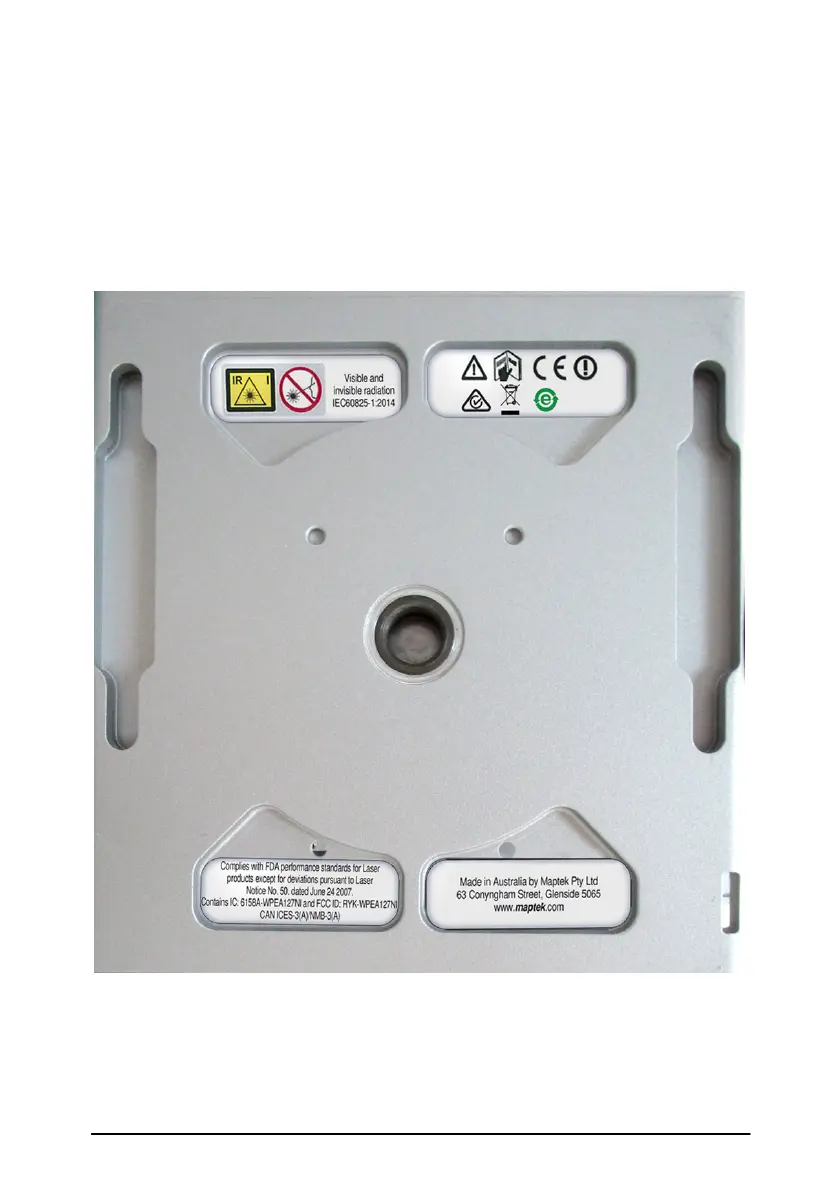
Important information labels are fitted to the bottom of the scanner. The
serial number and type of your product can be found inside the battery door
on the base unit of the scanner. Always refer to this information when you
need to contact your supplier/agent.
Information stickers on base of scanner.



 To Next Page