38
Maptek Scanner Operator Manual - XR3
Scanner operating modes
Stand-alone Mode
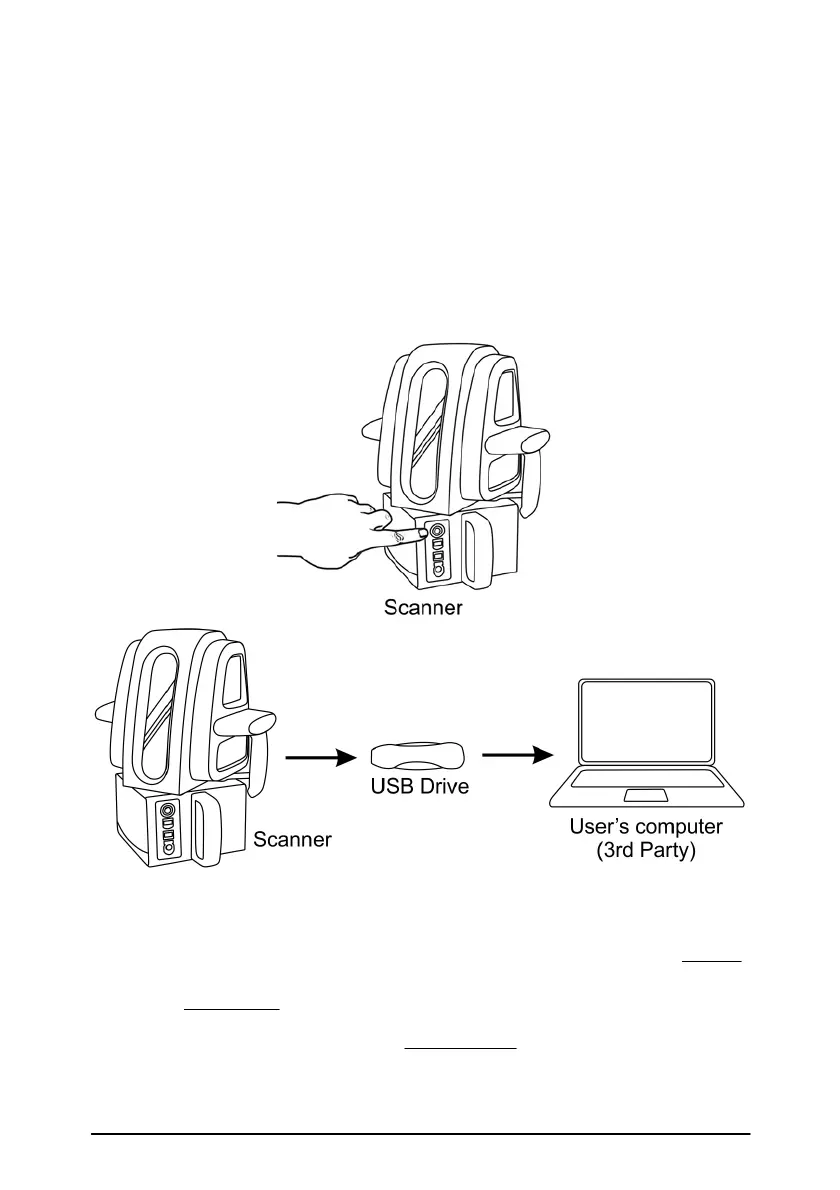
This type of stand-alone scanning is performed without the ‘Controller’,
mobile phone, GPS or survey stations. This mode of operation initiates
scans which store data onto a USB flash drive plugged into the scanner’s
USB port. The scan data on the USB flash drive is then transferred to a
computer for viewing and analysis.
1. A stand-alone scan is carried out once the scanner has booted
and is ready for operations. Ensure the power switch light is
solid green and the USB flash drive is inserted.
2. Press and hold down the power button (minimum 3 seconds)
until the scanner head starts to move and commence the scan.



 To Next Page