39
Maptek Scanner Operator Manual - XR3
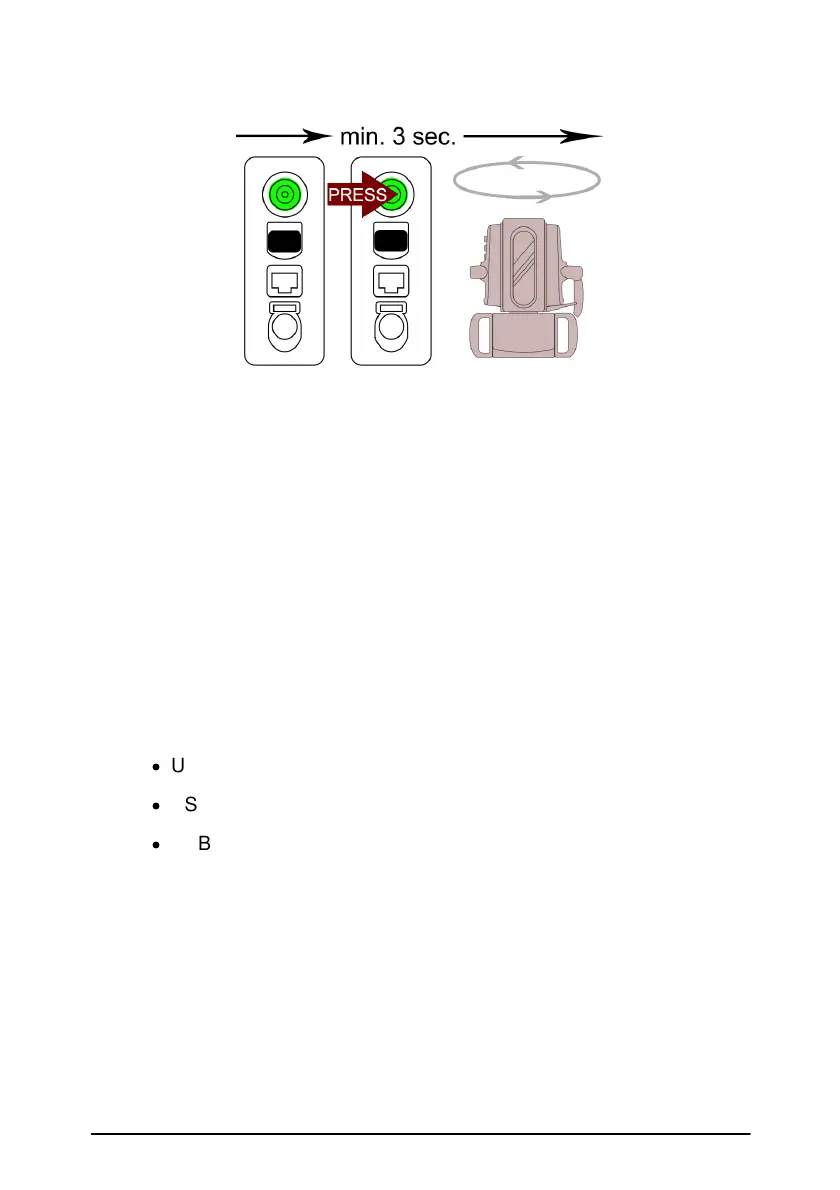
3. Do not touch the scanner during the scanning routine. The scan
will be scan RES 2 carried out at 2x scan speed (100 kHz),
exposure setting will be repeated from the last tablet set up.
4. The scanner will conduct the warm-up and levelling routine,
then continue.
5. When scanning is complete, turn off the scanner and remove the
USB flash drive.
Note: If the light flashes red then displays green continuously while
the power button is depressed, then one of the following errors may
be the cause:
·
USB flash drive full
·
USB flash drive not inserted (properly)
·
USB flash drive formatting or hardware error
Standalone scans can be cancelled by holding the power button until the
head starts moving back to the zero position.
» Refer to Appendix 2 about details of scan res settings.



 To Next Page