75
Maptek Scanner Operator Manual - XR3
Setup functions
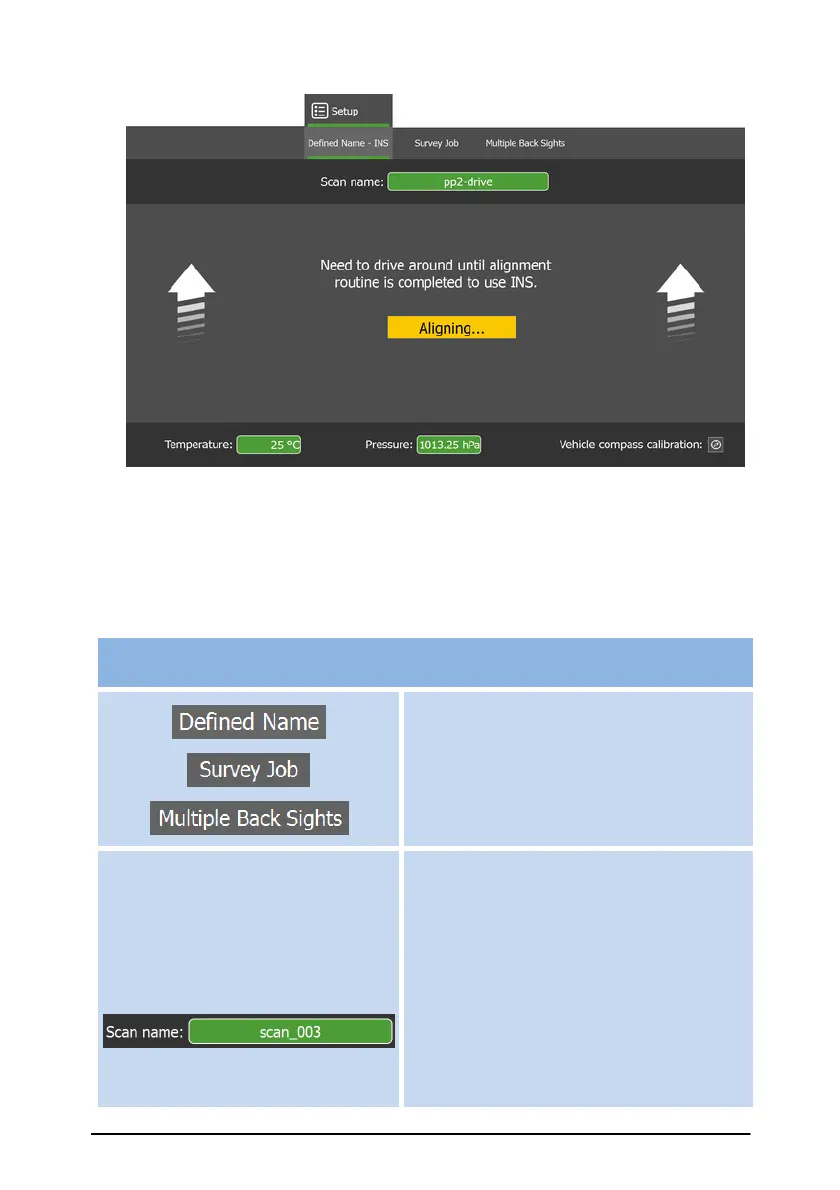
This list describes the buttons and functions relevant to setting up Defined
Name scan jobs and Survey Jobs.
Select Defined Name scan job,
Survey Job or Multiple Back Sights
setup.
Click the Scan name: or Survey
Job: button to open a panel with
the available job names list.
For Defined Name jobs:
Select, add or delete job names.



 To Next Page