Connecting multiple MODEL 10 units (F.C.B.S. connection)
The Marantz F.C.B.S. (Floating Control Bus System) is the high quality
sound system for link control between multiple MODEL 10 units (up to 4
units). Each unit is controlled via its ID registered beforehand. The IDs
need to be set to an operating unit (Leader) and a subordinate unit
(Member 1 - 3) receiving the command from the leader. For member units,
register Member 1 - 3 in the order of command reception from the leader.
IDs can be set for units connected by F.C.B.S. to perform linked
operations such as switching the input source, adjusting the volume,
muting, adjusting the volume balance, adjusting the sound quality and
trimming the display brightness. Furthermore, F.C.B.S. connection of
multiple MODEL 10 units has the feature that switches this unit’s output
from stereo to monaural so that the unit can works as a monaural output
amplifier. Follow the respective instructions to make the necessary
settings.
Preparation for F.C.B.S. connection
o
Making the F.C.B.S. connection
To use multiple MODEL 10 units, make this connection in addition to
audio connection. For details on each connection feature, refer to the
respective instructions.
0
“Stereo complete bi-amp connection” (v p. 29)
0
“Connection for 5.1 Multi-channel Playback” (v p. 31)
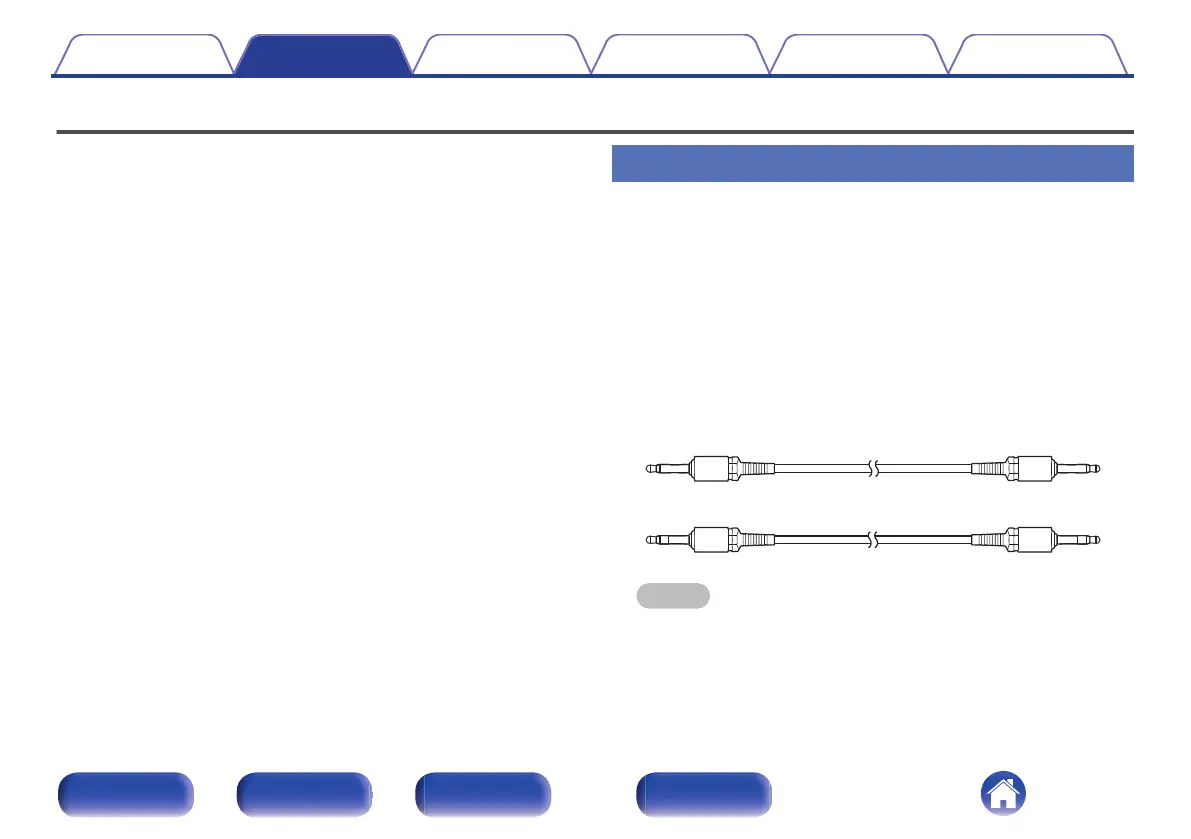
Prepare the correct number of portable audio connection cables for the
number of units to be connected. Either of the following types of
connection cables are adequate.
0
Φ3.5 Monaural mini plug O N Φ3.5 monaural mini plug connecting
cable
0
Φ3.5 Stereo mini plug O N Φ3.5 stereo mini plug connecting cable
NOTE
0
Do not use connecting cables that contain resistance.
Contents Connections Playback Settings Tips Appendix
26
Front/Top
panel
Rear panel
Remote control
unit
Index



 To Next Page