3
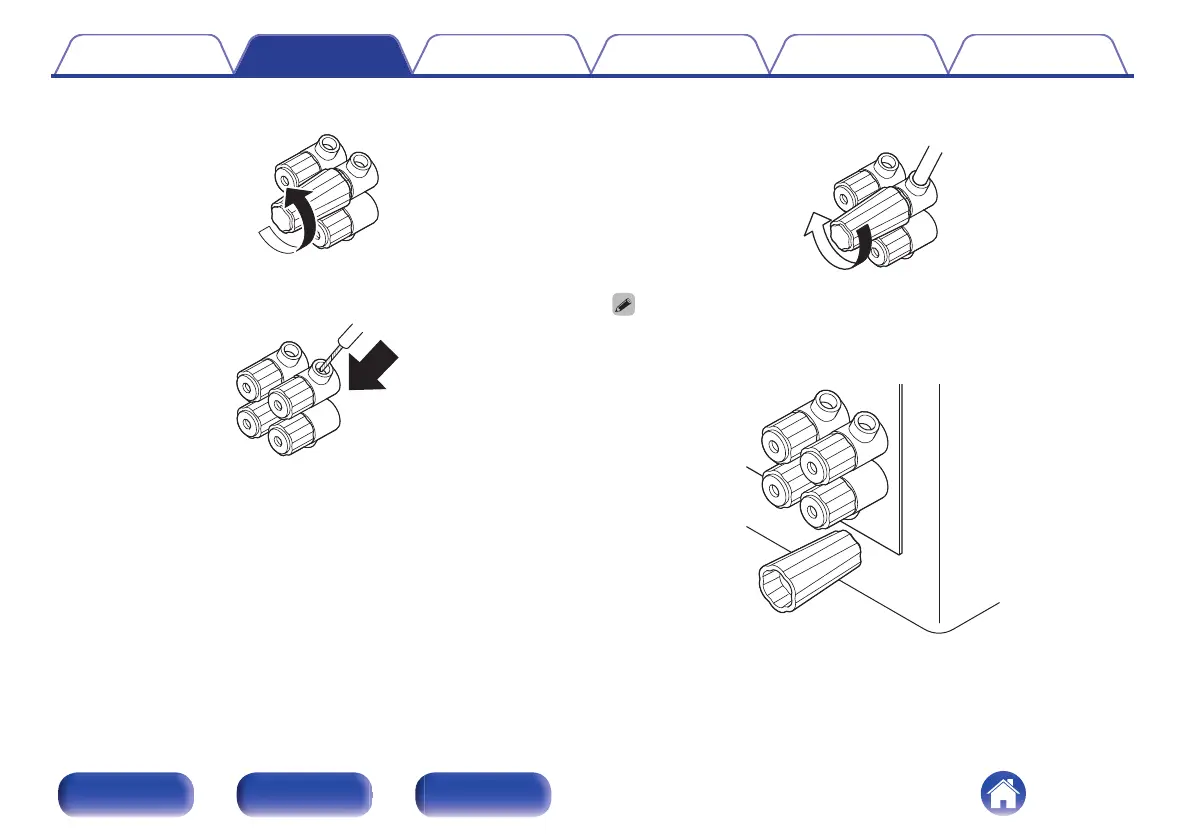
Turn the speaker terminal counterclockwise to loosen it.
4
Insert the speaker cable’s core wire to the hilt into the
speaker terminal.
5
Turn the speaker terminal clockwise to tighten it.
0
The speaker terminal wrench contains a built-in magnet that enables it to be
attached to the rear panel. After connecting speakers, store it in the included
accessory box or in another safe place.
Contents Connections Playback Tips Appendix Specifications
13
Front panel Rear panel Index



 To Next Page