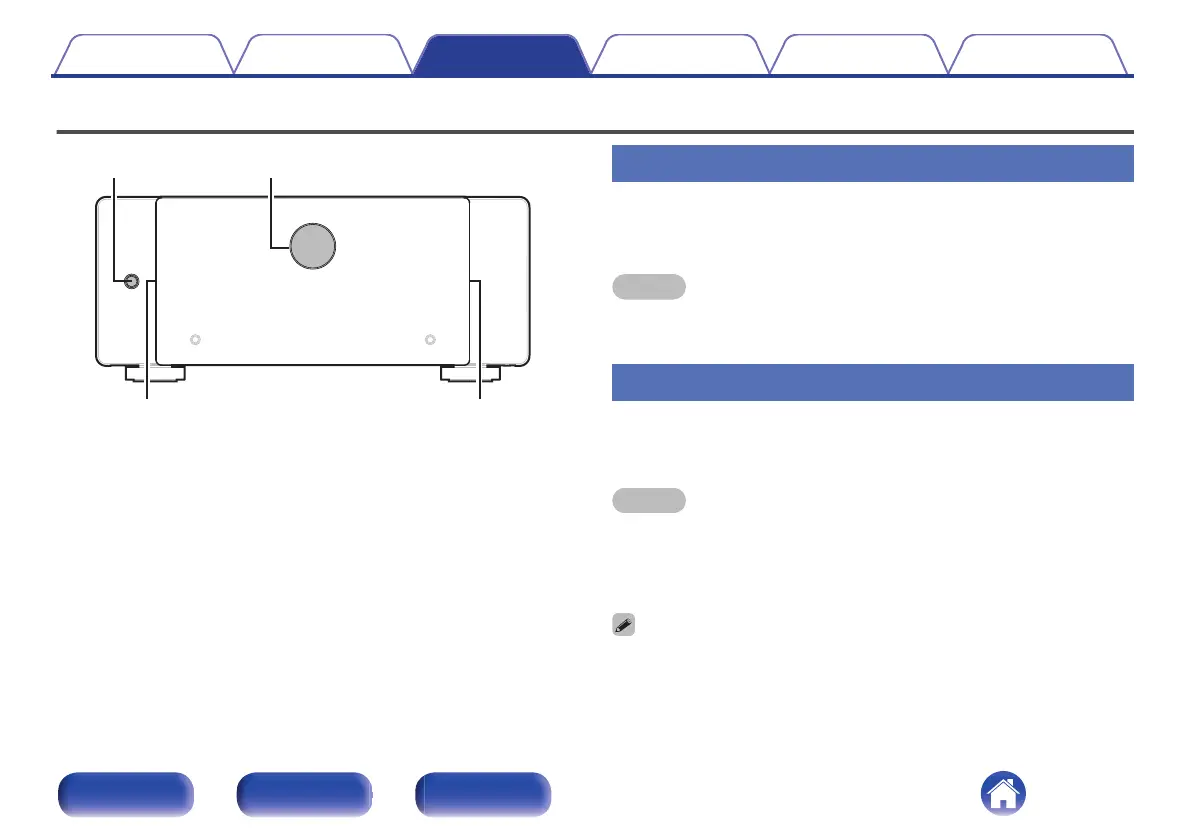
Basic operation
X
Illumination Illumination
Level meter
Turning the power on
1
Press X to turn on power to the unit.
The level meter and illumination are lit.
NOTE
0
When turning the power ON, turn the volume control of connected devices down to
the minimum.
Turning the power standby
1
Press X.
The unit switches to standby mode.
NOTE
0
Even if the unit is switched to standby, some of the circuits are still active. If you
will not be using this unit for a prolonged period (due to a holiday etc), remove the
power plug from the wall socket.
Furthermore, to prevent unexpected accidents, make sure the power plug is
located where it can be removed at any time.
0
You can connect this unit to a Marantz AV 10 Preamplifier with an AMP CONTROL
jack using the included cable and perform operations for both units
simultaneously, such as turning the power on or off. (v p. 20)
Contents Connections Playback Tips Appendix Specifications
28
Front panel Rear panel Index



 To Next Page