8
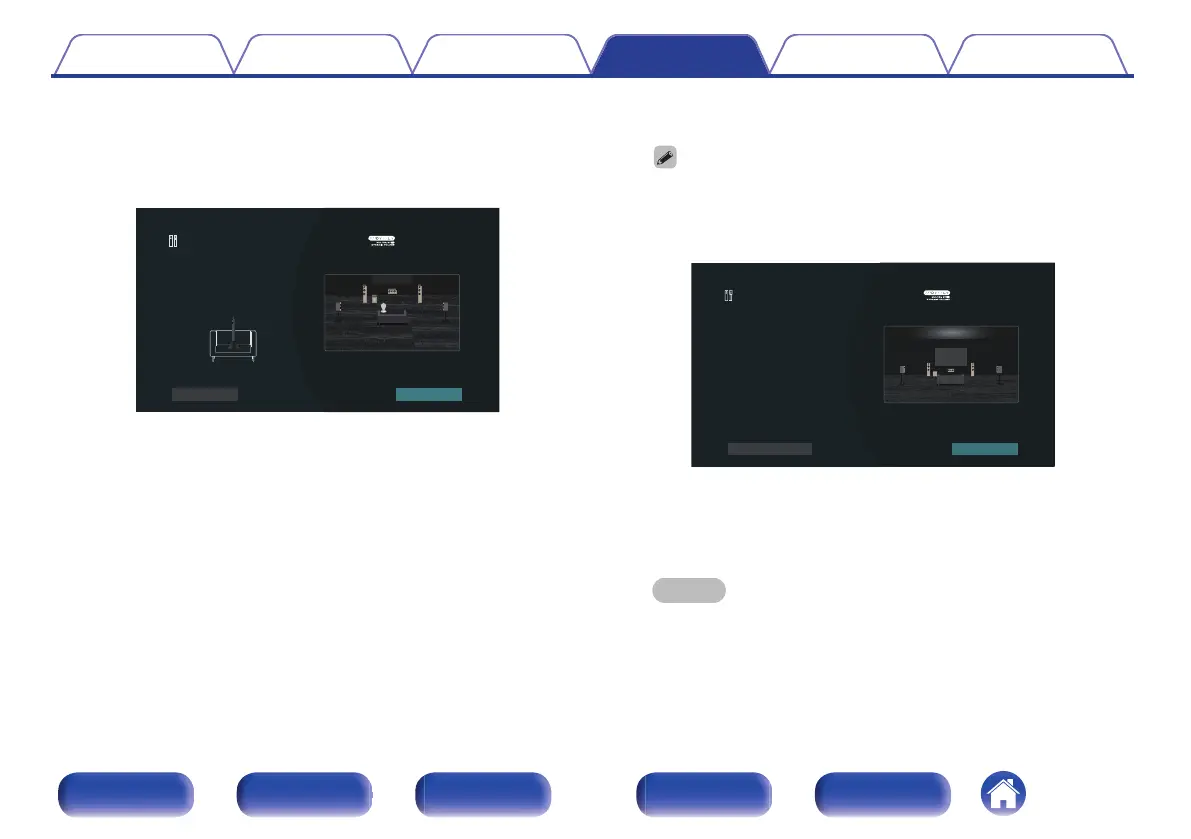
Move the Sound calibration microphone to position 2,
select “Continue”, then press ENTER.
The measurement of the second position starts.
Measurements can be made in up to eight positions.
2
Audyssey Setup
•••••••••• Ear Height
Back
Place the microphone at the ear level of the listener
seated at the 2nd listening position, which should be no
more than 2 ft (60 cm) away from the 1st listening
position, then select "Continue ...
Continue
n
Stopping Audyssey
®
Setup
A
Press BACK to display the popup screen.
B
Press cursor Left to select “Yes”, then press ENTER.
9
Repeat step 8, measuring positions 3 to 8.
0
To skip measuring the fourth and subsequent listening position, press
cursor Left to select “Complete” and press ENTER to proceed to step 11.
10
Select “Continue”, then press ENTER.
Audyssey Setup
Repeat Last Test
Continue
Measurements complete.
Select "Continue" to analyze the data...
Start the analysis and storage of the measurement results.
0
Analysis takes several minutes to complete.
The more speakers and measurement positions that there are,
the more time it takes to perform the analysis.
NOTE
0
When the measurement results are being saved, make sure the power is
not turned off.
Contents Connections Playback Settings Tips Appendix
209
Front panel Display Rear panel Remote Index



 To Next Page