Front panel Display Rear panel IndexRemote
Part names and functions
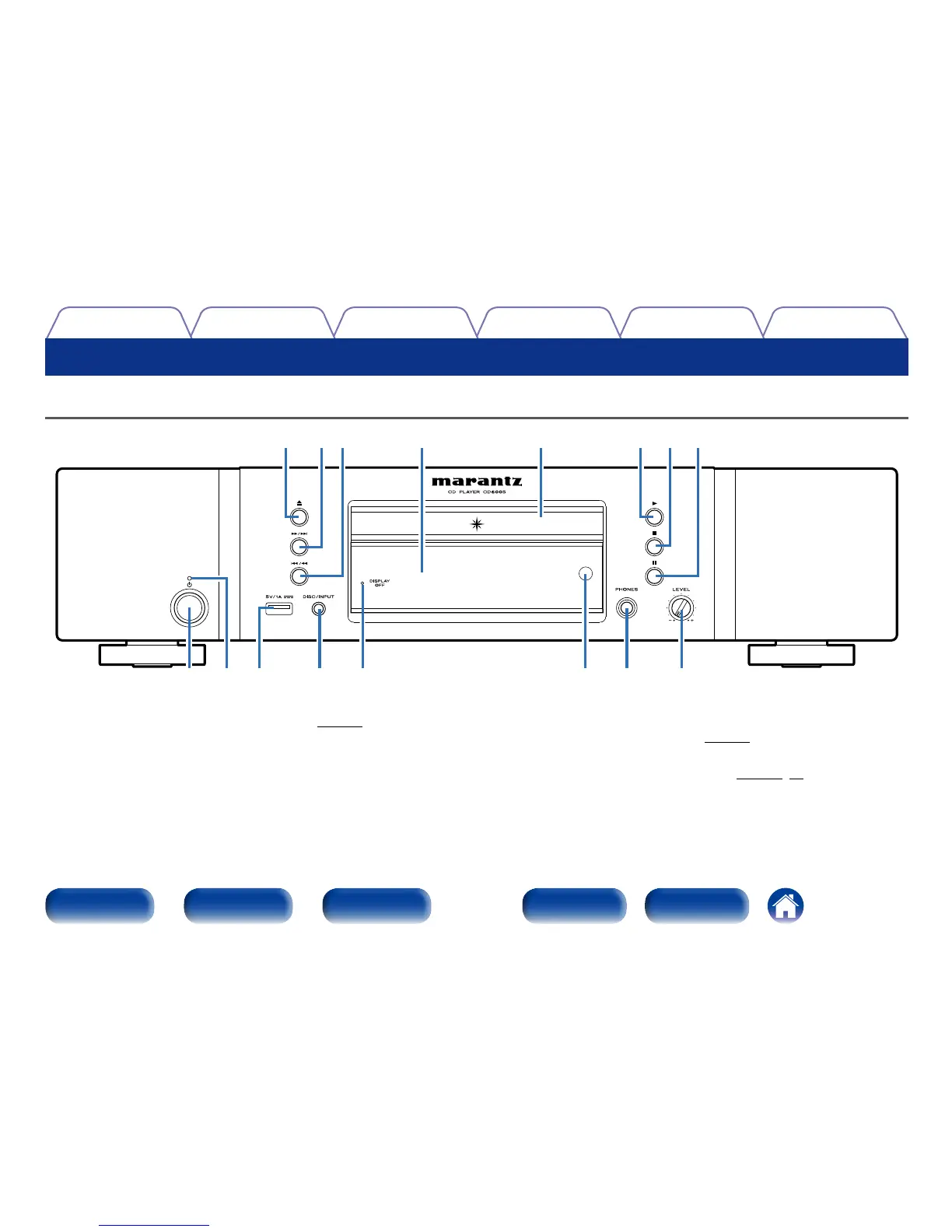
Front panel
Q2Q3Q6 Q4Q5 Q1 Q0 o
yeq w t iur
q Power operation button (X)
Used to turn the power on/o (standby) (vpage25).
w Power indicator
This is lit as follows according to the power status :
• Power on: O
• Standby: Red
• iPod charge standby : Orange
e USB port
Used to connect USB storages (such as USB memory devices) and the
USB cable supplied with iPod (vpage19).
r DISC/INPUT button
Used to select the playback source (vpage35,38).




 To Next Page