.
E
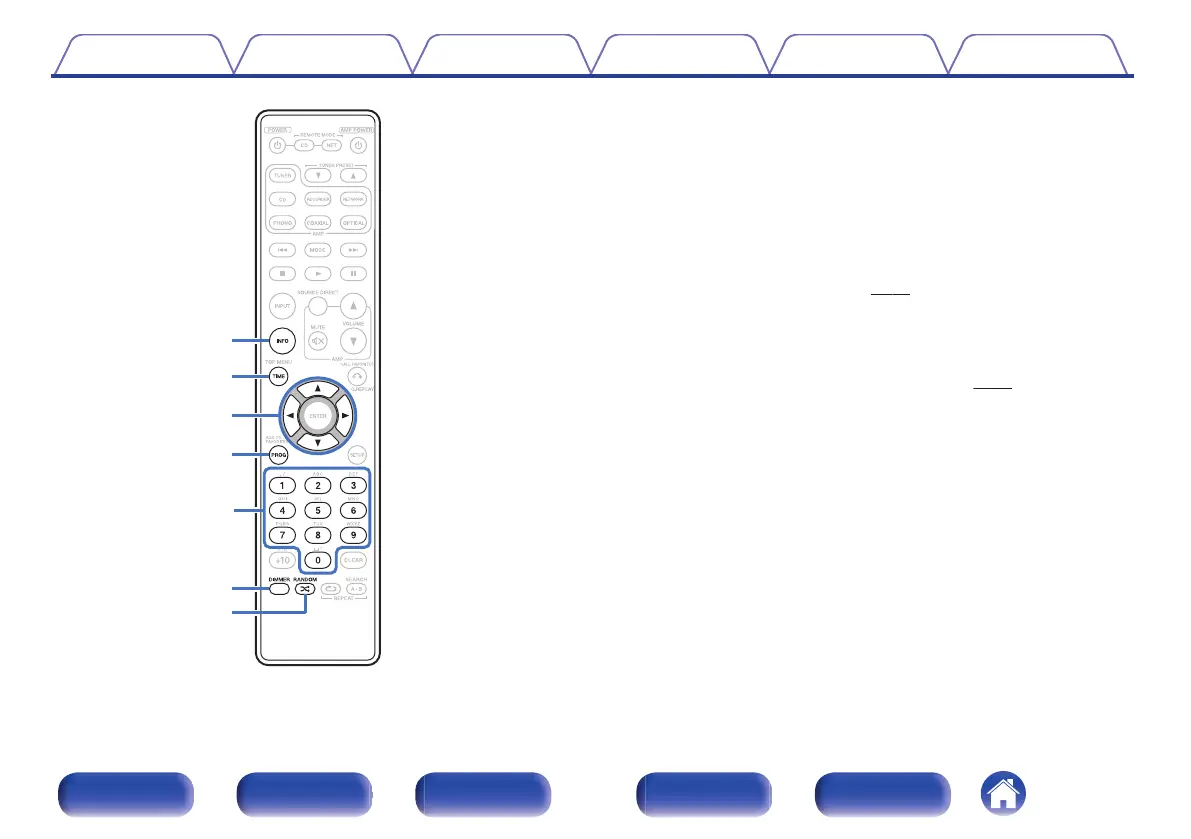
Information button (INFO)
This switches the track information shown in the display during
playback.
F
TIME button
This switches the playback time display.
G
Cursor buttons (uio p)
These select items.
H
Program button (PROG)
This sets program playback.
(v
p. 30)
I
Number buttons (0 – 9)
These enter letters or numbers into the unit.
J
DIMMER button
This switches the brightness of the display.
(v
p. 27)
K
RANDOM button (P)
Switches the random playback.
Contents Connections Playback Settings Tips Appendix
12
Front panel Display Rear panel Remote Index



 To Next Page