9
ENGLISH
RECORDING
Remarks about recording
• If the disc is a CD-RW and is already finalized you must
unfinalize it first to record onto it.
• The recording procedure is the same for CD-Rs and CD-
RWs.
• If the disc already contains recordings, the CD-Recorder will
automatically search for the end of the last track, so that re-
cording can start from there.
• There must be at least 7 seconds of recording time left
on the disc, otherwise you will not be able to enter record
standby mode.
will light up.
• A maximum of 99 tracks can be recorded on a disc. Minimum
allowable track length is 4 seconds.
• Recordings from DAT or DCC players will not always stop
automatically.
• SRC (Sample Rate Conversion)
This CD-Recorder can perform Sample Rate Conversion on
the incoming signal, it is capable of handling sources ranging
from 11 kHz up to 56 kHz.
If no 44.1 kHz (± 100 PPM) source is connected, this CD-
Recorder will automatically switch on the SRC.
• If the source is 44.1kHz (± 100PPM) the SRC will be auto-
matically bypassed.
• See page 19 for information about the recording menu set-
tings.
Important:
If you want to play a recorded CD-R disc on any regular CD
player, it must first be finalized. (See FINALIZING/
UNFINALIZING.)
Finalized CD-RW discs play only on CD-RW compatible CD
players.
See page 1 for more information on CD-R and CD-RW discs
and Conpact Disc Care.
Warning:
Recording is no longer possible after finalizing a CD-R
disc!
Recording modes
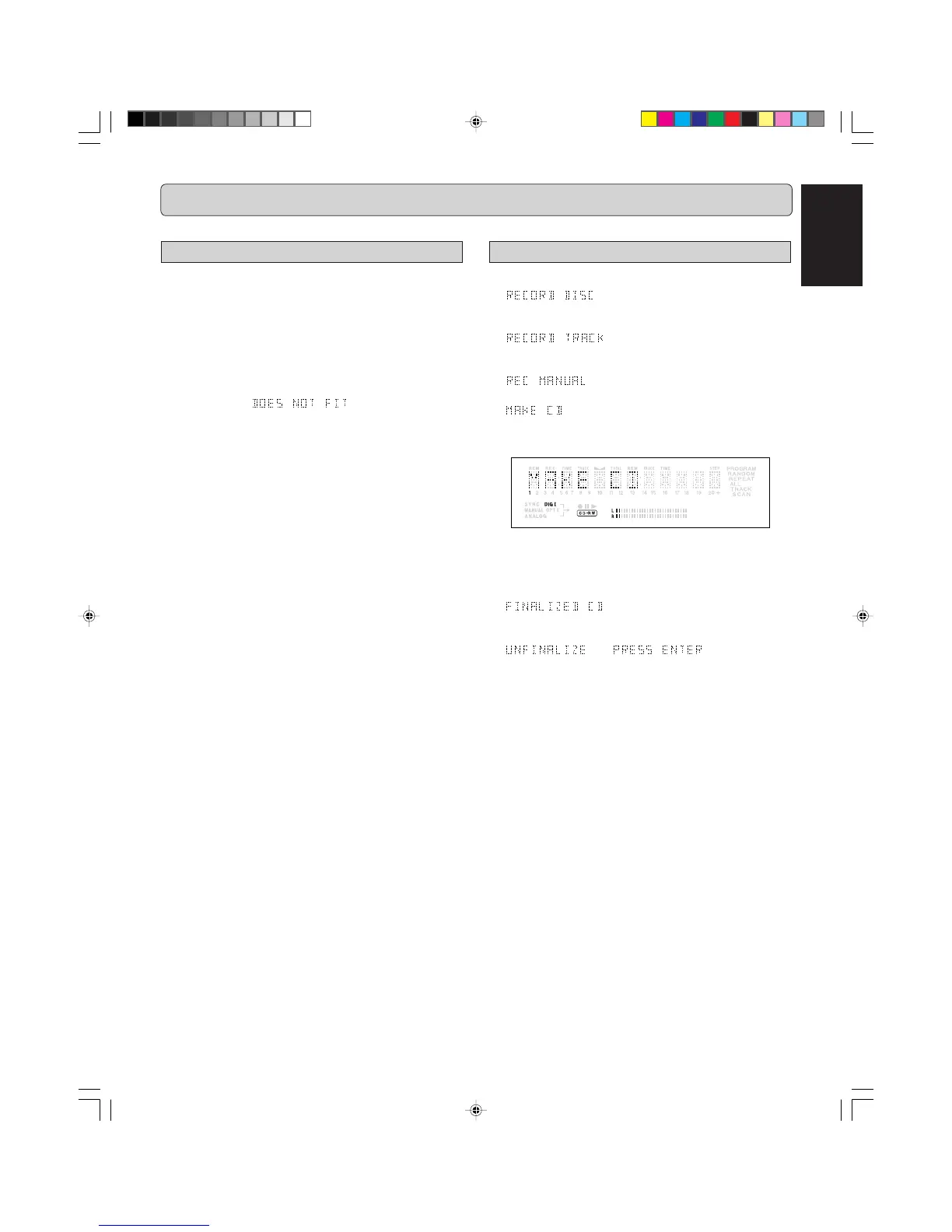
The CDR631 offers several recording modes.
-
- synchronised recording of a whole disc
based on the tracks from a source CD, DAT, cassette or
other source.
-
- synchronised recording of a single
track based on a single track from a source CD, DAT, cas-
sette or other source.
-
- manually controlled recording from an ex-
ternal source.
-
- same as the RECORD DISC function except
that the CDR631 will automatically finalize the recorded CD
once recording is finsihed.
Some remarks on recording:
- When Auto track is on (default setting), track numbers will
automatically be increased during recording.
- If a finalized CD-R disc is inserted in the CD-Recorder,
will be displayed. Recording is not
possible.
- If a finalized CD-RW disc is inserted in the CD-Recorder,
and will be displayed
when the
REC MODE
(26) is pressed. If the
REC LEVEL/
SELECT
(19) knob is pressed, the disc will be unfinalized.
- If the recording source is a special disc such as HDCD or
DTS, you have to
• set the sampling frequency to 44.1kHz.
• use a digital connection.
• set the digital rec-volume of the CDR631 to 0 dB.
- When you copy the tracks from a DAT recorded by different
sampling frequencies, noise might be recorded in the disc
when the sampling rate changes.
The numbers between parentheses refer to the fold-out.
CDR631(U)_Eng_P01-11.p65 8/4/00, 9:29 AM9



 To Next Page