14
ENGLISH
PLAYING
Playing a CD
11
11
1
Press
22
22
2/
;;
;;
; (14) to start CD play.
➔ 2 lights up and the track number and track time of the
track in play appear on the display.
22
22
2
Press
TIME
(7) or
DISPLAY
(71) once, twice or three
times to see:
➔ remaining track time, total remaining time, text informa-
tion (see MENU MODE page 17).
33
33
3
To pause play temporarily, press
22
22
2/
;;
;;
; (14) again.
➔ ; lights on the display.
44
44
4
To continue play, press
22
22
2/
;;
;;
; (14) again.
55
55
5
To stop play, press
99
99
9 (13, 81).
➔ The number of tracks and the total playing time appear
on the display.
Selecting a track
Selecting a track during play
11
11
1
On the CDR631 recorder <i>.
1
Turn the
REC LEVEL/SELECT
(19) knob until the re-
quired track number appears on the display.
➔ Play skips to the beginning of the selected track.
22
22
2
On the CDR631 recorder <ii>.
1
Key in the required track number using the
NUMERICAL
(9) keys. For 2-digit track numbers, press the keys in
rapid succession.
33
33
3
On the CDR631 recorder <iii>.
1
Press S (15) or T (16) one or more times.
➔ Play skip to the begining of the present, previous or
subsequent tracks.
44
44
4
On the remote control <i>.
1
Key in the required track number using the
NUMERICAL
(70) keys. For 2-digit track numbers, press the keys in
rapid succession.
➔ Play skips to the beginning of the selected track.
55
55
5
On the remote control <ii>.
1
Press S (74) or T (82) one or more times.
➔ Play skips to the beginning of the present, previous or
subsequent tracks.
Selecting a track when CD play is stopped
11
11
1
On the CDR631 recorder <i>.
q
Turn the
REC LEVEL/SELECT
(19) knob until the re-
quired track number appears on the display.
w
Press
REC LEVEL/SELECT
(19) to confirm or press 2/;
(14) to start playing.
22
22
2
On the CDR631 recorder <ii>.
q
Key in the required track number using the
NUMERICAL
(9) keys. For 2-digit track numbers, press the keys in
rapid succession.
33
33
3
On the CDR631 recorder <iii>.
q
Briefly press S (15) or T (16) one or more times.
w
Start playback by pressing 2/; (14) or
REC LEVEL/SE-
LECT
(19).
44
44
4
On the remote control <i>.
q
Key in the required track number using the
NUMERICAL
(70) keys. For 2-digit track numbers, press the keys in
rapid succession. Play starts.
55
55
5
On the remote control <ii>.
q
Briefly press S (74) or T (82) one or more times.
w
Start playback by pressing 2 (73) or
ENTER
(78).
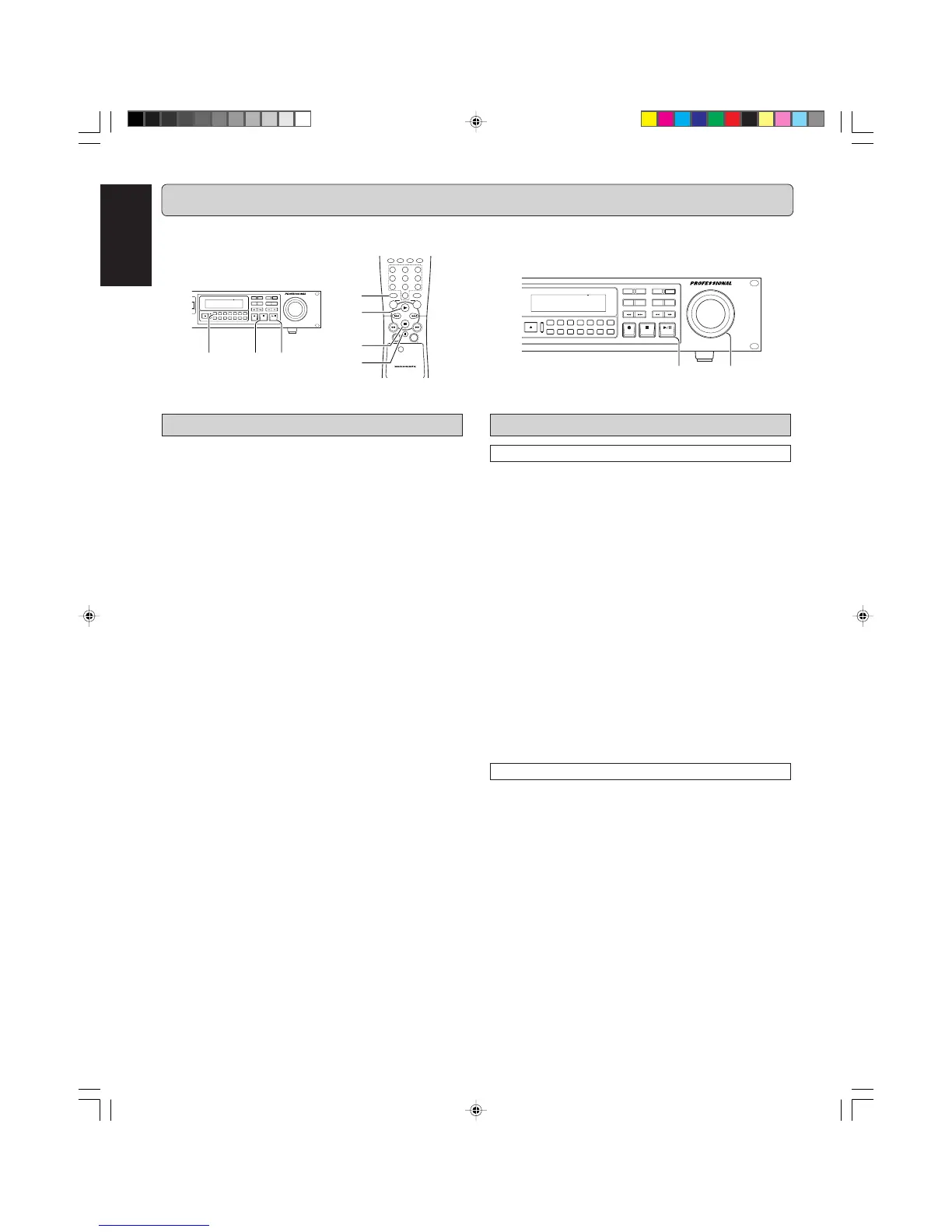
EX: Selecting a track when CD play is stopped
1 On the CDR631 recorder <i>.
MENU
DELETE
CANCL
TR.INCR.
REPEATRANDOM
ERASE
TEXT
0
5
9
8
7
4
3
6
12
TIME
REC MODE
STORE
FINAL
REC LEVEL/SELECT
PUSH ENTER
PROG
INPUT
MENU/
STORE
CANCEL/
DELETE
0
987
654
321
RANDOMPROG.REPEAT
REMOTE CONTROLLER
RC6050DR
SCAN
CD
CDR
ABC DEF GHI
JKL MN OPQ
RST UVW XYZ
DISPLAY
SPACE
SCROLL
FUNCTION
ENTER
w t qer
q
r
w
e
t
MENU
DELETE
CANCL
TR.INCR.
REPEATRANDOM
ERASE
TEXT
0
5
9
8
7
4
3
6
12
TIME
REC MODE
STORE
FINAL
REC LEVEL/SELECT
PUSH ENTER
PROG
INPUT
w qw
The numbers between parentheses refer to the fold-out.
CDR631(U)_Eng_P12-23.p65 8/4/00, 9:39 AM14



 To Next Page