o
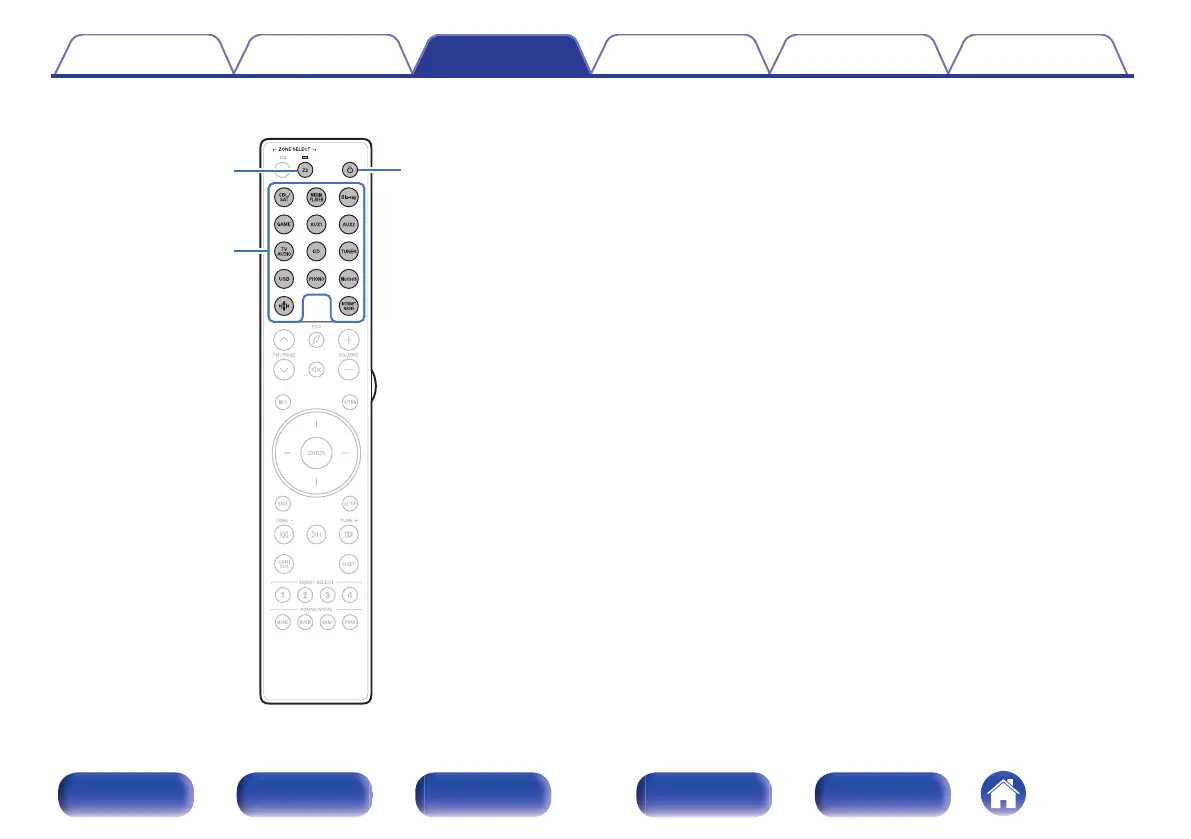
Playing different sources in MAIN ZONE and ZONE2
X
Z2
Input source
select buttons
1
Press Z2 to set the operating zone to ZONE2 with the
remote control.
The indicator for the selected zone is lit.
2
Press POWER X to turn on the ZONE2 power.
The ZONE2 power indicator on the display lights.
0
Power in ZONE2 can be turned on or off by pressing ZONE2
ON/OFF on the main unit.
Contents Connections Playback Settings Tips Appendix
149
Front panel Display Rear panel Remote Index



 To Next Page