22
Setting the clock (Clock)
Setting the current time
(Set Time Now)
When the unit is connected to the Internet, the current time is set
automatically.
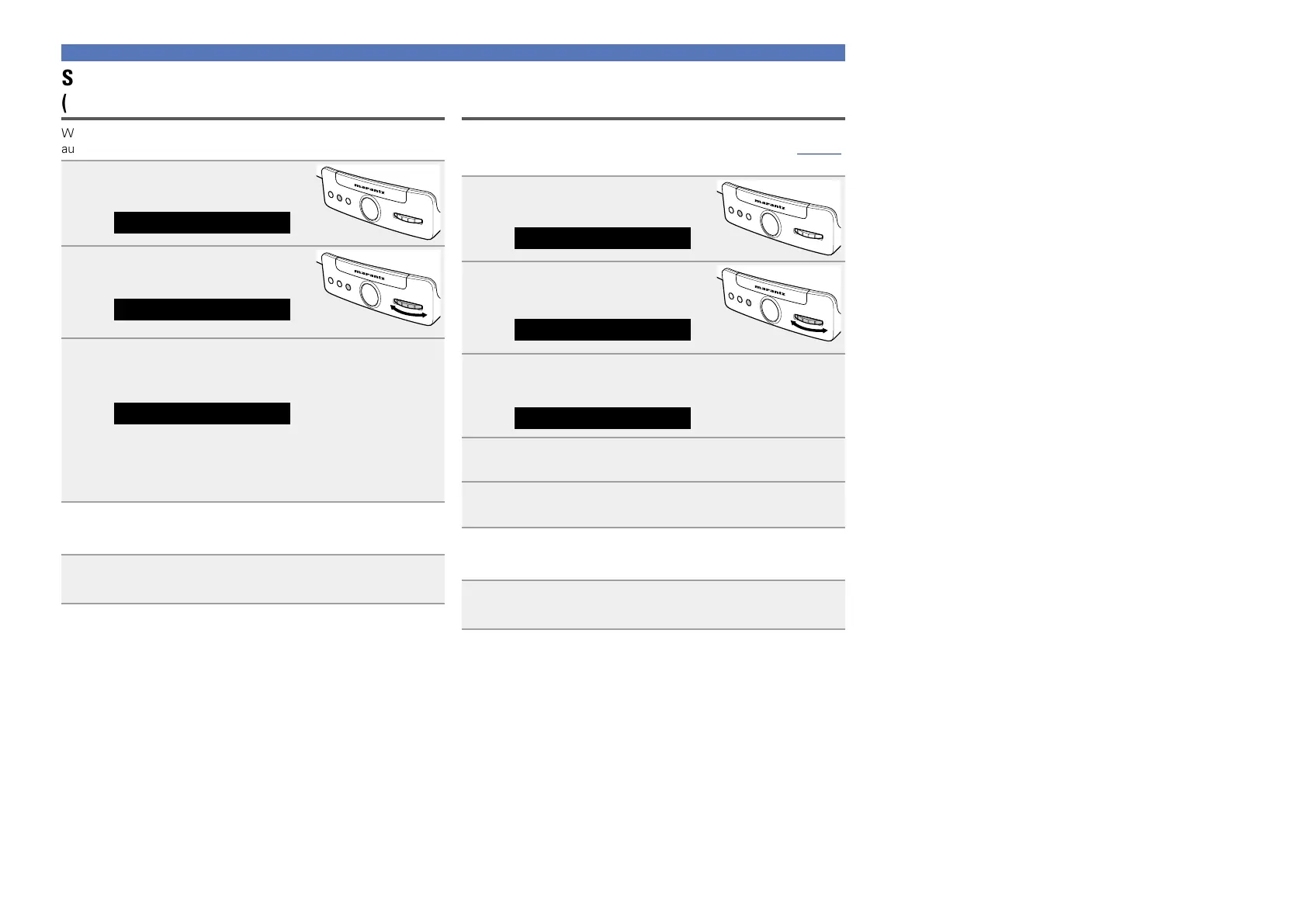
1
Press FUNCTION repeatedly until
“Settings” is displayed.
Settings
ELECTRONIC GYRO TOUCH
ENTER
FUNCTION
PLAY/PAUSE
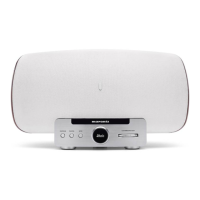
2
Turn GYRO to select “Clock”,
then press ENTER.
ELECTRONIC GYRO TOUCH
ENTER
FUNCTION
PLAY/PAUSE
Clock
3
Turn GYRO to select “Set Time Now”, then press
ENTER.
The operation to receive the current time starts.
Set Time Now
•The current time is displayed for several seconds when it is
received successfully.
•If the current time is not received successfully, “Connection
Failed” appears.
n Exiting the menu to return to the normal mode
Press FUNCTION repeatedly until “Source” is displayed.
•The unit exits the setting mode and the normal display returns.
Setting the current time (Manual Adjust)
(12-Hour Display)
You can set the current time manually.
•“Manual Adjust” is available when “Auto Adjust(Off)” (vpage21)
is set.
1
Press FUNCTION repeatedly until
“Settings” is displayed.
Settings
ELECTRONIC GYRO TOUCH
ENTER
FUNCTION
PLAY/PAUSE
2
Turn GYRO to select “Clock”,
then press ENTER.
ELECTRONIC GYRO TOUCH
ENTER
FUNCTION
PLAY/PAUSE
Clock
3
Turn GYRO to select “Manual Adjust”, then press
ENTER.
Manual Adjust
4
Turn GYRO to set the “hours”, then press ENTER.
5
Turn GYRO to set the “minutes”, then press ENTER.
The current time is set.
n Exiting the menu to return to the normal mode
Press FUNCTION repeatedly until “Source” is displayed.
•The unit exits the setting mode and the normal display returns.


 To Next Page