Playing Discs5
18
• GROUP/TRACK INTERVAL – GROUP/TRACK
INTERVAL will divide the current title disc/chapter
time by 6 and playback the fi rst 3 to 4 seconds of
each of these intervals.
• Use (
2
/
3
/
5
/
∞
) to select a track or use
the numeric buttons to enter the selected
track number.
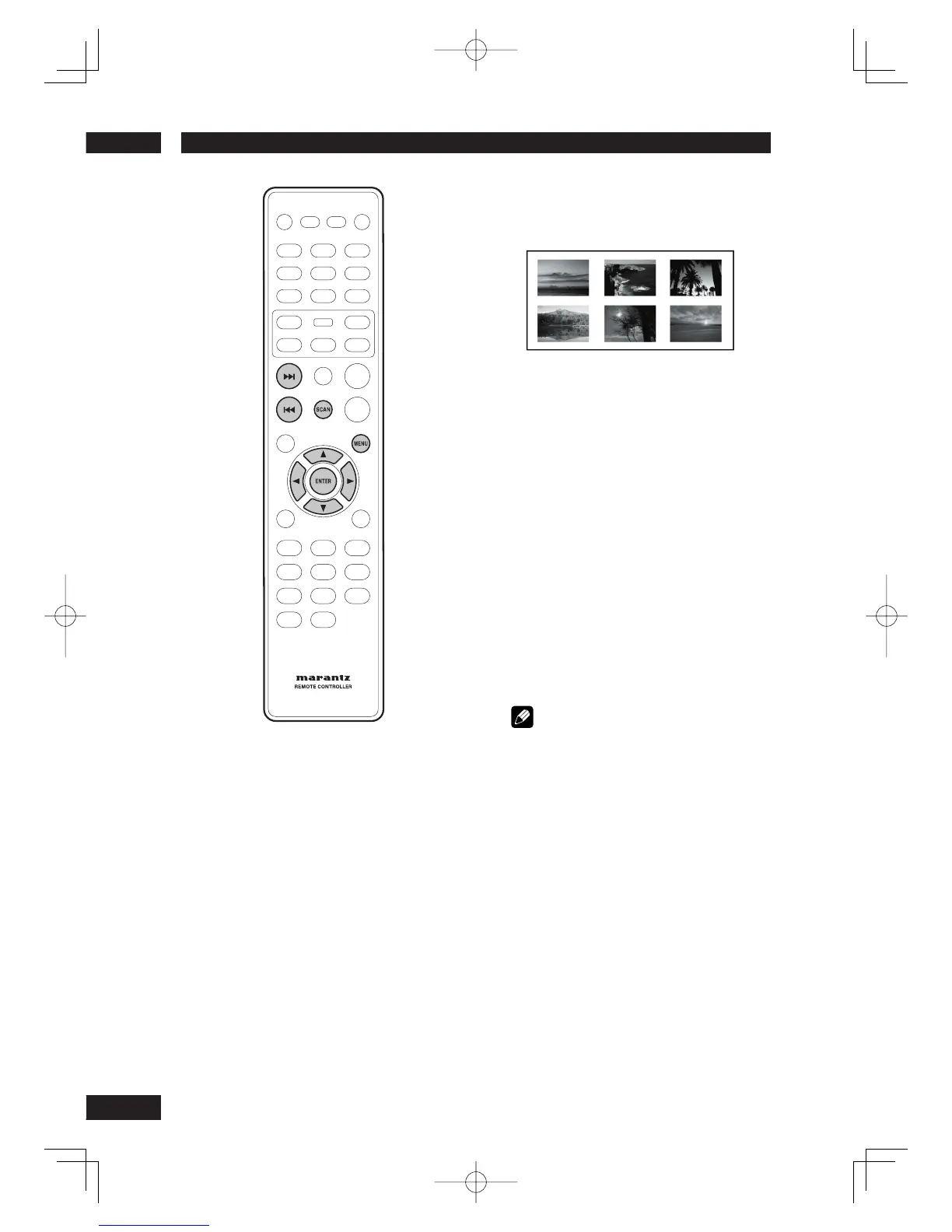
• To go to the previous or next page, press
4
/
¢
.
• Press ENTER on the selected thumbnail
picture to start playback from there.
• To return to the main menu, select MENU
on the screen and press ENTER.
3 To exit the preview menu, select EXIT on
the screen and press ENTER.
For CD
• At stop mode, press SCAN on the remote
control. Each track will be played for a few
seconds.
Note
• You can select “Track Interval
”
only during playback
with PBC off.
• Some discs don’t allow the Scan mode.



 To Next Page