Playing Discs5
30
Playing MP3/WMA music and JPEG
pictures simultaneously
You can create a musical slide show if the
disc contains both the MP3/WMA music and
JPEG picture fi les.
1 Insert an MP3/WMA disc that contains
music and pictures.
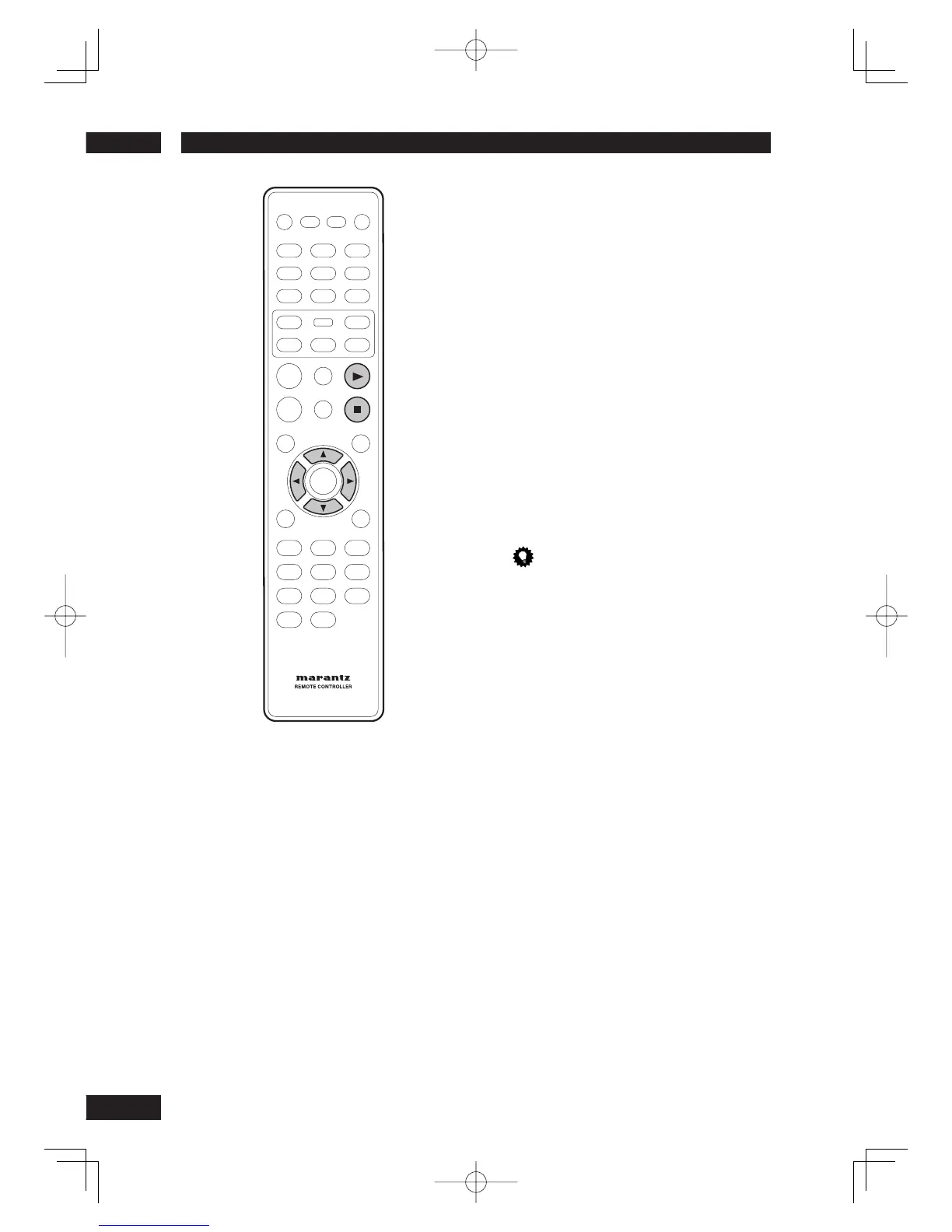
2 Select an MP3/WMA track in the menu and
press PLAY
3
to start playback.
3 During MP3/WMA music playback, use the
2
/
3
/
5
/
∞
keys to select a picture folder
from the disc menu and press PLAY
3
.
• The picture fi les will be played back
through to the end of the folder.
4 To stop simultaneous playback, press
STOP
7
.
Tip
• It is normal to experience an occasional “skip” while
listening to your MP3 disc.
• It is normal to experience an occasional pixelation
during MP3/DivX playback due to poor clarity of
digital contents during internet downloading.
• Only the fi rst session of a multi-session CD will be
played back.



 To Next Page