6
DVD Setup Menu
47
English
Setting up the PREFERENCE page
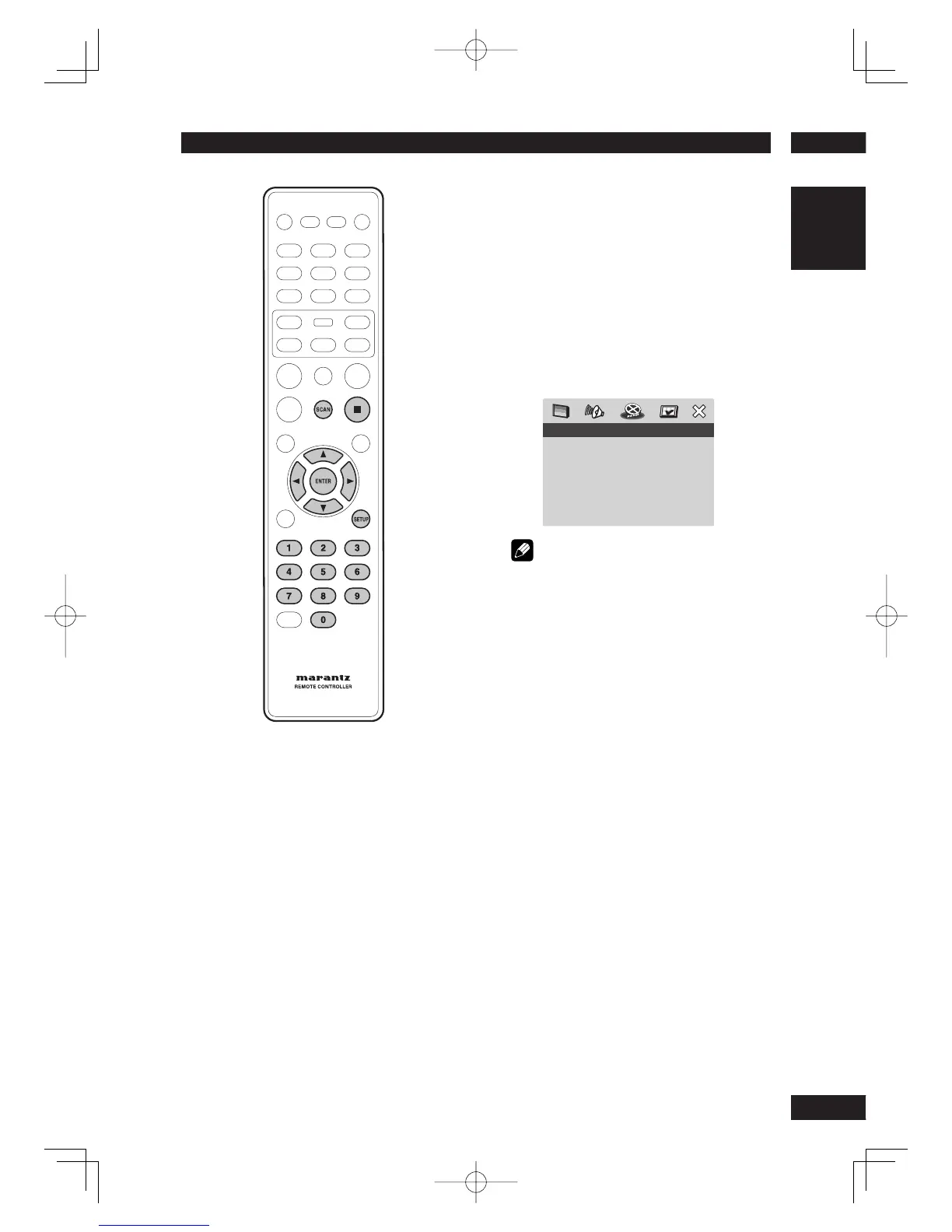
1 Press
7
(STOP) twice to stop playback (if
any), then press SETUP.
2 Select PREFERENCE PAGE using the cursor
buttons (
2
/
3
), then press the ENTER
button.
3 Use the cursor buttons (
5
/
∞
) to select the
desired item, then press the cursor (
3
) or
ENTER button.
PREFERENCE PAGE
AUDIO
SUBTITLE
DISC MENU
PAR ENTAL
PBC
MP3/JPEG NAV
VR LIST
PAS SWORD
DIVX SUBTITLE
DEFAULT
Note
• Press
2
to go back to the previous menu item.
Press SETUP to exit the menu.
Using the AUDIO, SUBTITLE and DISC
MENU language
You can select your preferred language
settings for DVD playback. If the selected
language is recorded on the DVD disc, the
DVD system will automatically play the
disc in that language. Otherwise, the disc’s
default language will be used instead.
AUDIO
Selects the preferred audio language for
DVD playback.
• Default setting: ENGLISH
If the language you want is not in the list,
select OTHERS, then use the numeric
keypad (0-9) on the remote to enter the
4-digit language code “XXXX” (see page 51
“Language Codes”) and press ENTER.
SUBTITLE
Selects the preferred subtitle language for
DVD playback.
• Default setting: OFF



 To Next Page