Playing Discs5
32
Using the Setup Menu
Before using the player, you should specify
the settings to be used in accordance with
the conditions under which the player is to
be used.
Note that once changed, the settings will be
saved and remain the same even after the
power has been turned off until the settings
are changed again.
The Setup menu gives you access to all the
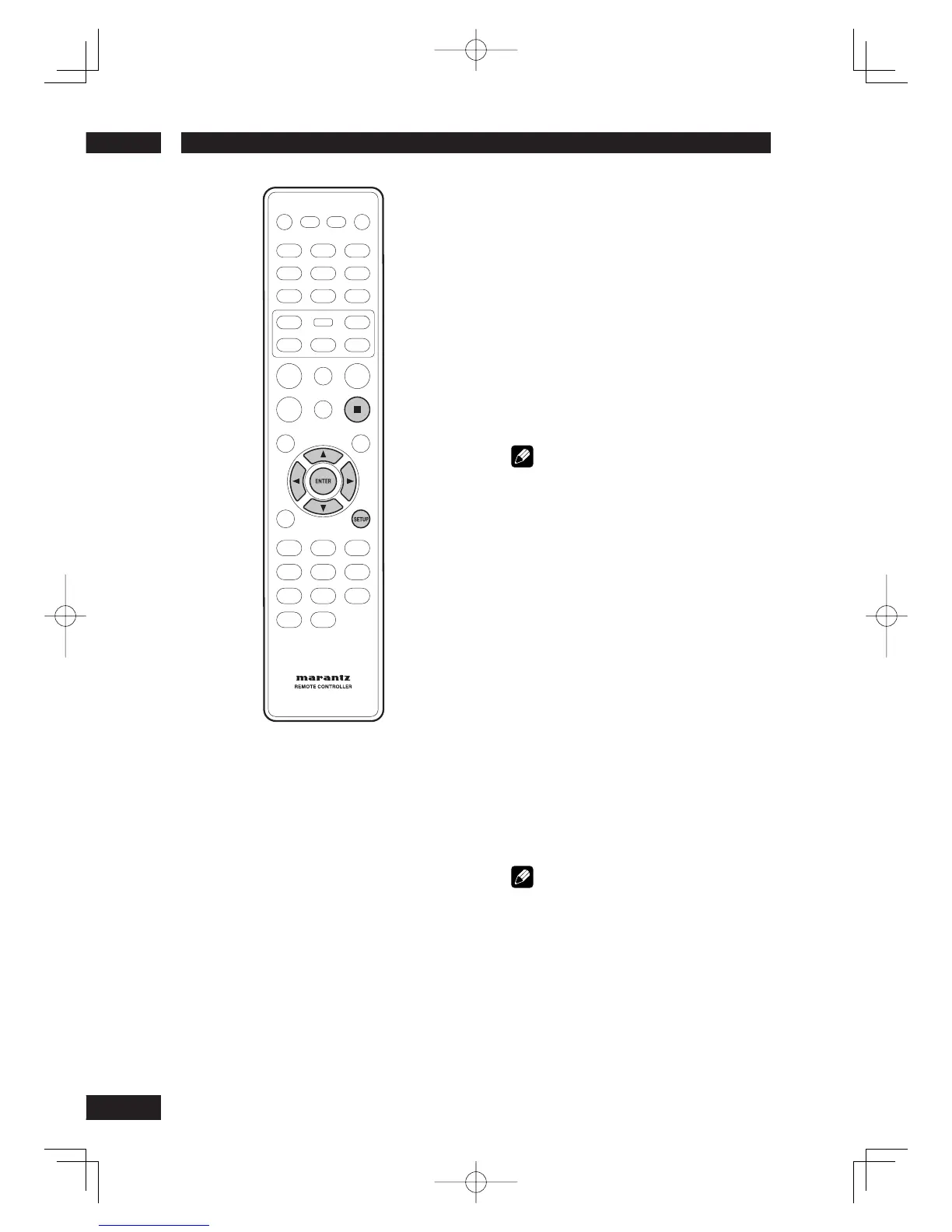
player’s settings. Press SETUP to display/
leave the menu and the cursor and ENTER
buttons on the remote control to navigate
and select options.
Note
• The language options shown in the on-screen
display illustrations on the following pages may not
correspond to those available in your country or
region.
1 Press the SETUP button on the remote
control. Select a tab using the cursor
buttons (
2
/
3
).
~
GENERAL SETUP: Setup of the GENERAL options
Ÿ
AUDIO SETUP: Setup of the audio options
!
VIDEO SETUP: Setup of the display and HDMI
Video options
⁄
PREFERENCE: Setup of the language, parental, and
several other options.
2 Use the cursor buttons (
5
/
∞
) on the
remote control to access the different
features.
3 Press the ENTER button as many times as
necessary to select the desired option.
To make the setup screen disappear after
setting up, press the SETUP button again.
Note
• Depending on the disc, some Setup Menu
selections may not work.
• Some settings can not be selected during
playback and RESUME mode of DVD-Video.
In that case, press the
7
(STOP) button once or
twice to stop playback completely.



 To Next Page