5
Playing Discs
25
English
Play back Information
This DVD system can display the disc
playback information (for example, title
or chapter number, elapsed playing time,
audio/subtitle language) and a number of
operations can be done without interrupting
disc playback.
DVD-Video
Video-CD
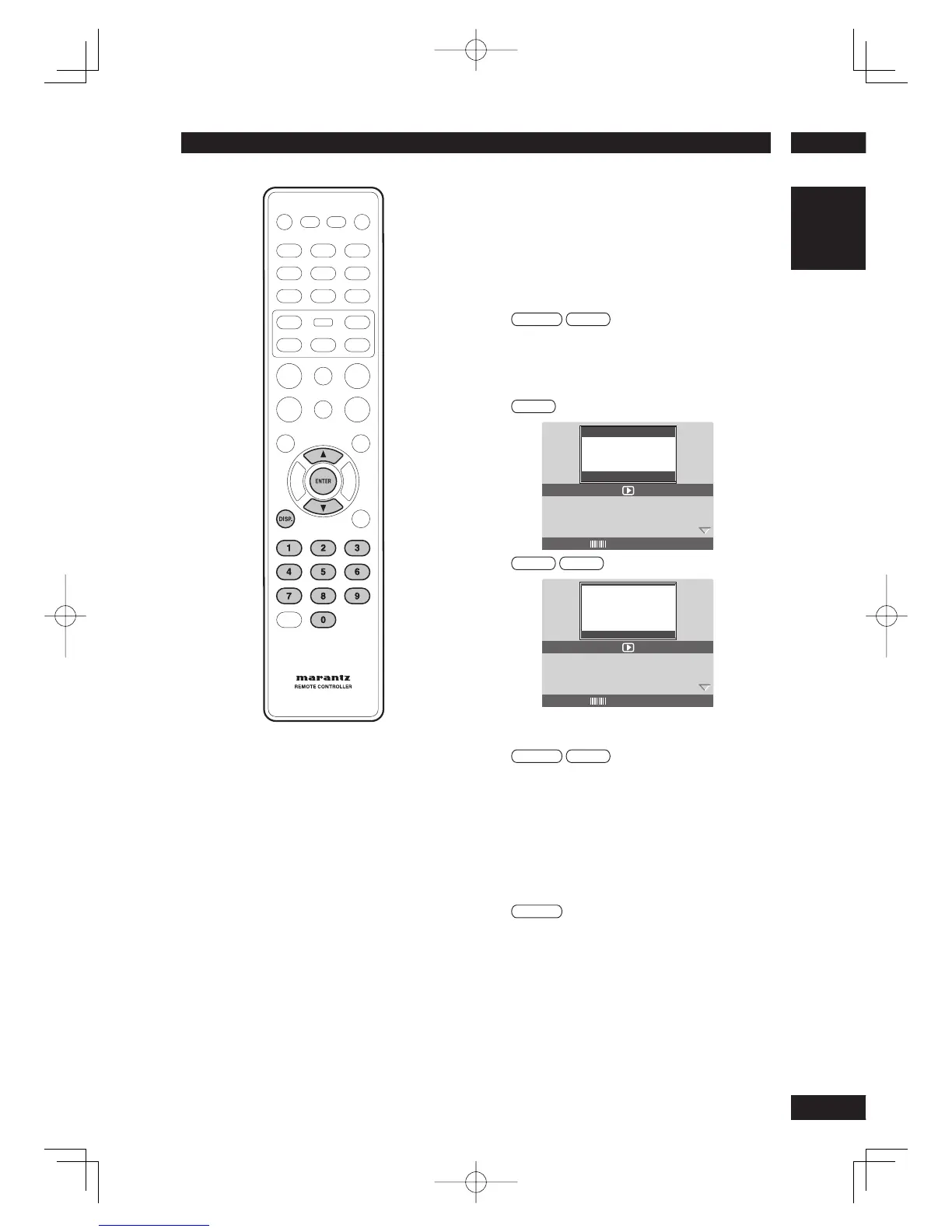
1 During playback, press DISP.
•
A list of available disc information appears
on the TV.
DVD
MENU
TITLE
01/01
DISC TIME 1:01:14
TRACK TIME 1:01:14
REPEAT OFF
BITRATE 75 TOTAL ELAPSED 0:00:20
Title/Chapter/Track selection
DVD-Video
Video-CD
1 Press
5
/
∞
to highlight “Title” / “Chapter”
or “Track”, then press ENTER to access.
2 Use the numeric keypad (0-9) to enter a
valid number (e.g. 04/05).
Audio/Subtitle
DVD-Video
1 Press
5
/
∞
to highlight “Audio” or
“Subtitle”, then press ENTER to access.
The Audio or Subtitle menu appears on the TV.
2 Press
5
/
∞
to select one language, then
press ENTER to confi rm.
The current audio or subtitle language will be changed
to the selected language.



 To Next Page