13
7. UPDATE RS-232C MICROPROCESSOR
FIRMWARE PROCEDURE
RS-232Cマイコンのファームウェアが更新された場合、下記の
手順に従ってアップデートしてください。
[A] Installs of the software.
[B] Update firmware setup procedure.
[C] Writing Procedure.
必要機器
• Windows PC(OS:Windows2000またはWindowsXP)で
Serial ポートのあるもの
• RS-232C ストレートケーブル(9Pin メス-9Pin メス)
• アップデート用書き込みソフトウェア
(Flash Programmer:sw00fn5-zccuv110_en.exe)
•
アップデート用データ(Vxxx_rs232c_boad.h16)
注意:Vxxxは改版番号
[A] Installs of the software.
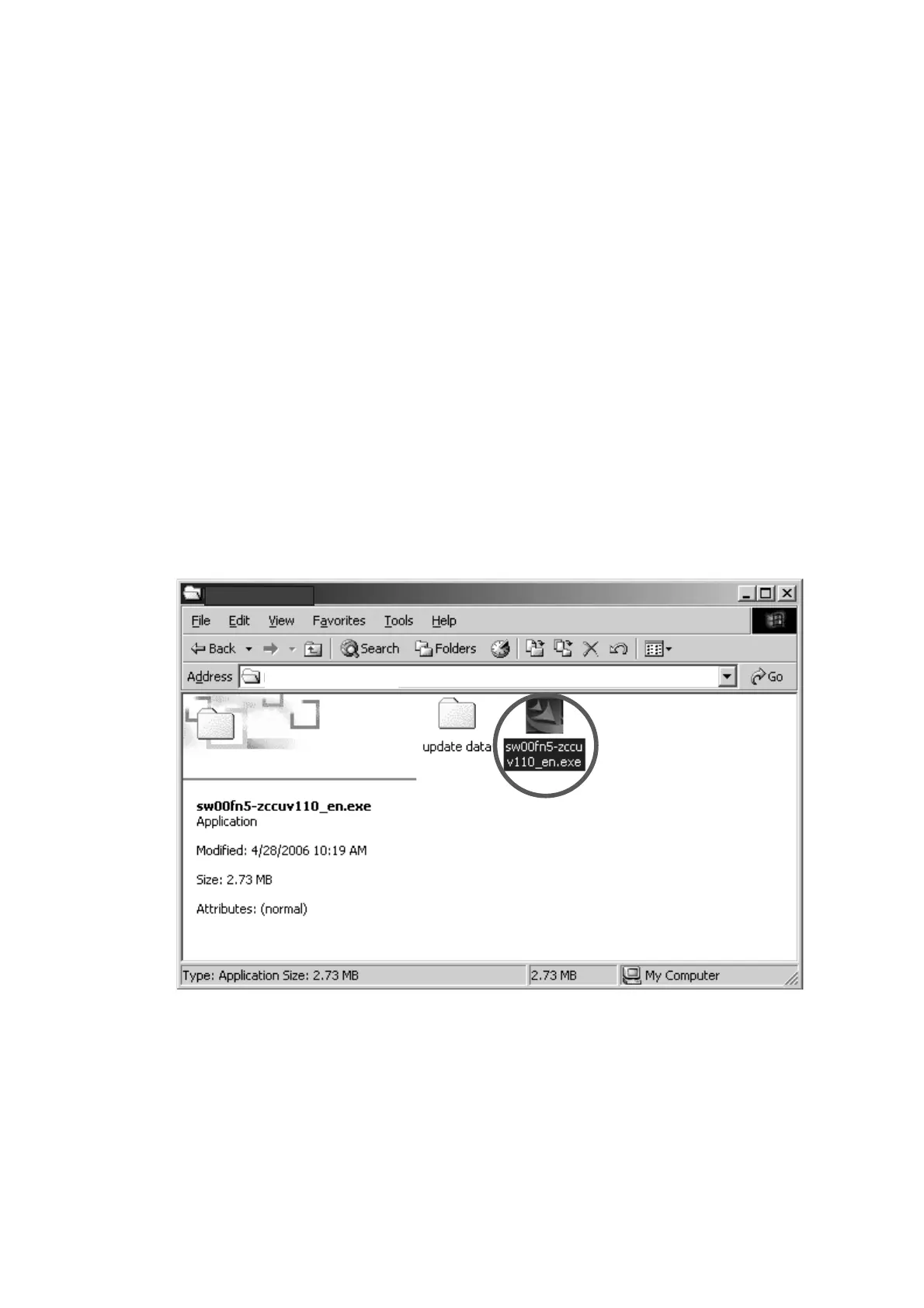
1. sw00fn5-zccuv110_en.exeをダブルクリックして、Flash
Programmer
をインストールします。
7. UPDATE RS-232C MICROPROCESSOR
FIRMWARE PROCEDURE
When RS-232C microprocessor firmware was updated,
update the firmware in the following procedure.
[A] Installs of the software.
[B] Update firmware setup procedure.
[C] Writing Procedure.
Necessary Equipment
• Windows PC (OS: Windows2000 or WindowsXP) with
Serial port.
• RS-232C Dsub-9 pin cable (female to female/straight
type).
• Update tool.
(Flash Programmer: sw00fn5-zccuv110_en.exe)
• Update data (Vxxx_rs232c_boad.h16).
NOTE : Vxxx is a revision number.
[A] Installs of the software
1. Double click the sw00fn5-zccuv110_en.exe, and install
the Flash Programmer.
DV7001
DV7001
DV7001



 To Next Page