36
9. SERVICE MODE
Firmware (Back-end) version check
Connect the DVD player to TV and operate by using Remote
controller RC001DV.
1. Press the POWER button to turn on the unit.
2. Press the OPEN/CLOSE button to open the disc tray.
3. Press the DISP. Button of the Remote controller.
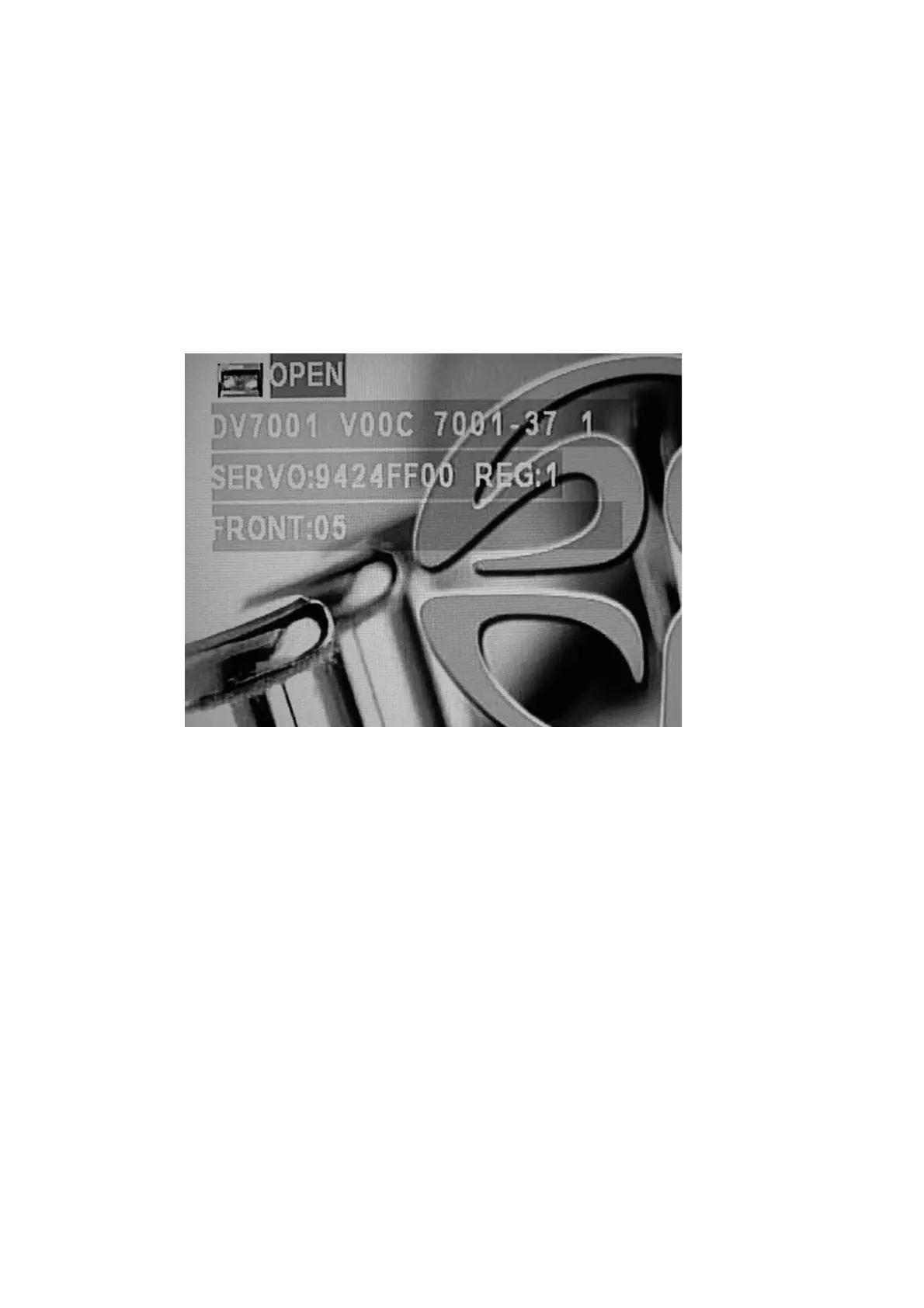
4. The following information is displayed on the TV screen.
The firmware version is shown.
(Ex. : DV7001 V00C 7001-37 1)
5. Turn off power to quit Service Mode.



 To Next Page