27
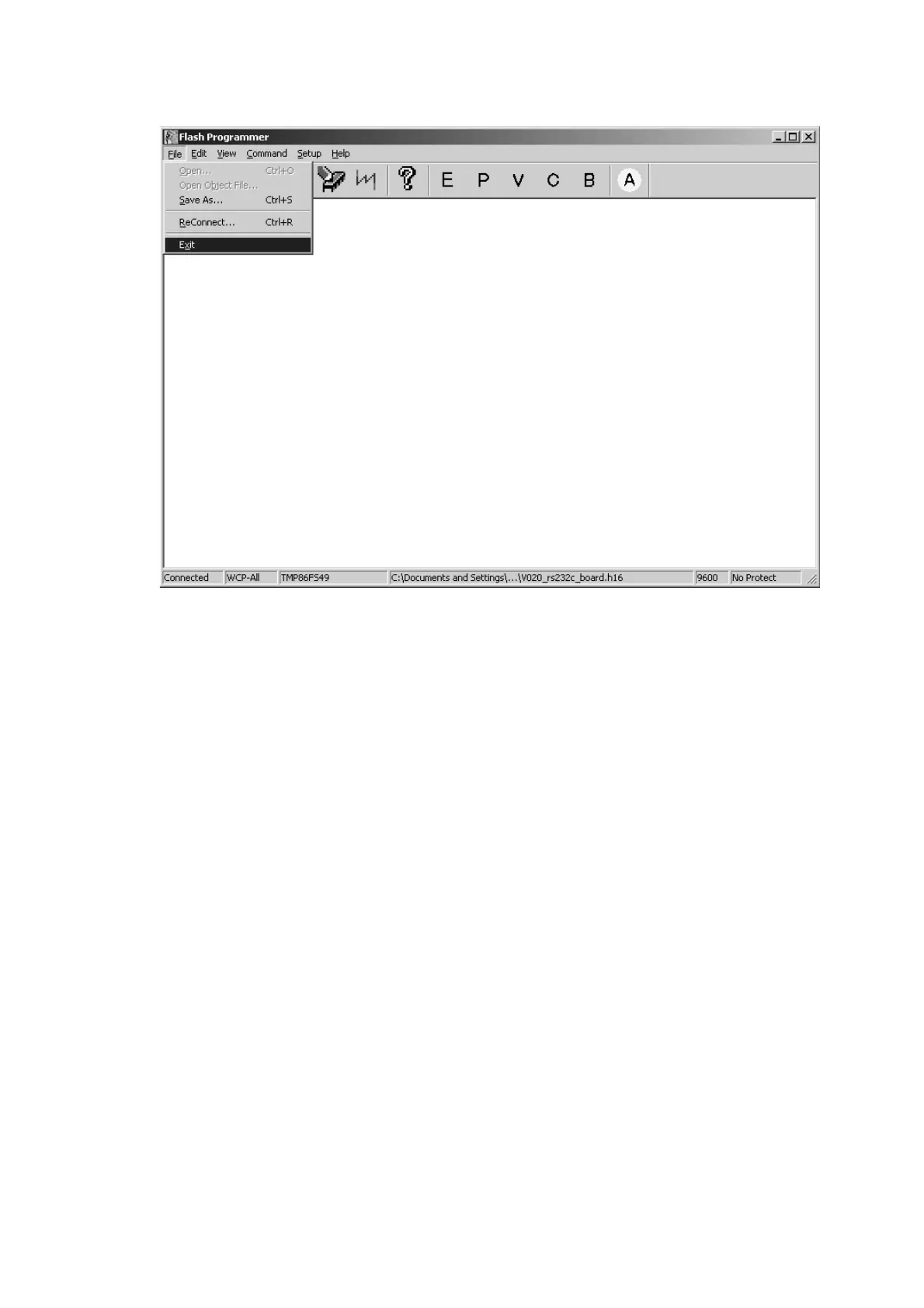
12. メニューバーのFileをクリックし、Exitを選択します。
13.
本機から電源コードとRS-232Cケーブルをはずします。
本機のリアパネルにあるEXT. INT.切替えスイッチ(
REMOTE CONTROL)下側にある穴に細い棒を差し入
れ、プッシュスイッチ(
1508)を押します。
12. Click the File in the menu bar and select the Exit.
13. Disconnect the mains cord and RS232C cable from the
unit.
Insert a thin rot to the hole underside of the EXT. INT.
slide switch (REMOTE CONTROL) and push the switch
(1508) inside to turn off the switch.



 To Next Page